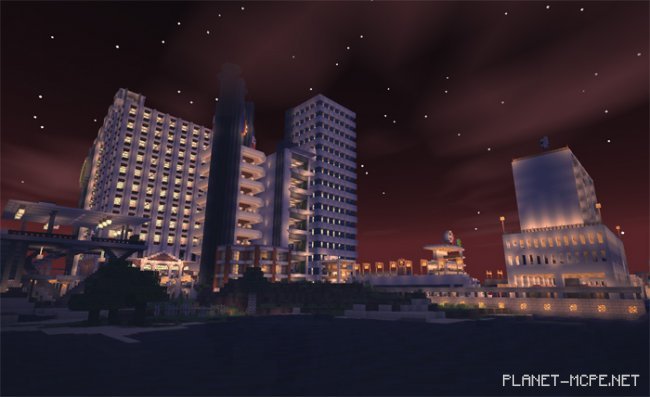
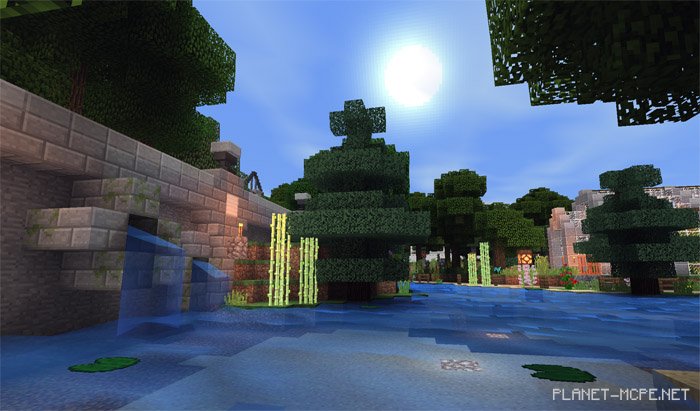
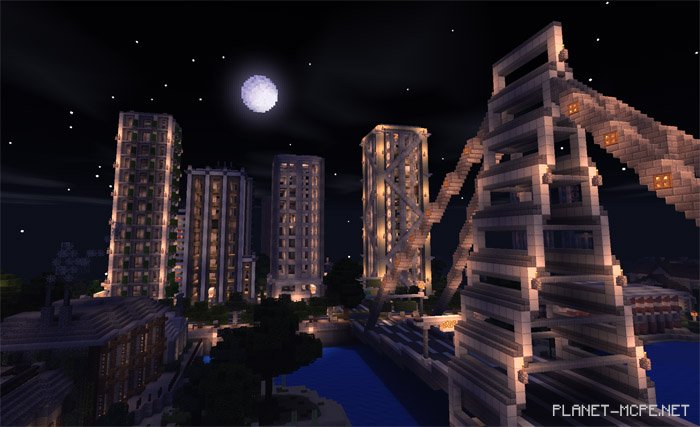
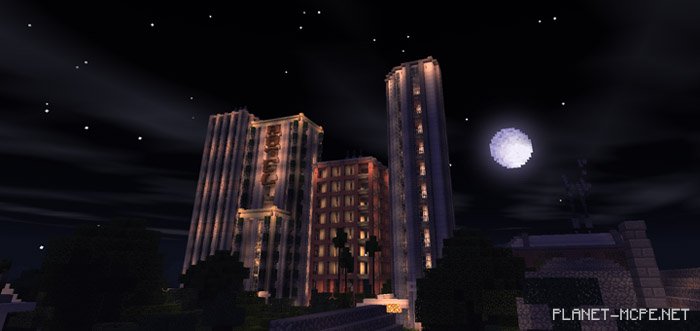
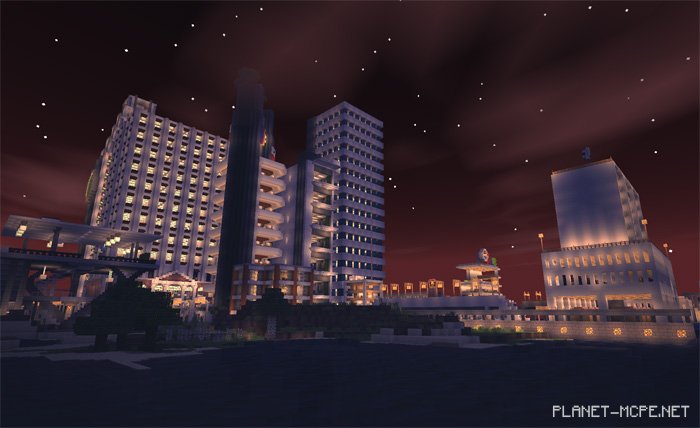
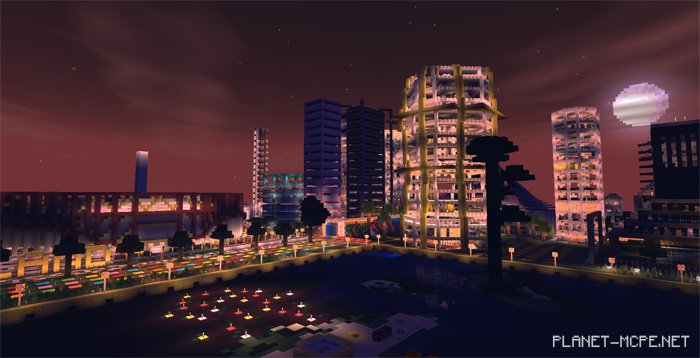
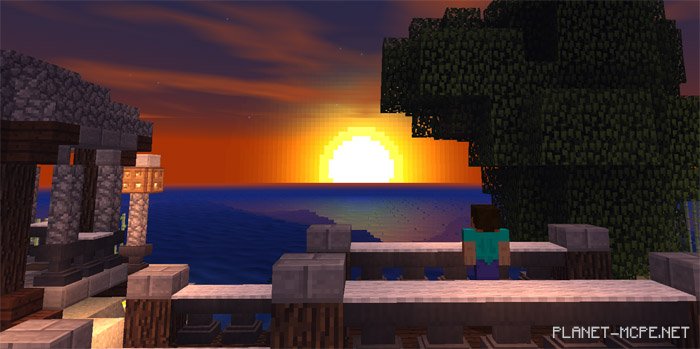
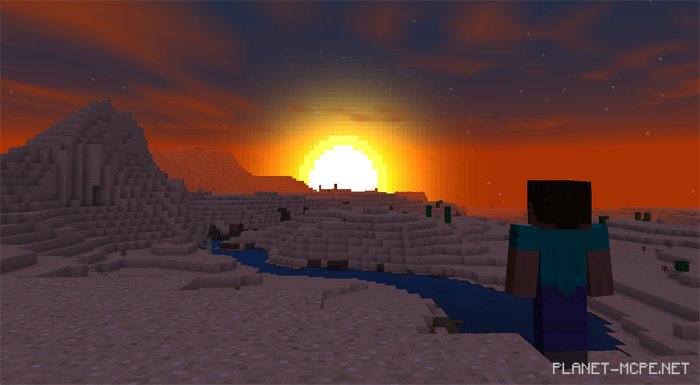
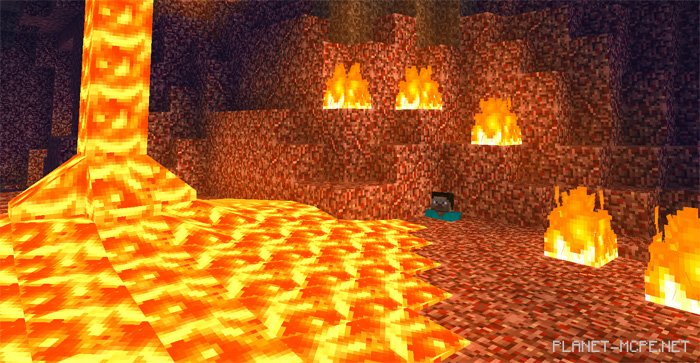
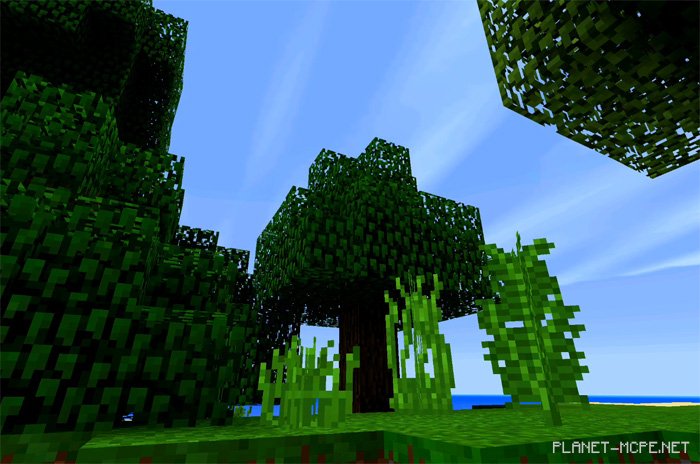
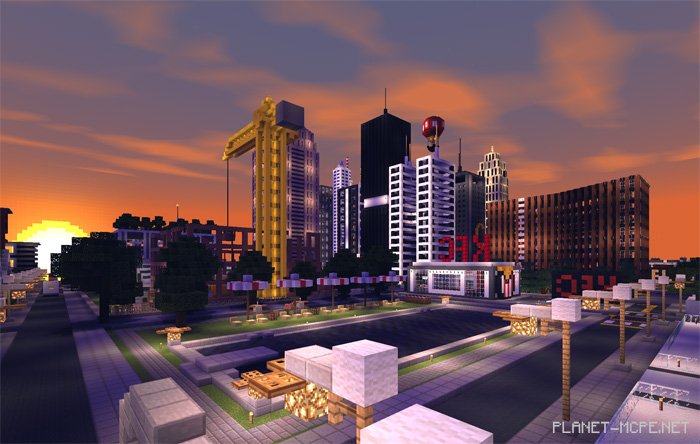
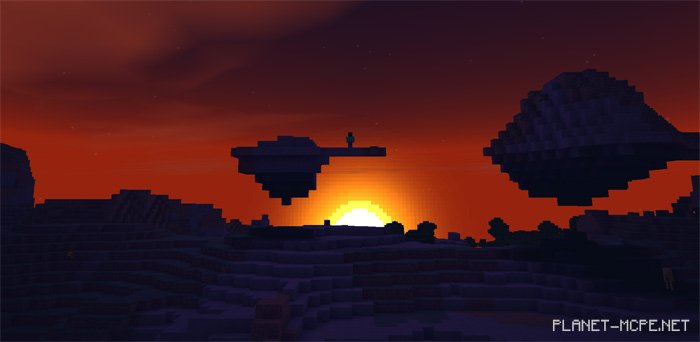
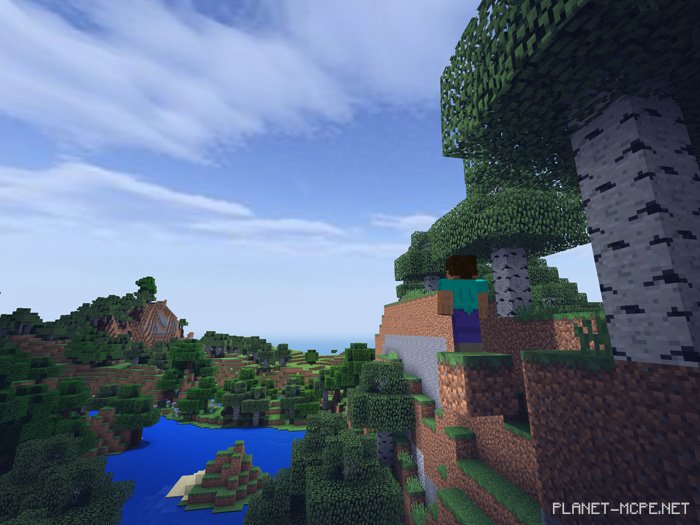
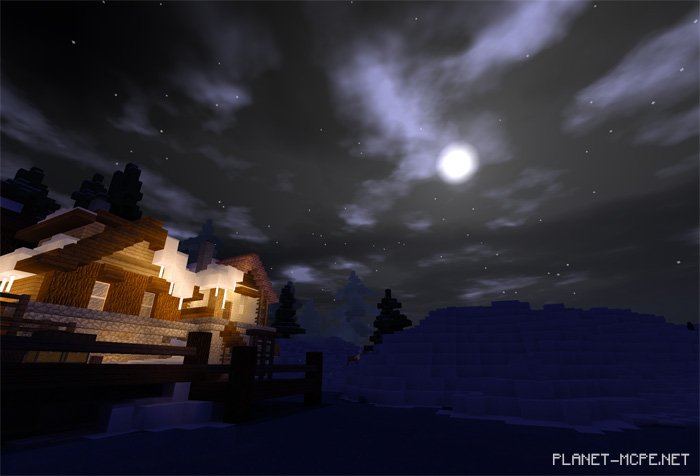
If you have never had the chance to use shaders for Minecraft PE, consider trying a simpler version: we present to you the “SSPE Lightweight (Lightweight Shaders)” designed for Minecraft Pocket Edition. This will allow players with lower-end devices to experience a more realistic world in MCPE! It’s an easy-to-use shader pack that enhances many textures within the MCPE environment. Now, even on your less powerful device, the world of Minecraft Pocket Edition can look significantly better!
Updates
Clouds have been refined
Bugs fixed on some low-end devices
New shadows (still under development)
Updated water
Fog issues resolved
Compatibility errors addressed
Various bugs and glitches corrected
Low-resolution texture issues fixed
Lags eliminated
Stable world / torch
As of December 6, 2017
Clouds visualized
Torch lighting improved
Removed bumps in shaders
Fixed bugs and made other enhancements
From January 1, 2018 v14.2 (Normal) / 2.1 (LITE):
Enhanced shadows (14.2 / LITE)
Torch adjustments (14.2 / LITE)
Improved clouds
Compatibility fixes (LITE)
Bugs removed (14.2 / LITE)
From January 12, 2018 (v 4.1 (LITE)):
Custom clouds (WIP)
Fog modified
Error corrections
And several other updates
From January 21, 2018 (Lite and Normal)
Fixed pink pixel issue with lava
Additional lighting settings
From January 25, 2018 (Normal)
Shadow blocks repositioned
Added torch light from Enhanced Vanilla
Changes made to clouds (lag issues resolved)
Brightness reduced
From January 28, 2018 (Normal)
Pixel bug issues fixed
Flickering shadow problems resolved
Other bug fixes
From February 4, 2018 (Normal)
Some new features added
Removed certain old elements
From February 10, 2018 (Normal)
Swaying leaves/plants introduced
New shadow code implemented
Crash issues on some devices caused by outdated code fixed
Water color changed
World light brightness adjusted
Lantern brightness decreased
Numerous other bug fixes
From April 10, 2018
Swaying movements altered when player moves
From April 24, 2018 (Normal)
Rendering load from clouds reduced (Performance enhanced)