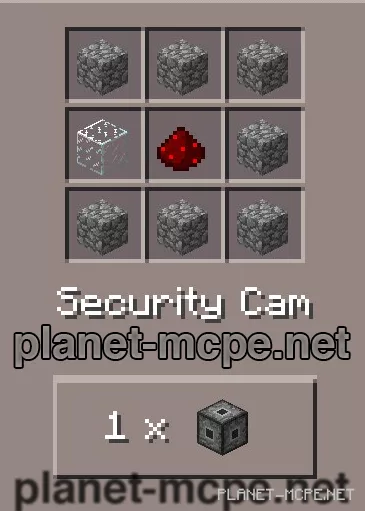
Ultimate Security Cam
Ultimate Security Cam Mod introduces surveillance cameras into the realm of Minecraft Pocket Edition, which can be placed anywhere on the planet Minecraft PE. With the Ultimate Security Cam mod, you can create, install, and configure cameras, and then control them from miles away using the new available Security Cam commands.
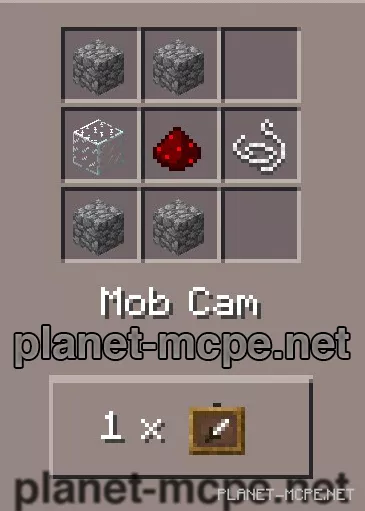
In future updates, the mod will support Mob cameras, custom textures, and camera direction.
Start by creating several surveillance cameras, then place them in various locations where monitoring is needed. Next, click on the camera and enter: /cam name <camera name>, for example: /cam name cam1, to assign a name to the camera and make it operational.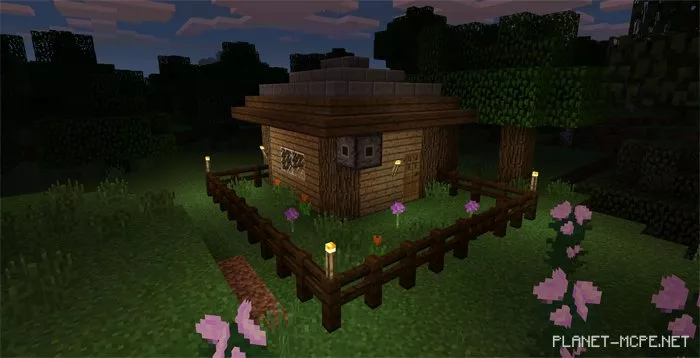
Surveillance cameras can be accessed at any time using the following commands: