Herobrine Boss PE
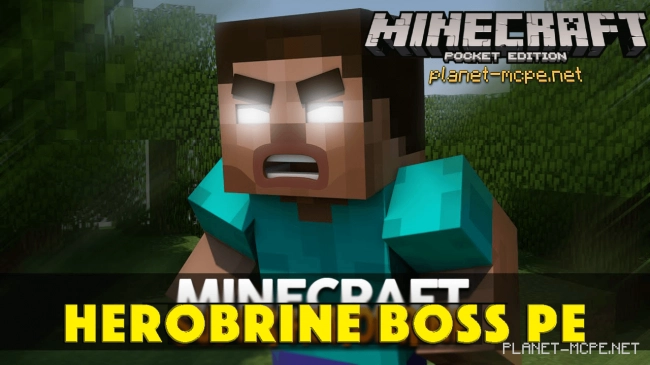
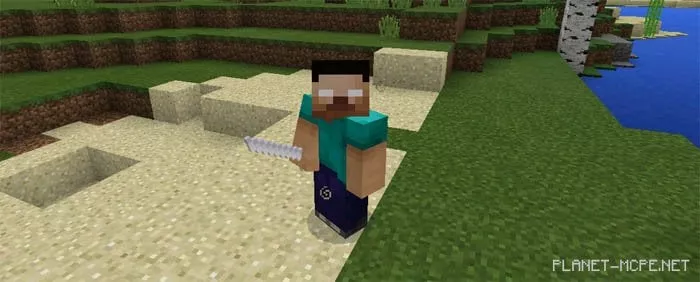
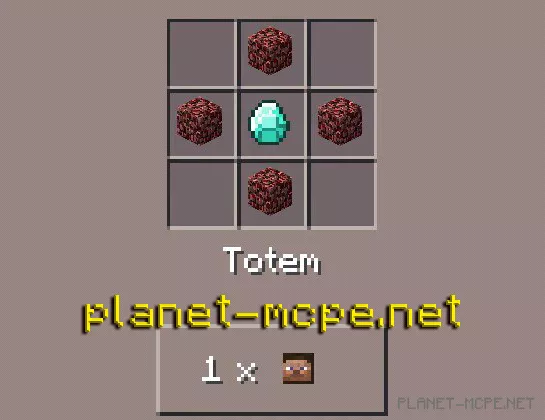
Life and survival in the world of Minecraft Pocket Edition can become unbearable! The Herobrine Boss PE mod introduces the infamous, malevolent, and dangerous Herobrine into the realm of Minecraft Pocket Edition. However, before you come face to face with Herobrine, you’ll need to summon him using a sacred totem. This totem is your key to bringing Herobrine into the universe of Minecraft Pocket Edition.
It’s important to note that you’re putting yourself at risk by doing this. You will be the one calling forth this terrifying mob—Herobrine, known as the killer of ages. Facing him is quite challenging, but it’s worth the effort since the rewards after his defeat are highly valuable!
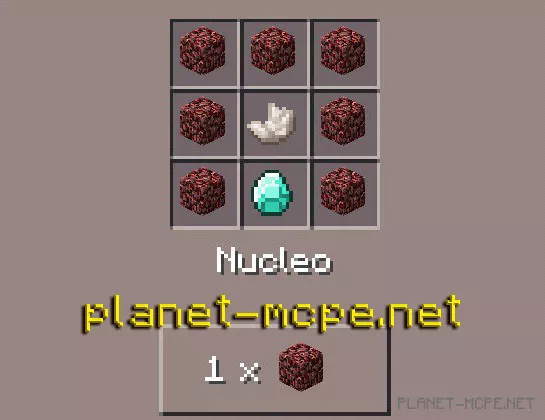
Bringing Herobrine into the world of Minecraft Pocket Edition is now an easy task. With the Herobrine Boss PE mod, you can accomplish this in just a few steps. First, you’ll need a special Herobrine totem. Once you have the totem, place it on the ground, and a unique structure will be generated.
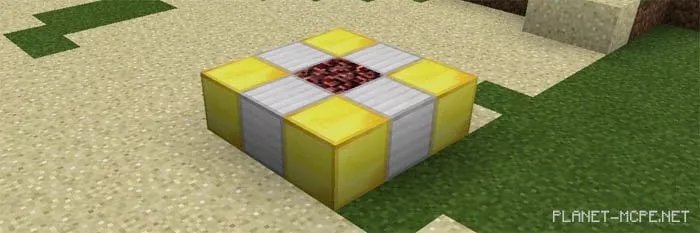
After the structure has been generated, ignite the soul sand located at the center of the structure with a flint and steel. Once you do this, Herobrine will appear in the world of Minecraft PE!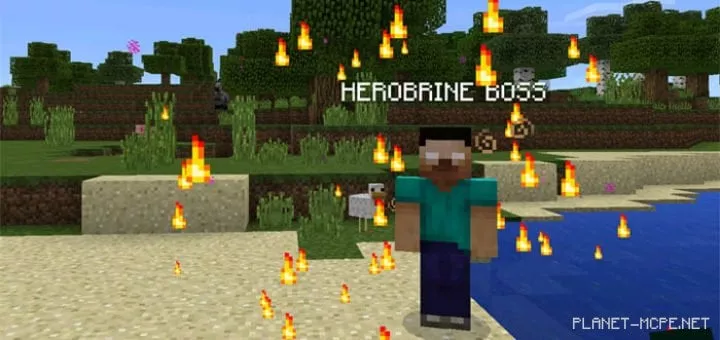
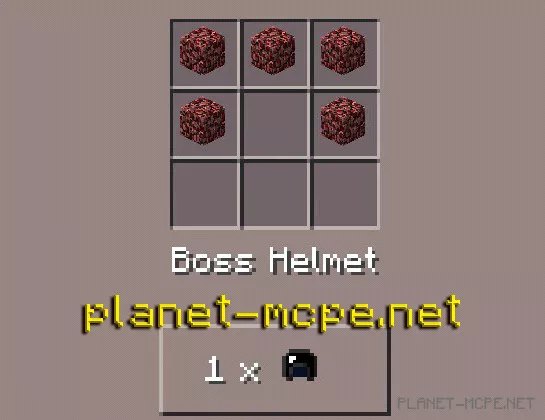
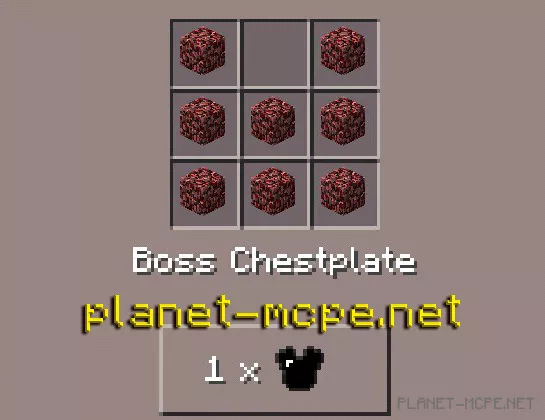
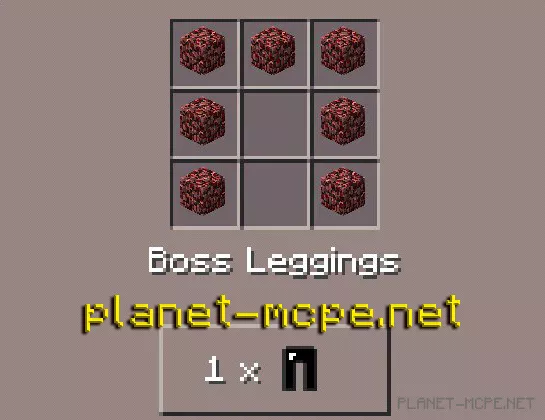
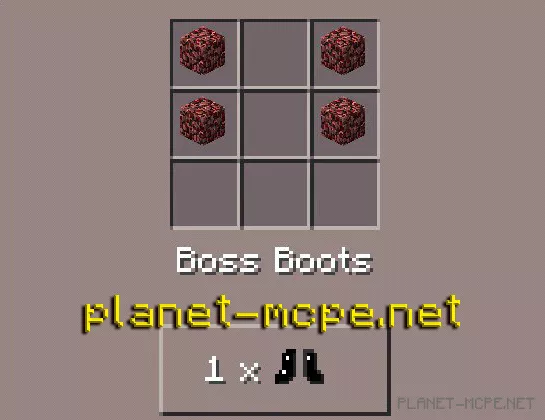
Once Herobrine appears in the world of MCPE, he will start attacking you and won’t stop until you are defeated! Battling against Herobrine will be extremely tough. You’ll need to kill him four times before achieving victory. After the first three deaths, he will respawn and continue his assault. Upon finally defeating him for the fourth time, he will drop a set of armor and weapons.
When you equip Herobrine’s armor, you will partially transform into Herobrine! This means you’ll gain some of the traits possessed by the great Herobrine himself!