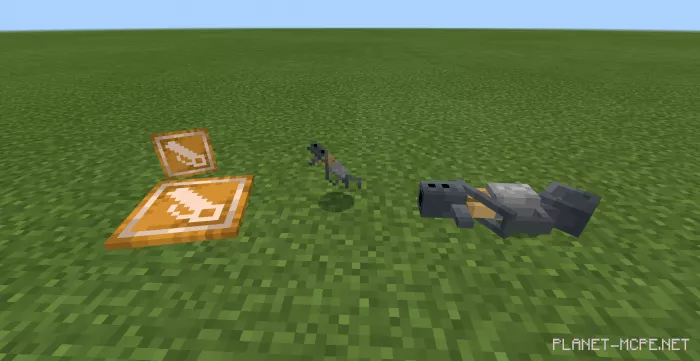
Bridge Cannon
If you have ever found yourself in a situation where you need to cross over a tall structure in Minecraft Bedrock without constructing cumbersome ladders, the mod called Bridge Cannon will be quite useful! To create a bridge, simply select the direction and press the button. Eight blocks will automatically be constructed in the direction you specified. The main tool is inexpensive since it uses basic materials, but you might encounter some challenges with the ammunition.
To set up the bridge, get as close as possible to the edge and aim at the launch point. To fire, press the “sneak” button. This button functions differently on various devices:
Note! The placement of blocks is shifted down by one block to illustrate its usage.
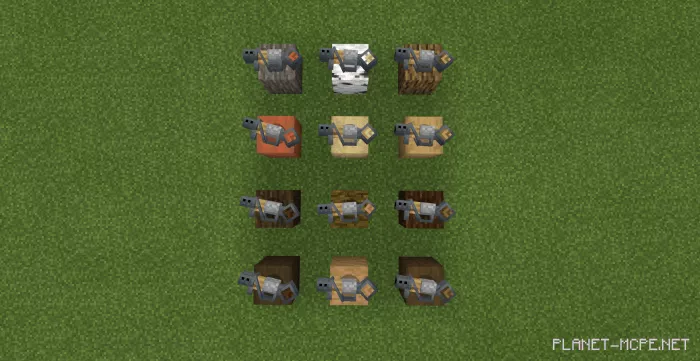
The bridge is available in 12 different styles: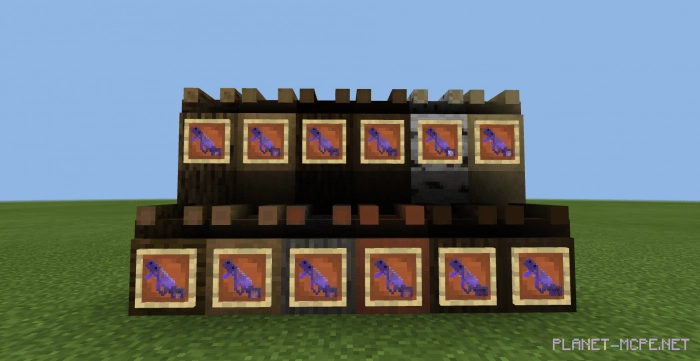
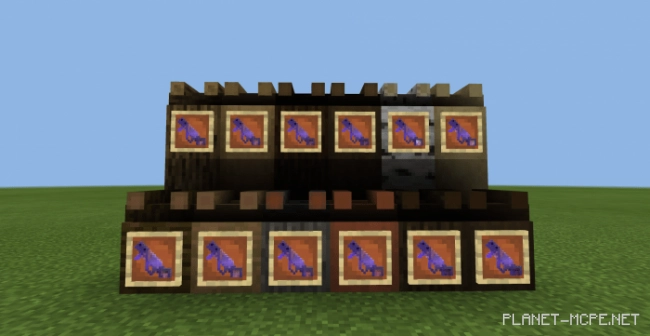
You can also place some of the items shown below. To do this, you need to enter the command “Item ground (bridge cannon)”. To view the 3D model, hold the item in your hands.