Реклама на сайте
2 млн+ просмотров в месяц
Ads

Shaders TMSS 0.15.4/0.15.3/0.15.0
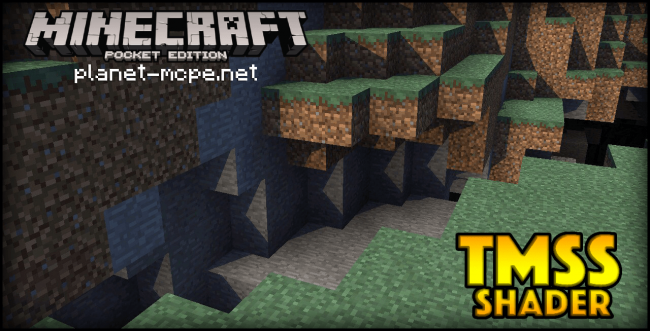
Shaders TMSS 0.15.4/0.15.3/0.15.0
05.02.2026 Shaders admin 0 comments 1 min 332 views

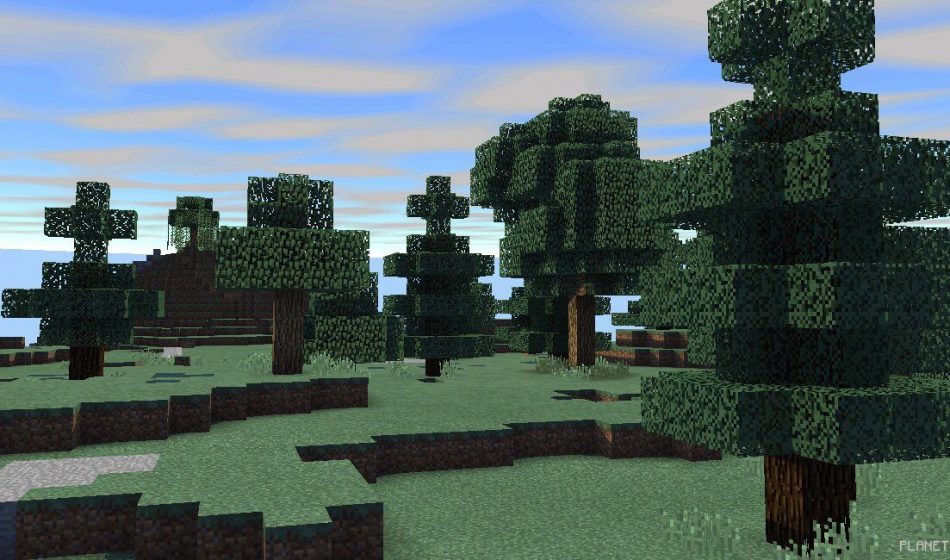
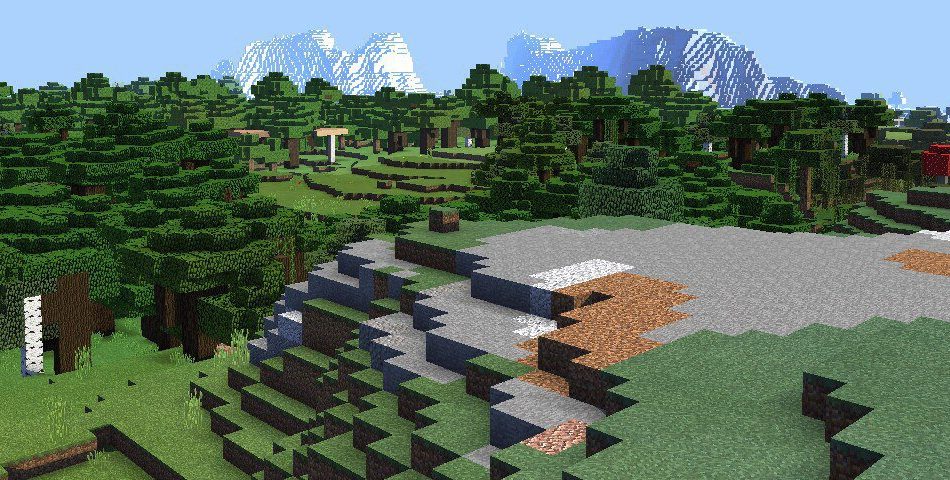
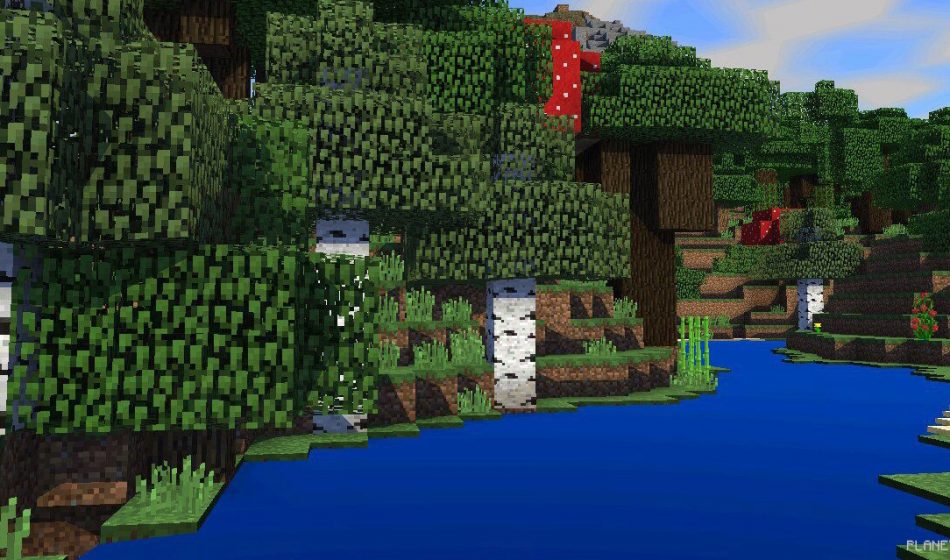
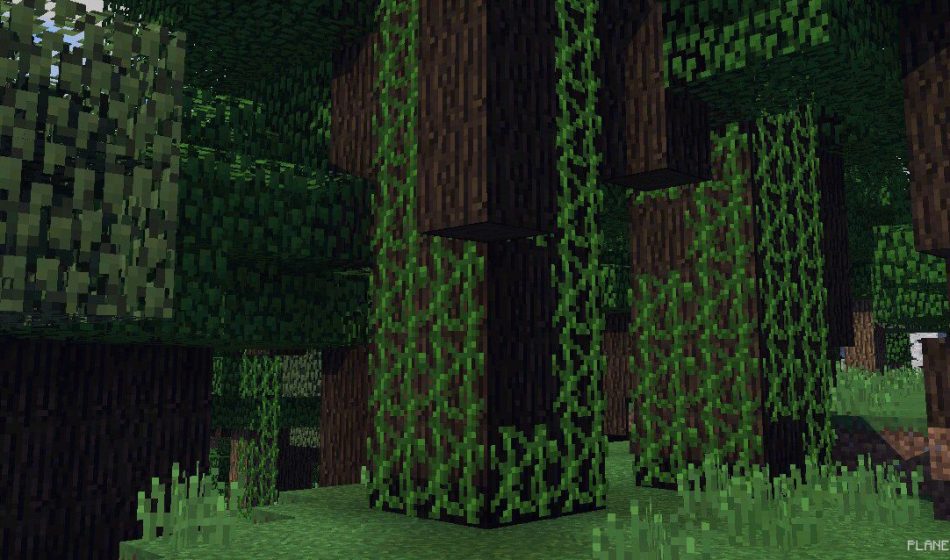
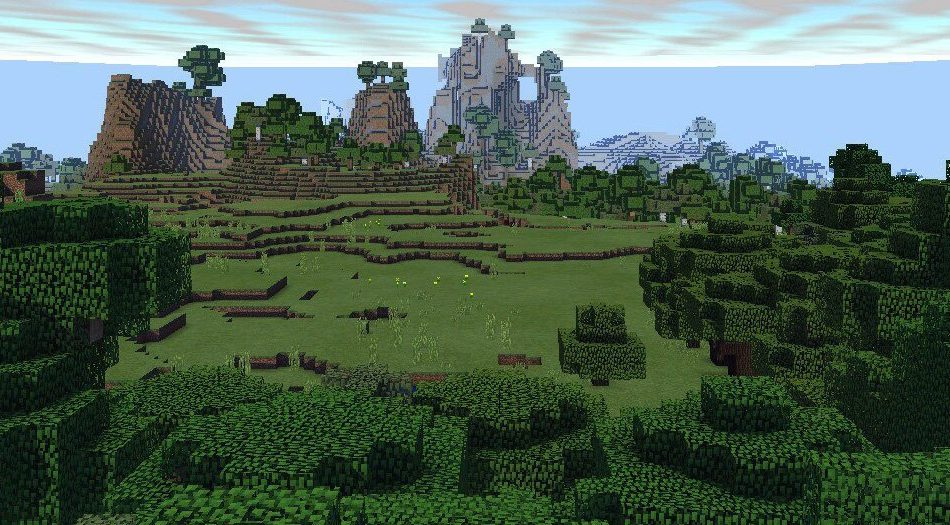
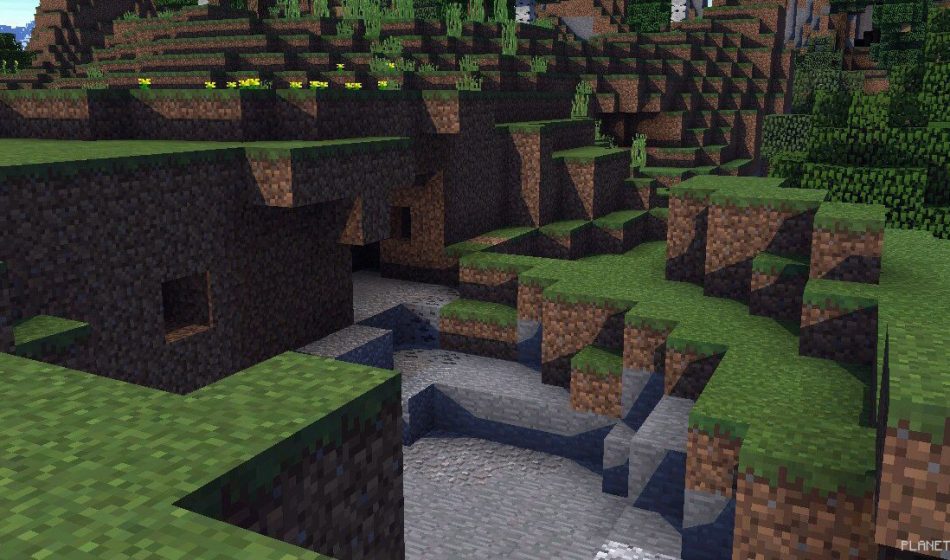
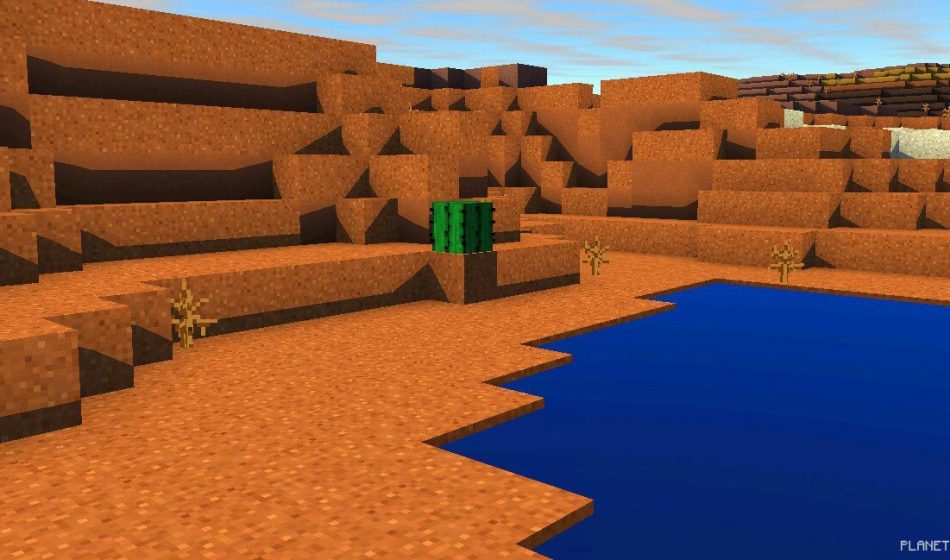
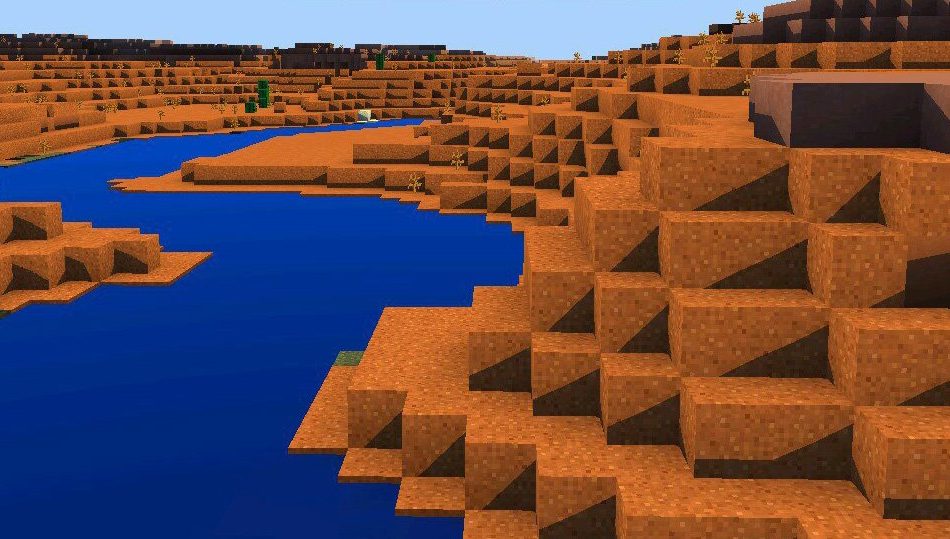
TMSS is an incredible set of shaders designed for Minecraft Pocket Edition. These shaders, like many others, introduce a subtle animation that makes grass, tree leaves, and various bushes sway gently in the wind. This effect adds a layer of realism to your surroundings, making everything feel alive rather than static.

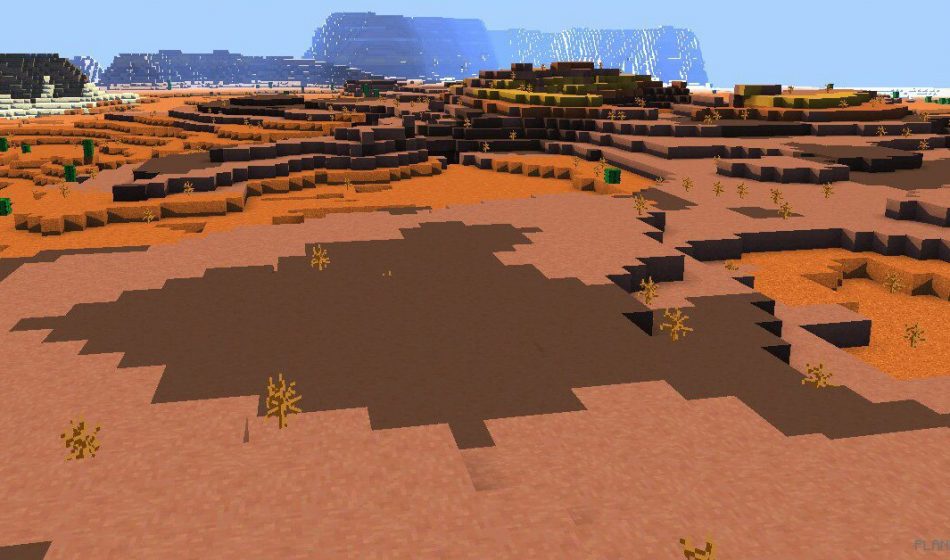
TMSS Shaders also enhance the textures of clouds, rendering them more lifelike. Additionally, the sky’s color shifts to a brighter shade of blue. The shadow effects are truly remarkable, as you can see from the screenshots—simply stunning. Some images capture breathtaking moments where the graphics of MCPE appear top-notch. Download the TMSS shaders and immerse yourself in the game.
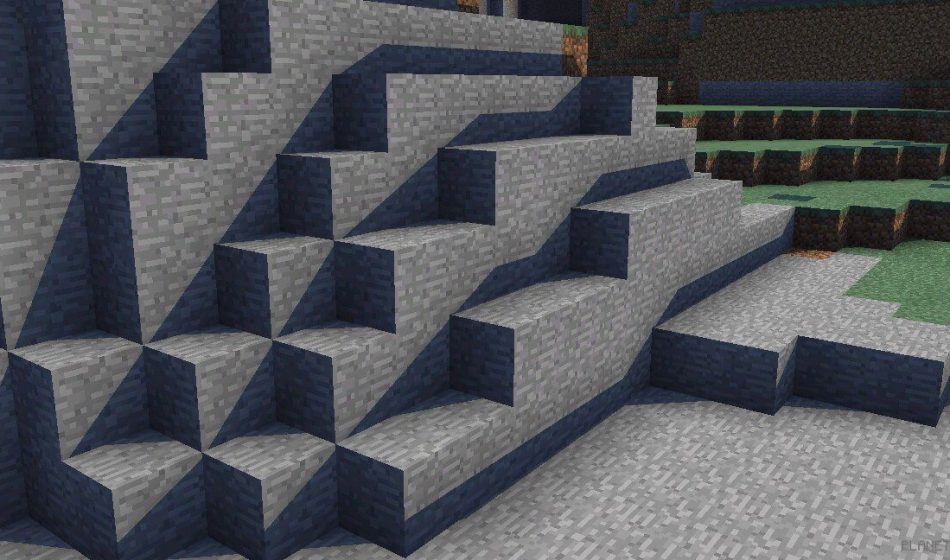
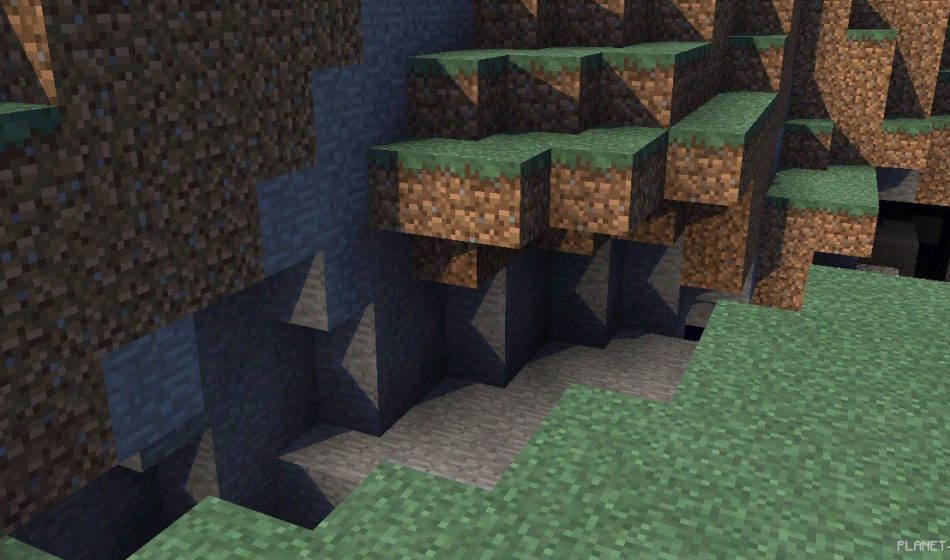
TMSS Shaders 0.15.4/0.15.3/0.15.0TMSS Shaders 0.15.4/0.15.3/0.15.0TMSS Shaders 0.15.4/0.15.3/0.15.0TMSS Shaders 0.15.4/0.15.3/0.15.0TMSS Shaders 0.15.4/0.15.3/0.15.0TMSS Shaders 0.15.4/0.15.3/0.15.0TMSS Shaders 0.15.4/0.15.3/0.15.0TMSS Shaders 0.15.4/0.15.3/0.15.0TMSS Shaders 0.15.4/0.15.3/0.15.0TMSS Shaders 0.15.4/0.15.3/0.15.0TMSS Shaders 0.15.4/0.15.3/0.15.0

How to Install TMSS Shader:

  • Download the shaders.
  • Open BlockLauncher Pro.
  • Click on the wrench icon.
  • Go to BL Settings.
  • Enable texture support.
  • Navigate to Texture Pack and click Import.
  • Locate the downloaded shaders in your device’s file system and select them.
  • Enjoy your new textures!

Leave a comment