Реклама на сайте
2 млн+ просмотров в месяц
Ads

Shaders SS10 (Windows 10) 1.2.10
Shaders SS10 (Windows 10) 1.2.10
05.02.2026 Shaders admin 0 comments 2 min 265 views

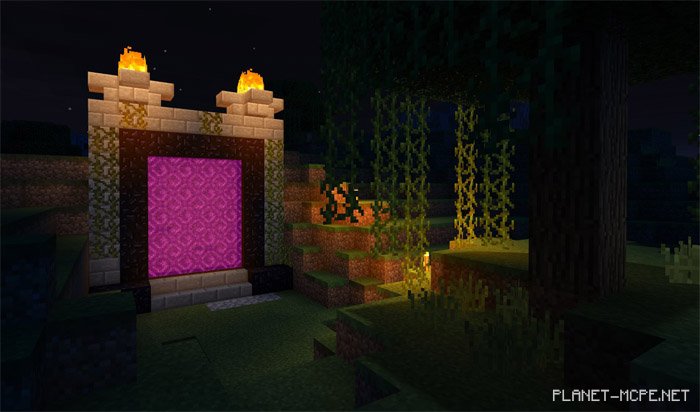
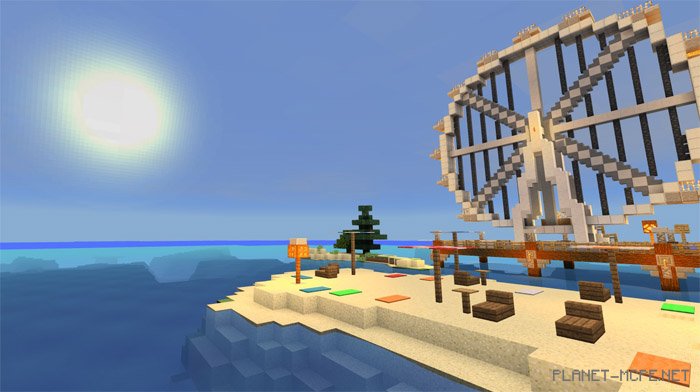
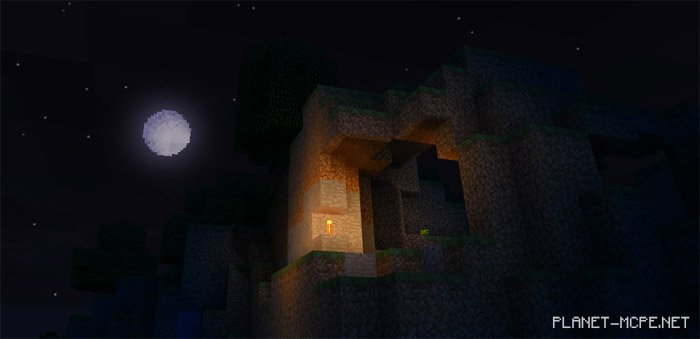
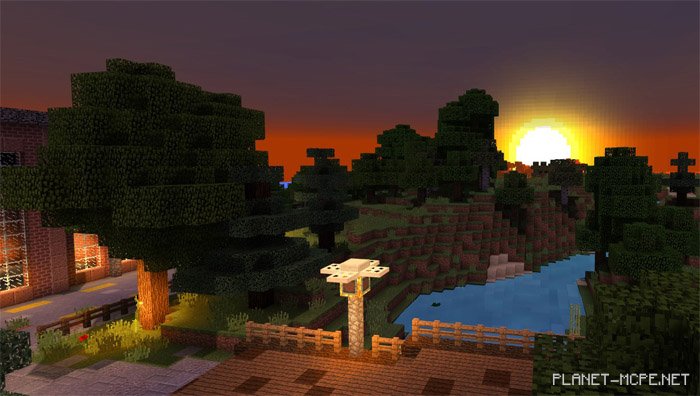
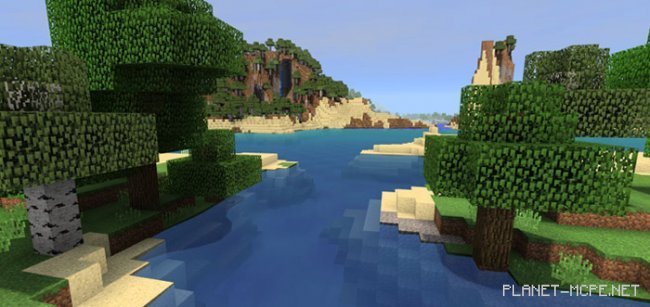
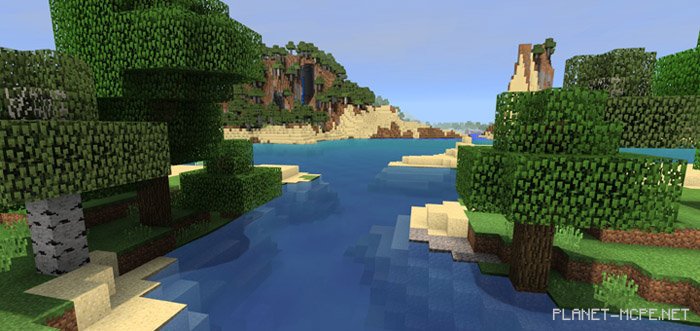
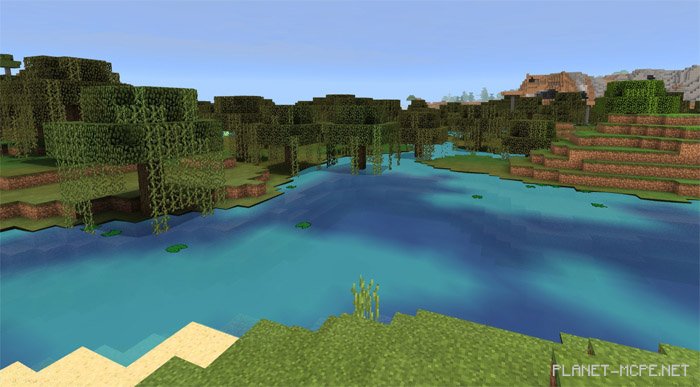
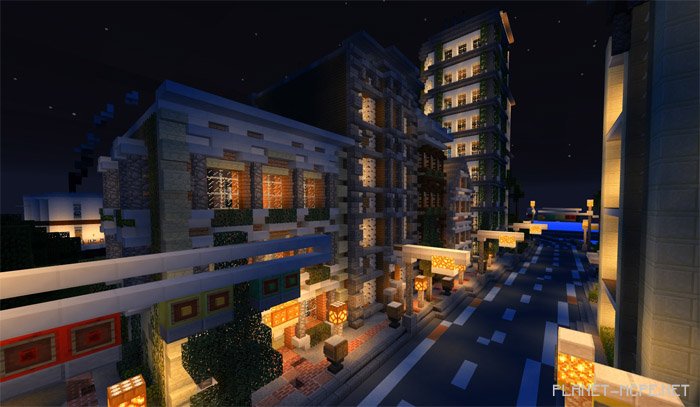
Do you enjoy shaders for Minecraft PE, but find that many are unavailable to you as a Windows 10 user? We are excited to introduce one of the most popular add-ons – the “SS10” shaders for Minecraft PE (Windows 10). These shaders will enhance your favorite game with realism and significantly improve its graphics. As this is only a Beta version, some features have yet to be implemented. For instance, after installing these shaders, foliage in the MCPE world won’t sway in the wind, but we hope this feature will be added soon.
Updates

  • New clouds
  • Bug fixes
  • Improvements

Installing SS10 (.mcpack)

  • Download the shaders marked with “.mcpack” below.
  • Run the downloaded file to import the shaders into MCPE.
  • Open Minecraft Pocket Edition and go to world settings.
  • Set the imported:
    Resource Packs for the world.
  • Select the imported resource packs in each section.
  • It’s recommended to restart the Minecraft PE client afterward.
  • Launch Minecraft Pocket Edition, enter the previously configured MCPE world, and enjoy the shaders!

Installing SS10 (.zip):

  • Download the shaders.
  • Create a folder named “resource_packs” in the directory “games/com.mojang/“.
  • Next, extract the textures from the archive and move only the folder from this archive into the “resource_packs” folder.
  • Go to MCPE settings, then manage textures.
  • Select your shaders.
  • Have fun playing!

Leave a comment