Реклама на сайте
2 млн+ просмотров в месяц
Ads

Shaders SDGPE 1.2.8

Shaders SDGPE 1.2.8
05.02.2026 Shaders admin 0 comments 1 min 84 views

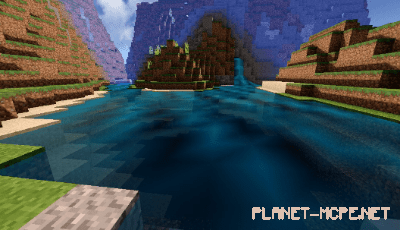
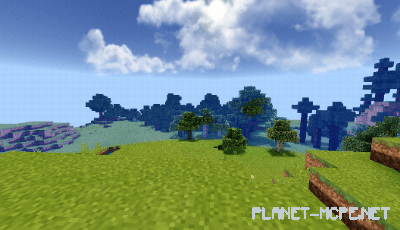
Shaders «SDGPE» represents one of the most lifelike shaders available for Minecraft Pocket Edition. It incorporates numerous graphical enhancements that significantly improve the game’s visuals. This shader transforms nearly every aspect of Minecraft PE, featuring incredibly realistic water and a stunning sky adorned with beautiful clouds. Shaders are perfectly suited for high-end iOS and Android devices.
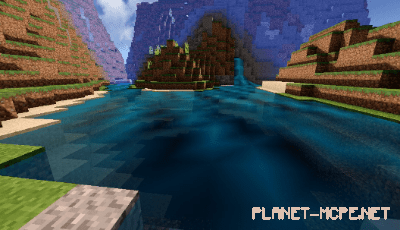
SDGPE Shaders 1.2.8

Installing SDGPE (.mcpack)

  • Download the shaders marked as “.mcpack” below.
  • Open the downloaded file to import the shaders into MCPE.
  • Launch Minecraft Pocket Edition and navigate to world settings.
  • Apply the imported shaders to your world by selecting:
    Resource Packs.
  • Select the imported shaders in each section.
  • It is recommended to restart the Minecraft PE client afterward.
  • Start Minecraft Pocket Edition, enter the previously configured world MCPE, and enjoy the shaders!

Installing SDGPE (.zip):

  • Download the shaders.
  • Create a folder named resource_packs in the directory “games/com.mojang/”.
  • Extract the shaders from the archive, moving only the folder from this archive into the resource_packs folder.
  • Go to MCPE settings, then manage textures.
  • Select your shaders.
  • Have fun playing!

Leave a comment