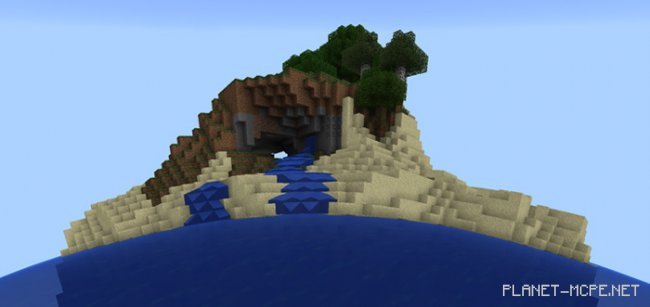
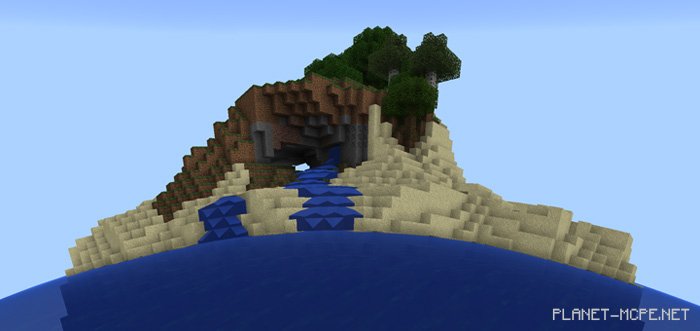
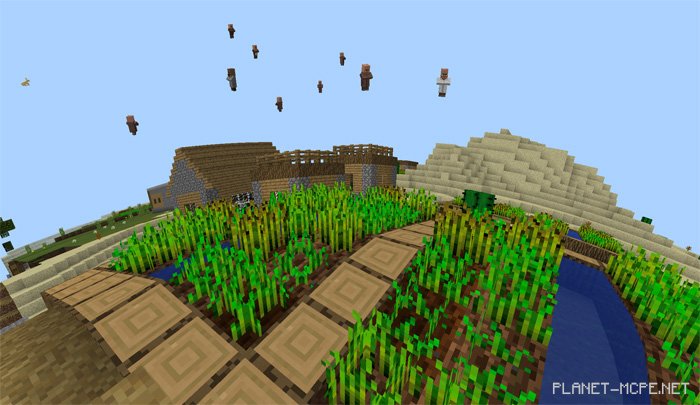
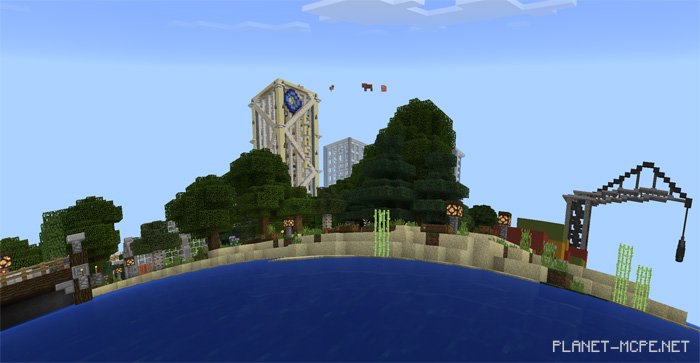
It has long been established that the world is not flat! Everyone should recognize that the Earth is spherical! The universe of Minecraft PE is no exception, which is why today we invite you to install the “Round World” shaders for Minecraft Pocket Edition, transforming your favorite game’s environment into a truly round one. While this addition may not be entirely realistic since you can’t embark on an actual global journey, it’s definitely worth trying out—even if it might not appeal to everyone!
Unfortunately, objects like mobs, signs, and others cannot be affected, creating an illusion similar to what is shown in the screenshot below. However, everything with the blocks in MCPE should work just fine.
Installing Round World (.mcpack)
Download the texture labeled “.mcpack” from below.
Open the downloaded file to import the texture into MCPE.