Реклама на сайте
2 млн+ просмотров в месяц
Ads

Shaders Realistic 0.15.4/0.12.3/0.12.1
Shaders Realistic 0.15.4/0.12.3/0.12.1
05.02.2026 Shaders admin 0 comments 1 min 273 views

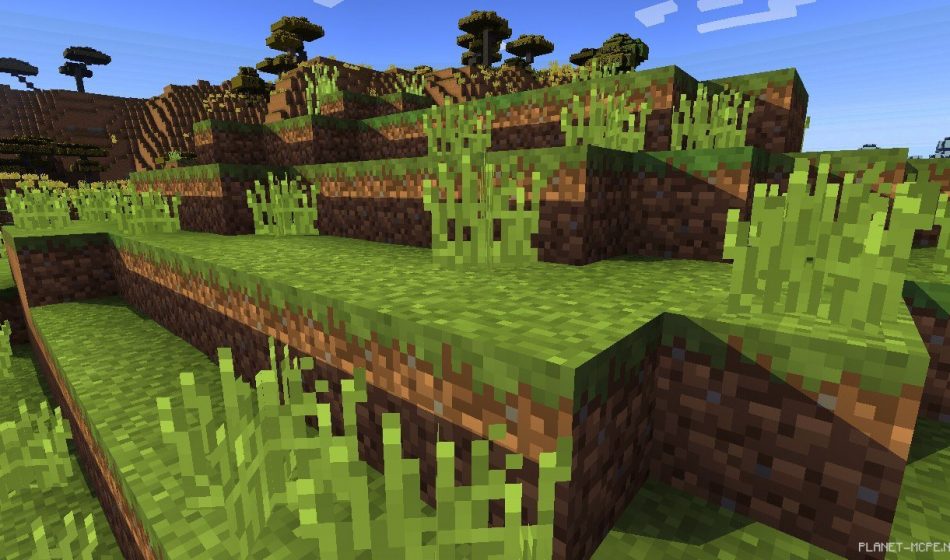
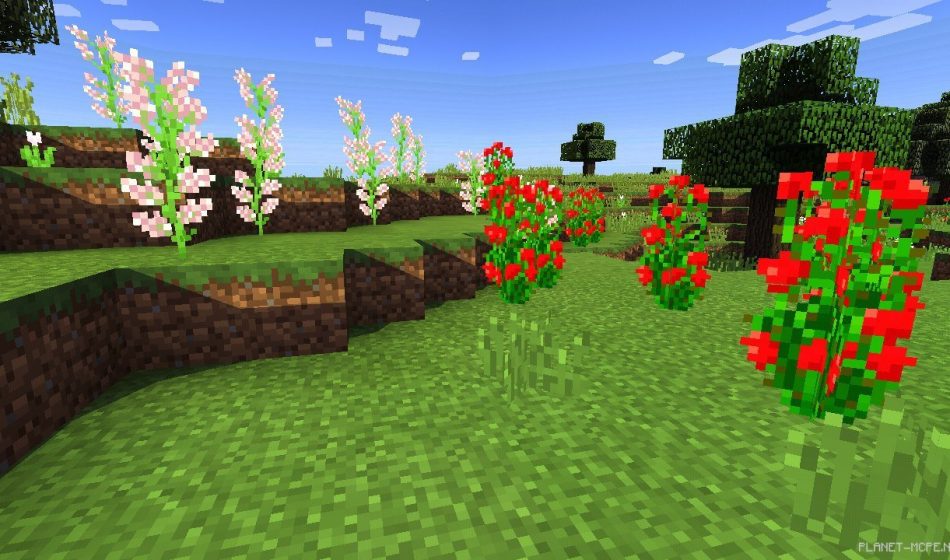
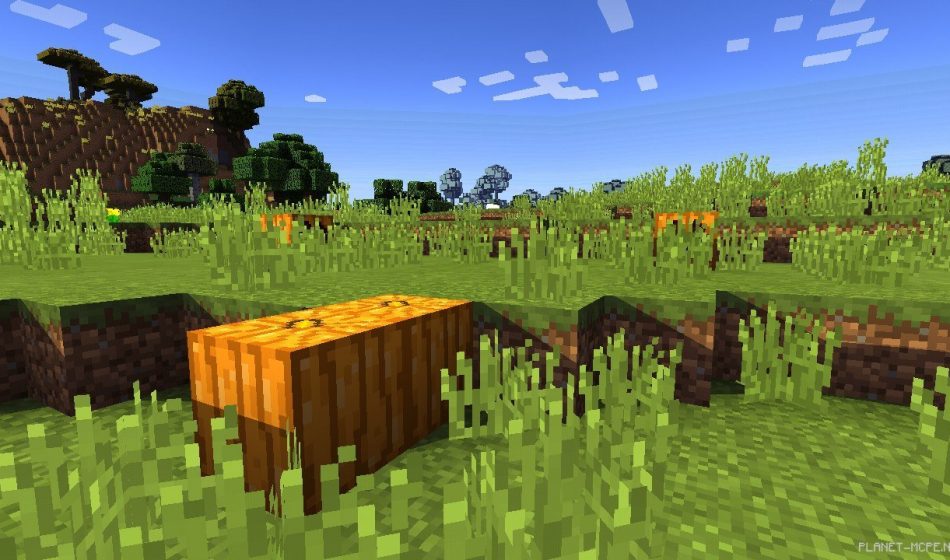
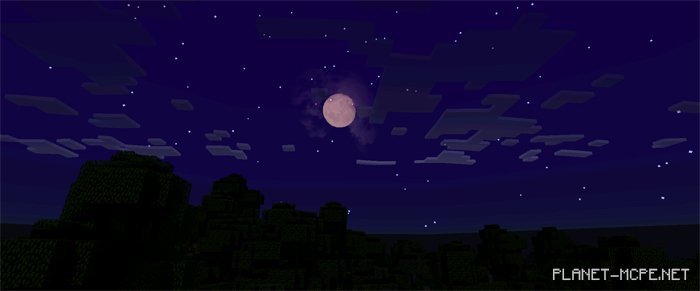
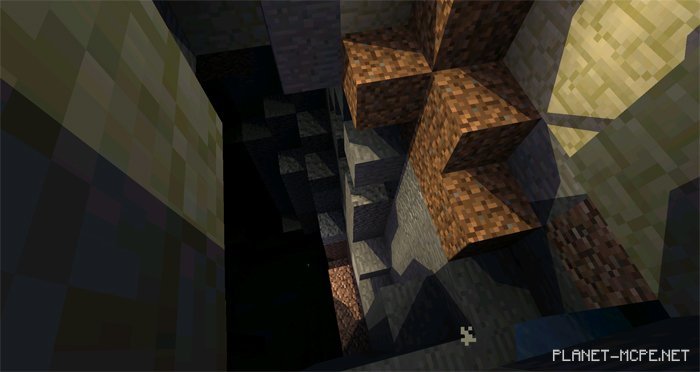
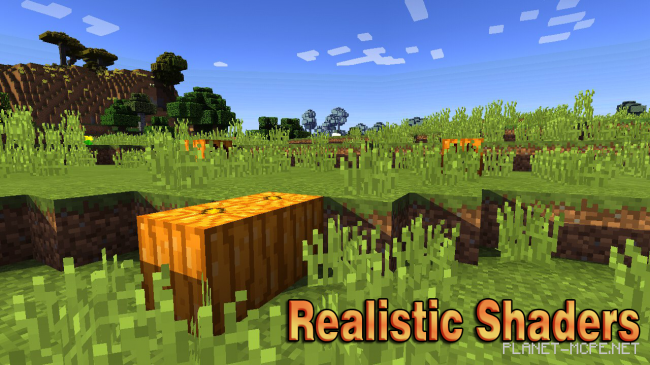
Realistic Shaders are the perfect enhancement for Minecraft Pocket Edition. These shaders will transform the graphics of your game, making it more lifelike and vibrant. The shaders feature some truly captivating elements, such as the swaying leaves of trees and grass in response to gusts of wind, along with gentle water movements (small waves). Additionally, the Realistic shaders introduce shadows that add a layer of realism to the game!
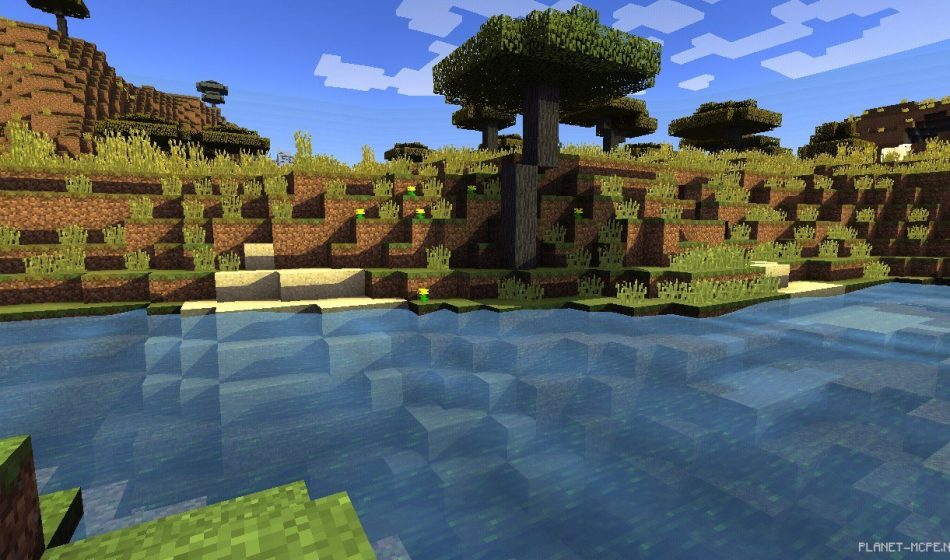
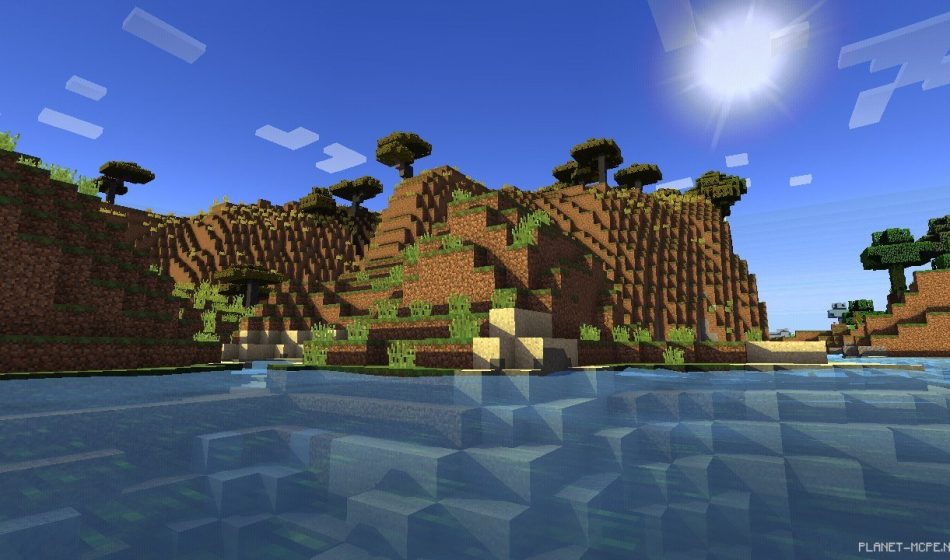
Screenshots:

Realistic Shaders 0.15.4/0.12.3/0.12.1Realistic Shaders 0.15.4/0.12.3/0.12.1Realistic Shaders 0.15.4/0.12.3/0.12.1Realistic Shaders 0.15.4/0.12.3/0.12.1Realistic Shaders 0.15.4/0.12.3/0.12.1Realistic Shaders 0.15.4/0.12.3/0.12.1Realistic Shaders 0.15.4/0.12.3/0.12.1

How to Install Realistic Shader:

  • Download the shaders.
  • Open BlockLauncher Pro.
  • Click on the wrench icon.
  • Go to BL Settings.
  • Enable texture support.
  • Navigate to Texture Packs and click Import.
  • Now locate the downloaded shaders in your device’s file system and select them.
  • Enjoy your new textures!

Leave a comment