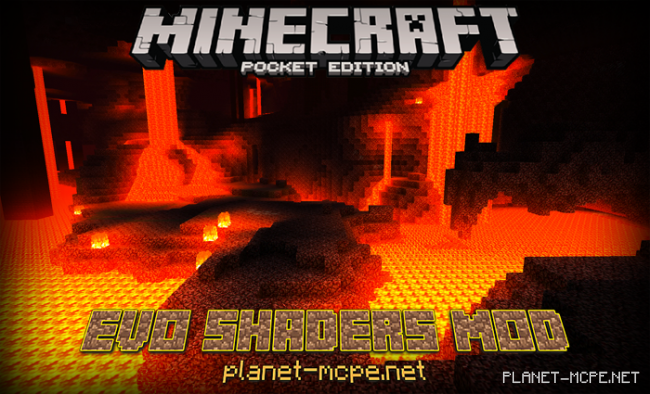
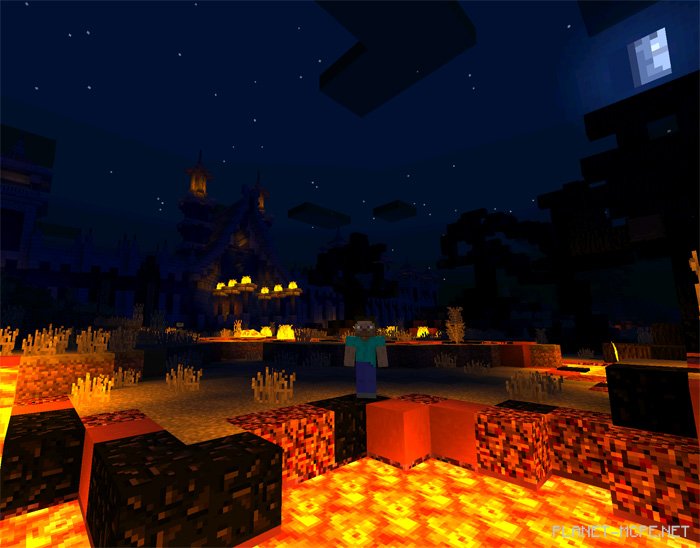
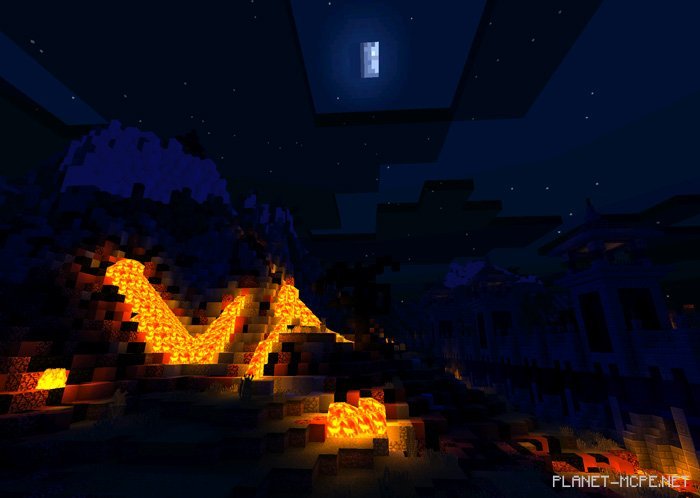
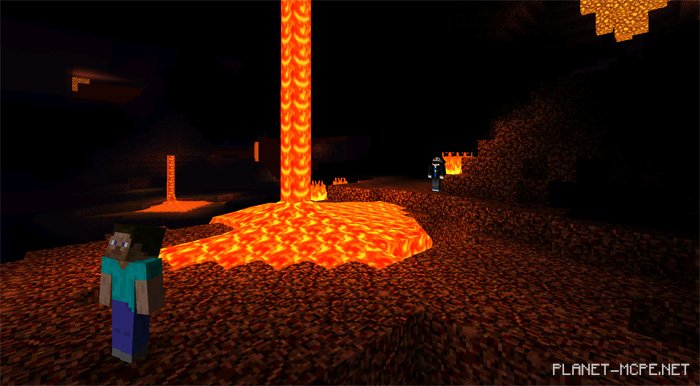
EVO Shaders transforms everything we’ve previously experienced in Minecraft Pocket Edition. No matter the landscape before you, it will appear ten times more stunning. The lava in the Nether looks absolutely incredible due to the bright glow of the molten rock, which smoothly spreads across nearby blocks.
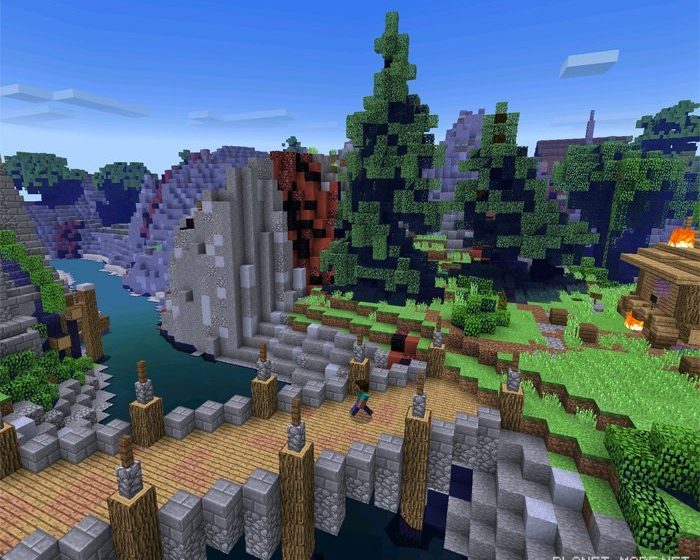
The Overworld in Minecraft Pocket Edition appears even more lifelike, gaining a vibrant look with some significant “features.” With the EVO shaders in Minecraft PE, tree leaves now sway in the wind, and the water ripples beautifully.
Changes
Compatibility with iOS devices
Enhanced sunlight and moonlight
Realistic cave torch color added
Light focus feature introduced
Optimized world settings
Fixed fog distance for watery areas
Corrected rain weather fog issues
Resolved lag and bugs on MALI GPU devices
Installing EVO Shader:
Download the shaders.
Extract the files from the archive; there will be four types of EVO shaders: Core, Lite, Standard, Ultra