Реклама на сайте
2 млн+ просмотров в месяц
Ads

Shaders Enhanced Vanilla 1.4.4

Shaders Enhanced Vanilla 1.4.4
05.02.2026 Shaders admin 0 comments 1 min 181 views

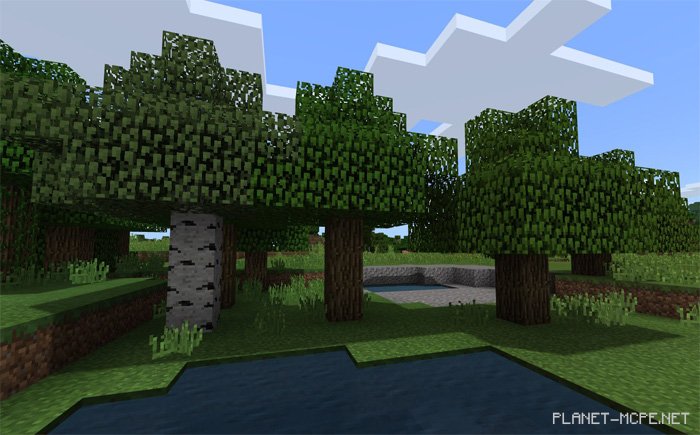
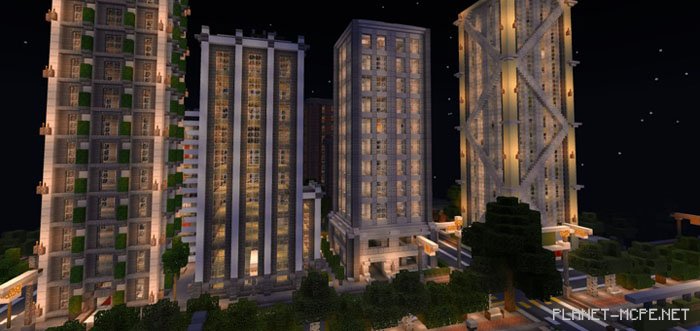
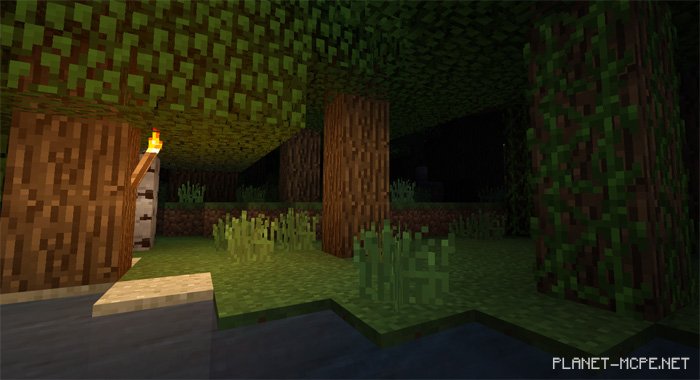
ShadersEnhanced Vanilla (Improved Vanilla)” have been designed to enhance the light from torches and shadows in Minecraft Pocket Edition. Although this is a relatively minor adjustment, it creates an entirely new atmosphere for the game’s graphics in MCPE. If you’re looking for more realism while still wanting to maintain the original look of Minecraft PE, this shader pack is the perfect choice.

Changes

Full support for the Water Update in Minecraft PE

Installing Enhanced Vanilla (.mcpack)

  • Download the shaders marked with “.mcpack” below.
  • Run the downloaded file to import the shaders into MCPE.
  • Open Minecraft Pocket Edition and go to world settings.
  • Set the imported:
    Resource Packs for your world.
  • Select the imported shaders in each section.
  • It is recommended to restart the Minecraft PE client afterward.
  • Launch Minecraft Pocket Edition, enter the previously configured world MCPE, and enjoy the shaders!

Installing Enhanced Vanilla (.zip):

  • Download the shaders.
  • Create a folder named “resource_packs” in the directory “games/com.mojang/“.
  • Next, extract the shaders from the archive and move only the folder from that archive into the “resource_packs” folder.
  • Go to MCPE settings, then to texture management.
  • Select your shaders.
  • Have fun playing!

Leave a comment