Реклама на сайте
2 млн+ просмотров в месяц
Ads

Shaders DawgFlow Ultra 0.13.1
Shaders DawgFlow Ultra 0.13.1
05.02.2026 Shaders admin 0 comments 1 min 85 views

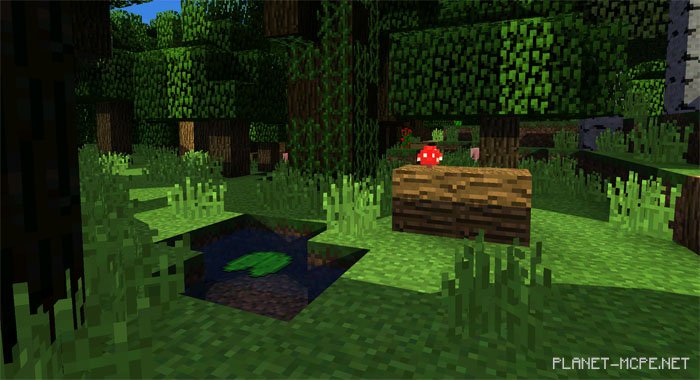
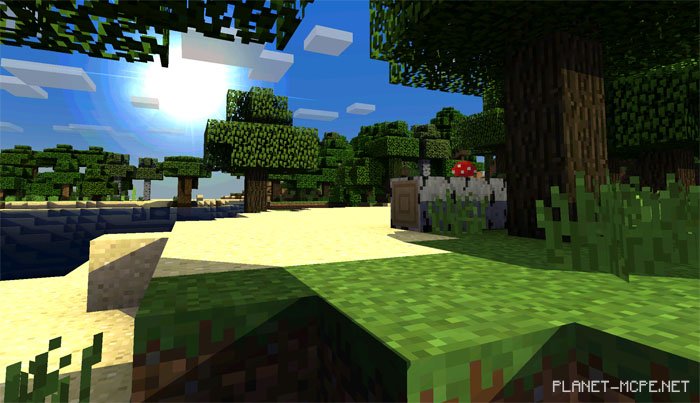
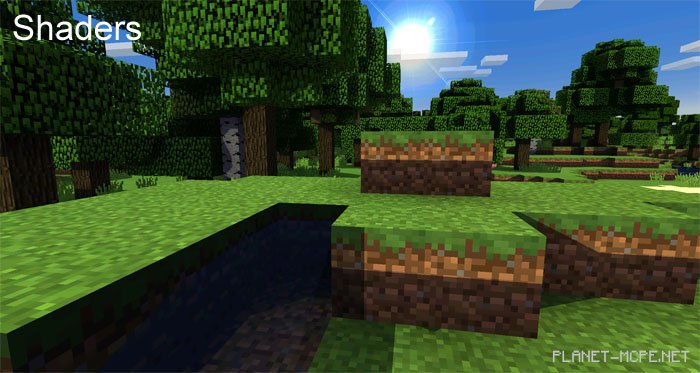
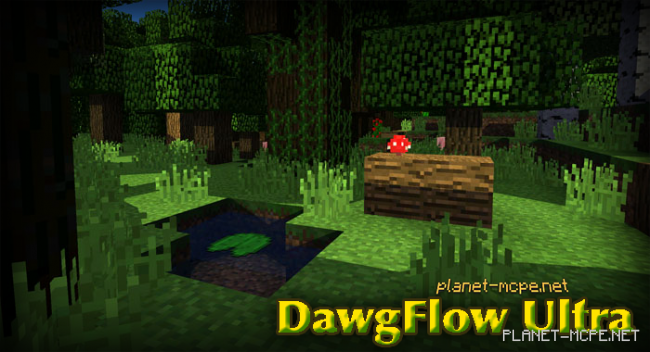
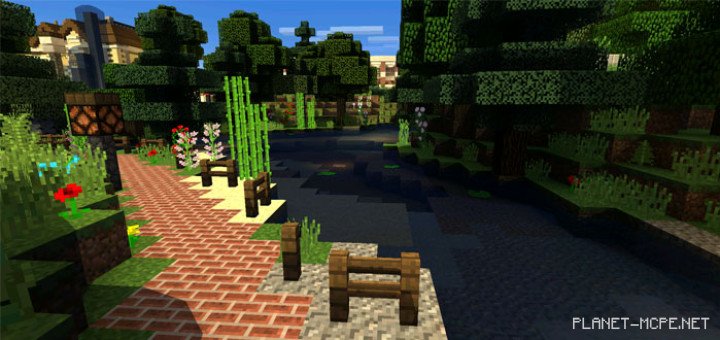
DawgFlow Ultra Shaders will bring a more realistic touch to the world of Minecraft Pocket Edition, enhancing colors and shadows from blocks and items, making your environment feel lifelike. The entire MCPE universe will be filled with “realism” – expect a blue sky adorned with a bright, shining sun. Nighttime in Minecraft PE also appears incredibly realistic, featuring a blue sky dotted with twinkling stars.

If you’re a devoted fan of MCPE, we suggest setting the game brightness to its lowest level; at minimal brightness, the shaders look absolutely stunning.DawgFlow Ultra Shaders 0.13.1DawgFlow Ultra Shaders 0.13.1DawgFlow Ultra Shaders 0.13.1
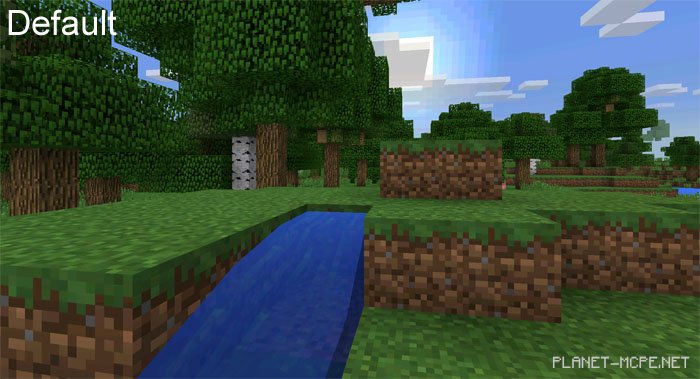
Standard Textures for MCPE

DawgFlow Ultra Shaders 0.13.1

Shaders for MCPE

DawgFlow Ultra Shaders 0.13.1

How to Install DawgFlow Ultra Shader:

  • Download the shaders.
  • Open BlockLauncher Pro.
  • Click on the wrench icon.
  • Go to BL Settings.
  • Enable texture support.
  • Navigate to Texture Pack and click Import.
  • Locate the downloaded shaders in your device’s file system and select them.
  • Enjoy your new textures!

Leave a comment