Реклама на сайте
2 млн+ просмотров в месяц
Ads

Shaders Daep v1.0

Shaders Daep v1.0
05.02.2026 Shaders admin 0 comments 1 min 261 views

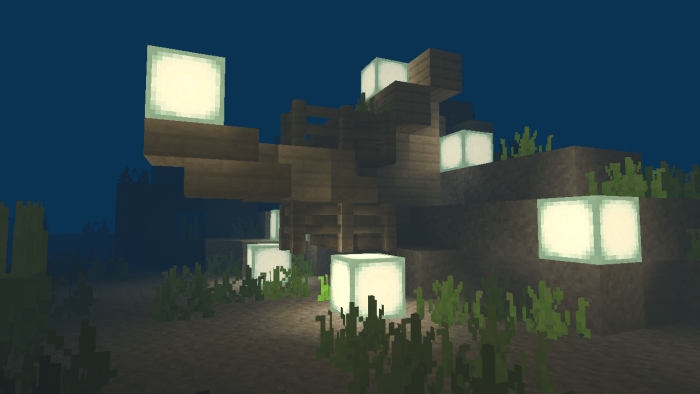
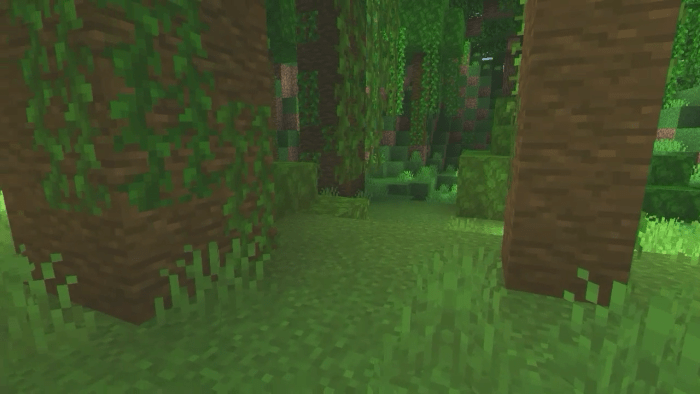
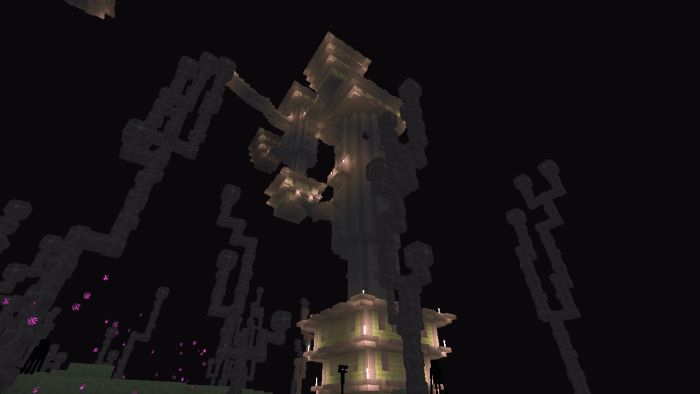
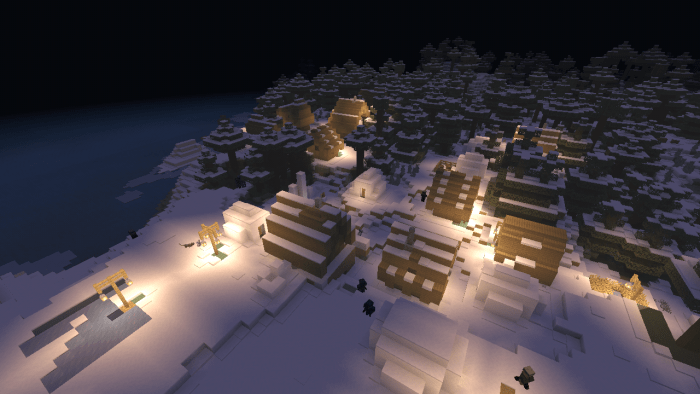
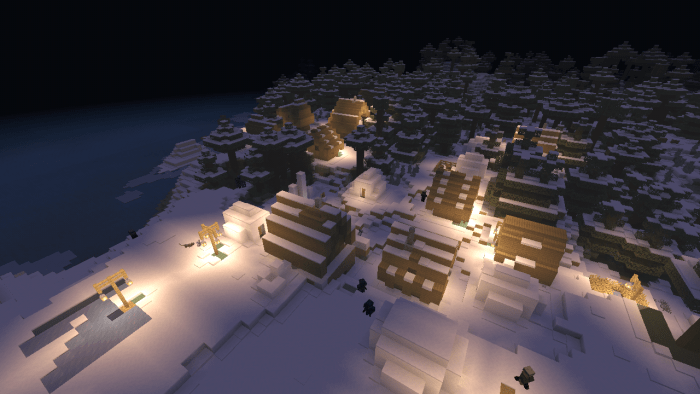
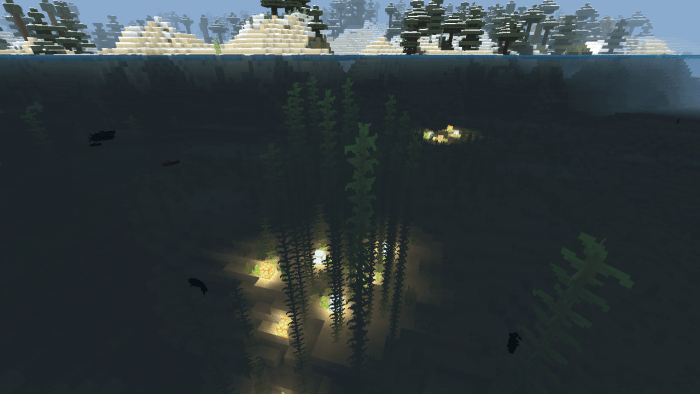
Daep v1.0 (Даэп)” is a set of shaders that enhance the graphics of vanilla Minecraft, making it more lifelike. One of its key features is compatibility with lower-end devices.

Features:

  • Leaves and plants that sway in the wind.
  • Smoother shadows.
  • A stunning sky (during day, night, and even rain).
  • Enhanced moon and sun visuals.
  • And various other minor tweaks.

Shaders are not supported on Minecraft for PowerVR, iOS, and Windows 10 platforms.
Installing Daep v1.0 (.mcpack)

  • Download the shaders marked with “.mcpack” from below.
  • Run the downloaded file to import the shaders into Minecraft.
  • Open Minecraft Pocket Edition and navigate to the world settings.
  • Set the imported:
    Resource Packs for your world.
  • Select the imported shaders in each section.
  • It is recommended to restart the Minecraft PE game client afterwards.
  • Launch Minecraft Pocket Edition, enter the previously configured world Minecraft, and enjoy the shaders!

Installation of Daep v1.0 (.zip):

  • Download the shaders.
  • Create a folder named «resource_packs» in the directory «games/com.mojang/».
  • Next, extract the shaders from the archive and move only the folder from this archive into the «resource_packs» folder.
  • Go to the settings of Minecraft, then navigate to texture management.
  • Select your shaders.
  • Enjoy your game!

Leave a comment