Реклама на сайте
2 млн+ просмотров в месяц
Ads

Shaders Cube Dyger 0.14.0
Shaders Cube Dyger 0.14.0
05.02.2026 Shaders admin 0 comments 1 min 113 views

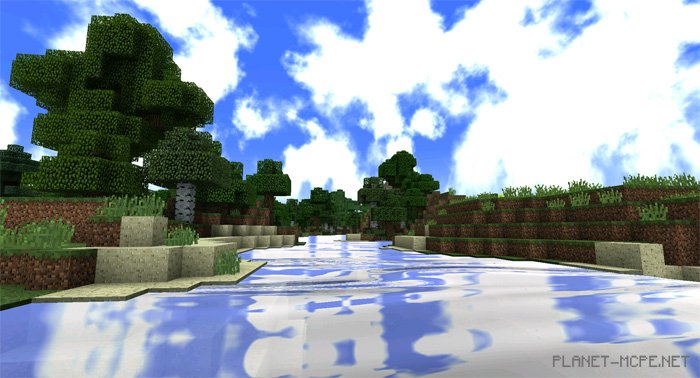
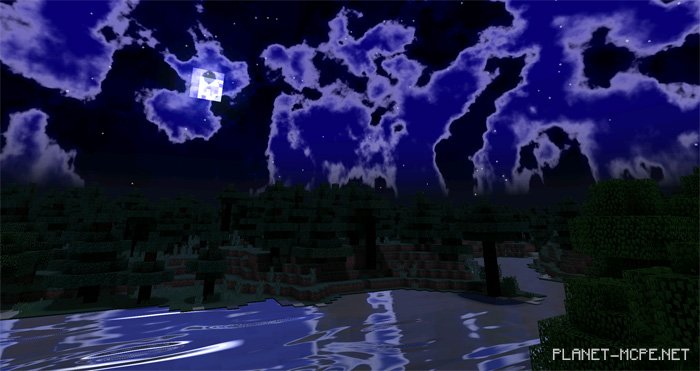
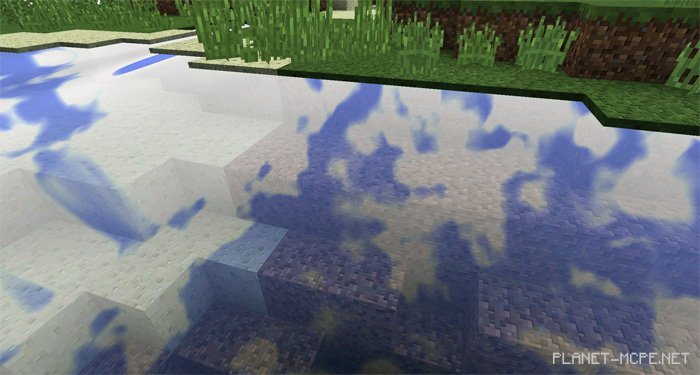
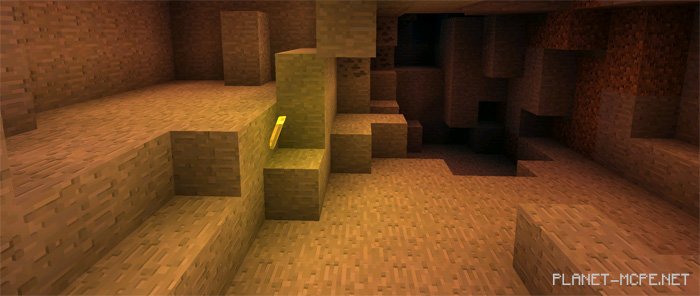
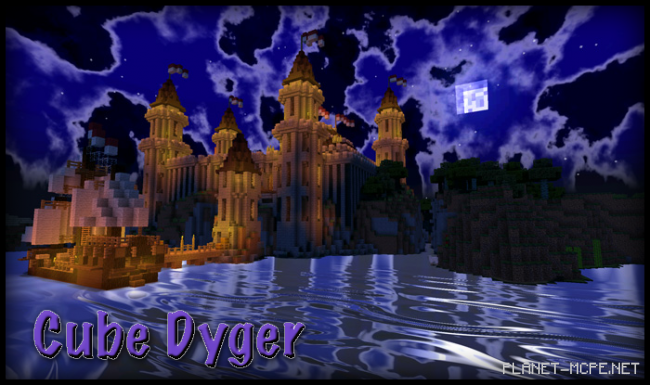
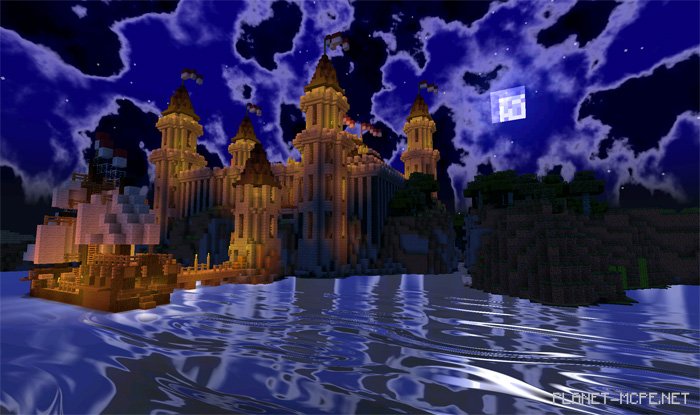
Cube Dyger offers some truly impressive shaders for Minecraft Pocket Edition, significantly enhancing the game world with new effects. The night in Minecraft Pocket Edition becomes absolutely enchanting, especially near the ocean where you can witness reflections of nighttime clouds shimmering on the water. Cube Dyger shaders present a remarkably realistic appearance; the water and other elements look so lifelike that it feels like this version of “MCPE” is something beyond just MCPE—it’s simply astonishing—all thanks to the Cube Dyger shaders!Cube Dyger Shaders 0.14.0Cube Dyger Shaders 0.14.0Cube Dyger Shaders 0.14.0Cube Dyger Shaders 0.14.0Cube Dyger Shaders 0.14.0
How to Install Cube Dyger Shader:

  • Download the shaders.
  • Open BlockLauncher Pro.
  • Click on the wrench icon.
  • Go to BL Settings.
  • Enable texture support.
  • Navigate to Texture Pack and click Import.
  • Locate the downloaded shaders in your device’s file system and select them.
  • Enjoy your newly installed textures!

Leave a comment