Реклама на сайте
2 млн+ просмотров в месяц
Ads

Shaders Color Lights 1.2.8
Shaders Color Lights 1.2.8
05.02.2026 Shaders admin 0 comments 1 min 224 views

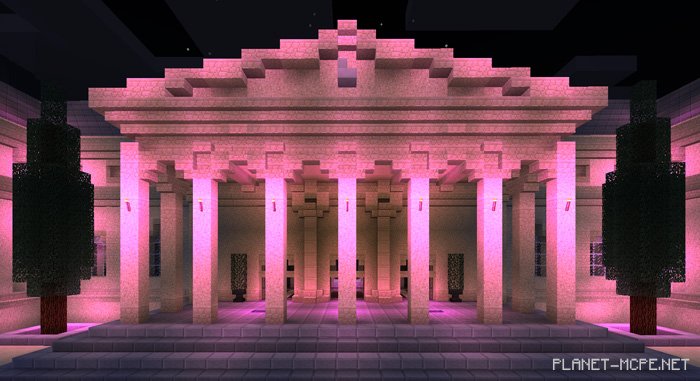
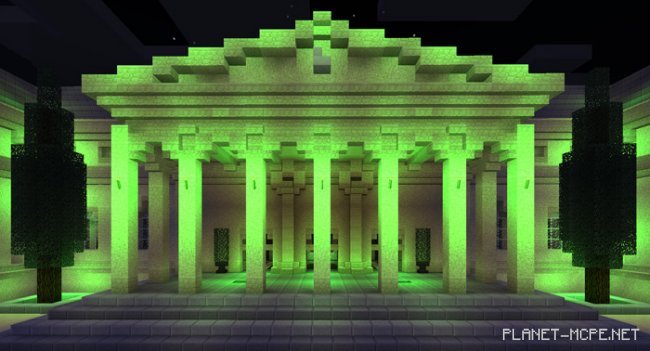
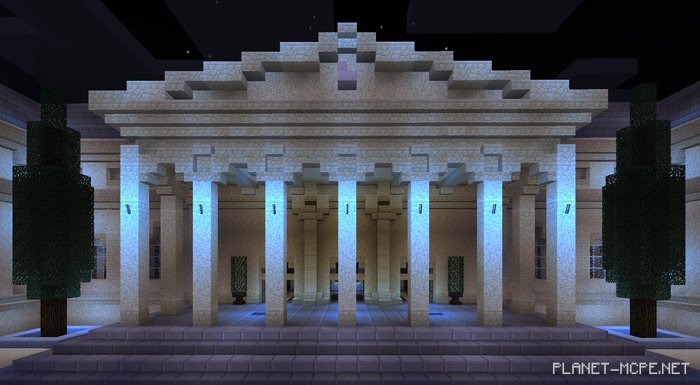
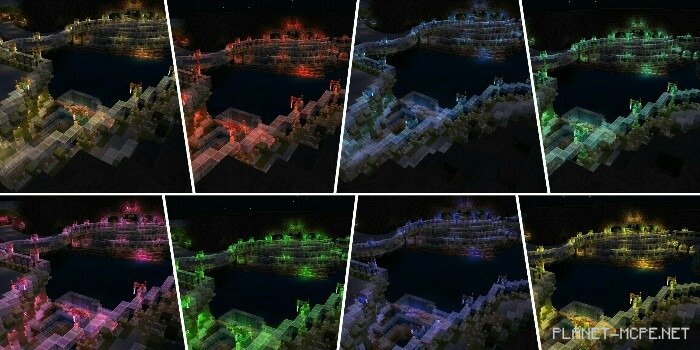
The shader packColor Lights (Colored Lights)” consists of 8 distinct shaders bundled together. This package is designed specifically for all lighting aspects in Minecraft Pocket Edition, including torches, lanterns, and other light-emitting blocks. Once imported, you can choose from one of the 8 different shaders, each reflecting the type of illumination present in your Minecraft PE world.
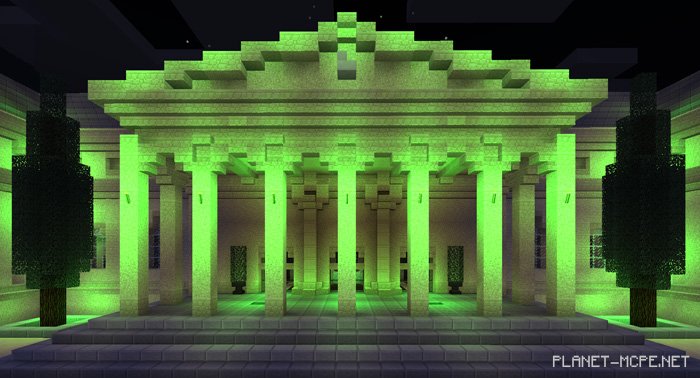
Available Colors

  • Warm Light (Normal)
  • Yellow Lights
  • Light Blue Lights
  • Purple Lights
  • Red Lights
  • Green Lights
  • Blue Lights
  • Emerald Lights

Installing Color Lights (.mcaddon)

  • Download the shaders marked with “.mcpack” below.
  • Open the downloaded file to import the shaders into MCPE.
  • Launch Minecraft Pocket Edition and navigate to world settings.
  • Set the imported shaders for the world under:
    Resource Packs.
  • Select the imported shaders in each section.
  • It’s recommended to restart the Minecraft PE client afterward.
  • Start Minecraft Pocket Edition, enter the previously configured world MCPE, and enjoy the shaders!

Installing Color Lights (.zip):

  • Download the shaders.
  • Create a folder named “resource_packs” in the directory “games/com.mojang/“.
  • Extract the shaders from the archive and move only the folder from this archive into the “resource_packs” folder.
  • Go to MCPE settings, then manage textures.
  • Select your shaders.
  • Have fun playing!

Leave a comment