Реклама на сайте
2 млн+ просмотров в месяц
Ads

Shaders ChunkBounds 1.8
Shaders ChunkBounds 1.8
05.02.2026 Shaders admin 0 comments 1 min 354 views

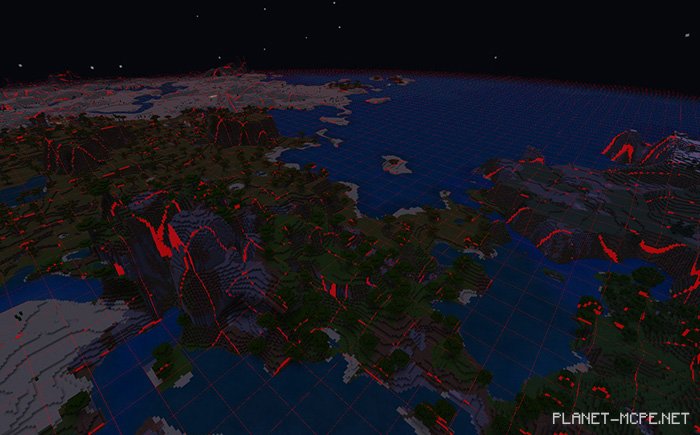
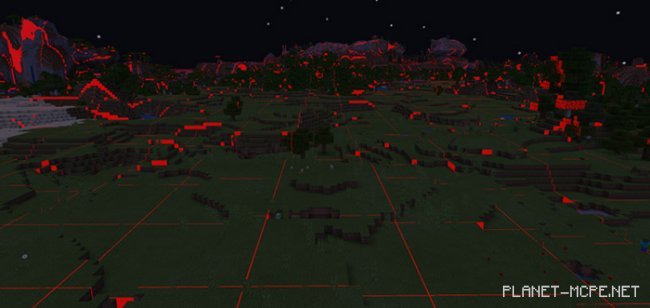
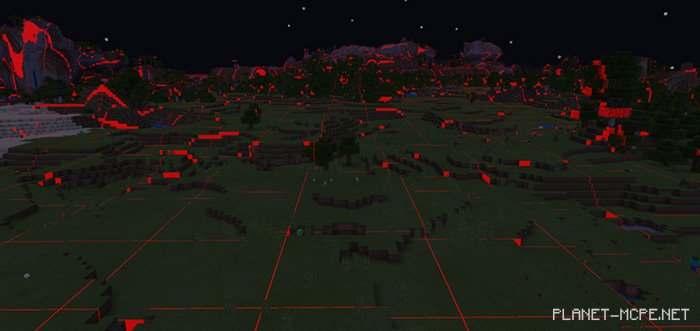
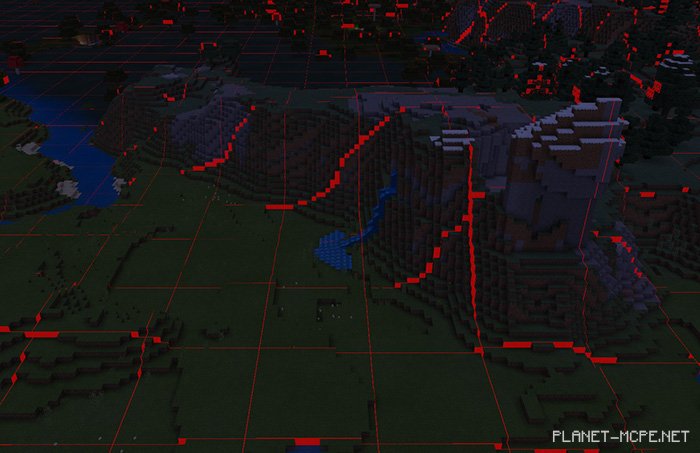
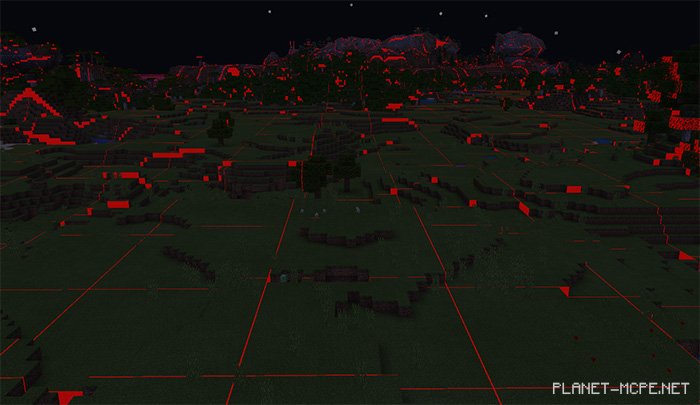
The shader packChunkBounds (Chunk Boundaries)” displays the boundaries of each chunk in your Minecraft world. Chunks will be highlighted with a red marker, making it easy for you to locate them, especially during nighttime. Identifying the exact positions of chunks in Minecraft: Bedrock Edition can be quite challenging, but this shader pack simplifies the task significantly. It is compatible with Android, iOS, and Windows 10.
Installing ChunkBounds (.mcpack)

  • Download the shaders marked as “.mcpack” below.
  • Open the downloaded file to import the shaders into Minecraft.
  • Launch Minecraft Pocket Edition and navigate to the world settings.
  • Apply the imported shaders to the world by selecting:
    Resource Packs.
  • Select the imported shaders in each section.
  • It’s recommended to restart the game client Minecraft PE afterward.
  • Start Minecraft Pocket Edition, enter the previously configured world MCPE, and enjoy the shaders!

Installing ChunkBounds (.zip):

  • Download the shaders.
  • Create a folder named “resource_packs” in the directory “games/com.mojang/”.
  • Extract the shaders from the archive and move only the folder from that archive into the “resource_packs” folder.
  • Go to the settings in Minecraft, then manage textures.
  • Select your shaders.
  • Have fun playing!

Leave a comment