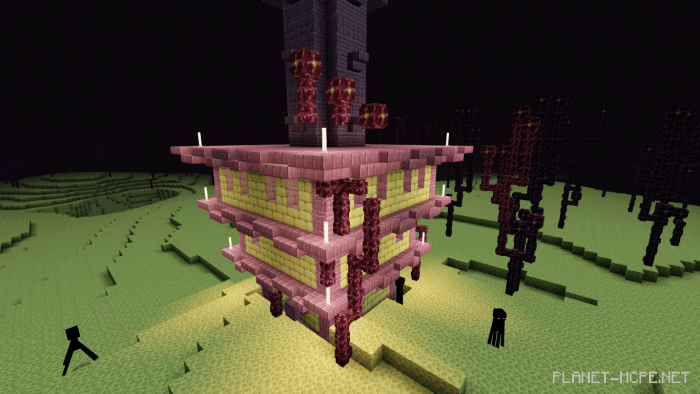
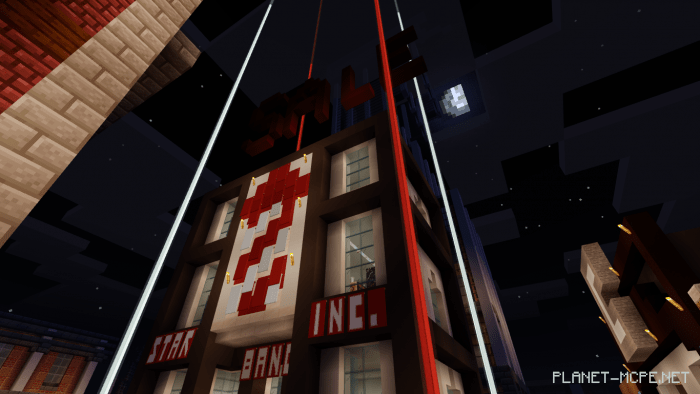
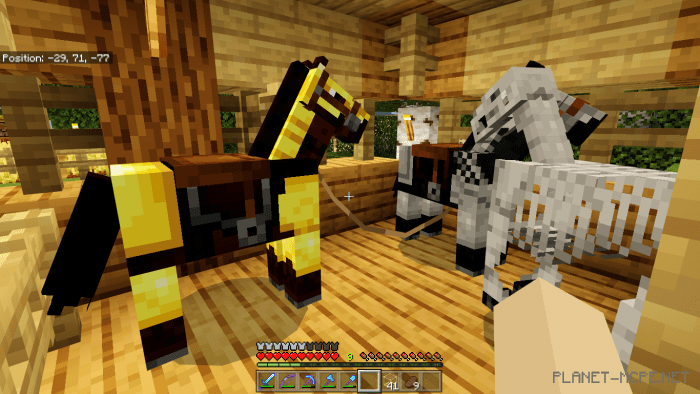
Shader “UltraMax” is designed to enhance various fundamental lighting effects and visual projections in Minecraft. Colors become more vivid, the atmosphere shifts, and even the overall gameplay experience transforms.
Compatibility Identification:
To check if this shader is compatible with your device, look at the character cover in the main menu: If the highlighted symbol in the image is not visible to you, it means that this shader is not compatible with your device. Your character may partially display, but most of the world will remain unloaded. You can still download it at your own risk.
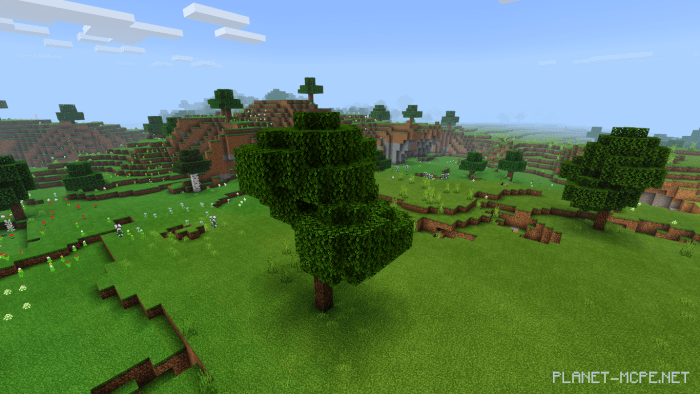
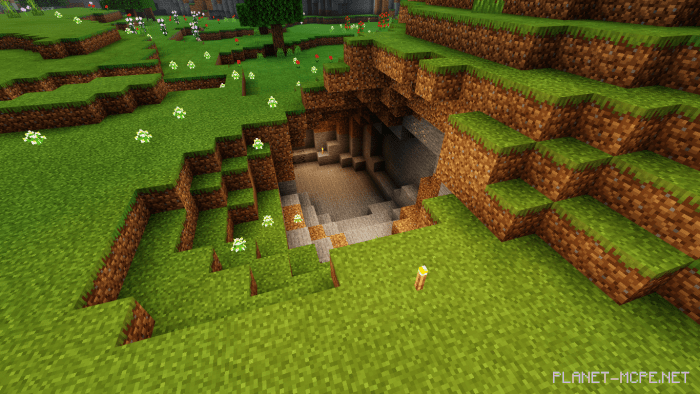
Here are examples of how the visual aspects of your Minecraft world will change after downloading the shader: Cursed World:
Installing UltraMax (.mcpack)
Download the shaders labeled as “.mcpack” from below.
Open the downloaded file to import the shaders into Minecraft.
Launch Minecraft Pocket Edition and navigate to the world settings.
For your world, apply the imported: — Resource Packs.
Select the imported shaders in each section.
It is advisable to restart the game client of Minecraft PE after this step.

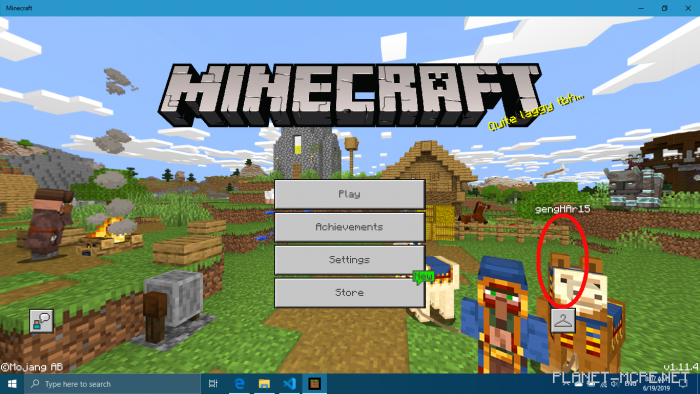 If the highlighted symbol in the image is not visible to you, it means that this shader is not compatible with your device. Your character may partially display, but most of the world will remain unloaded. You can still download it at your own risk.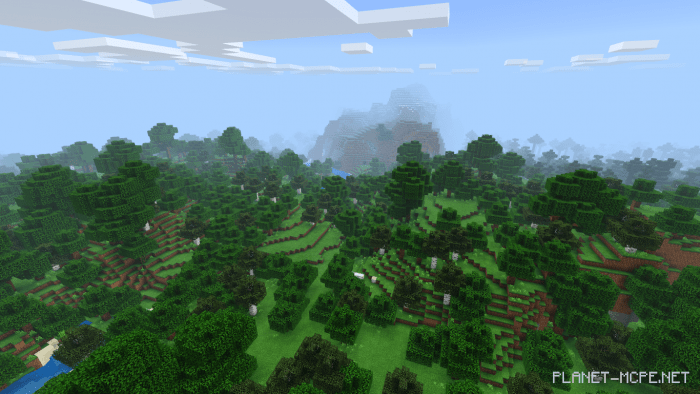

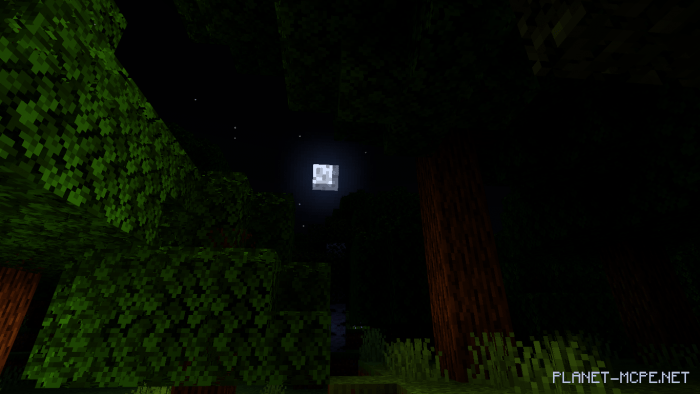
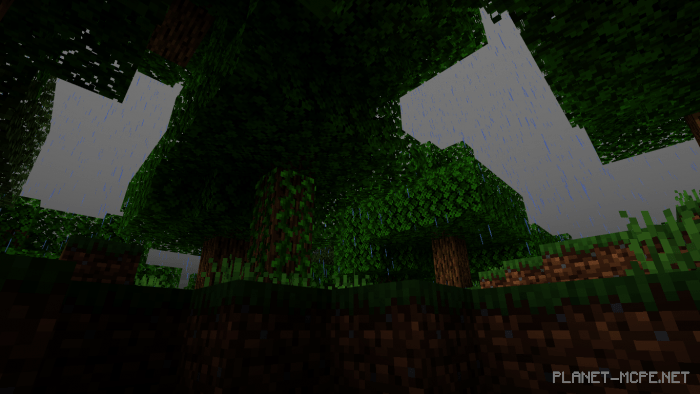
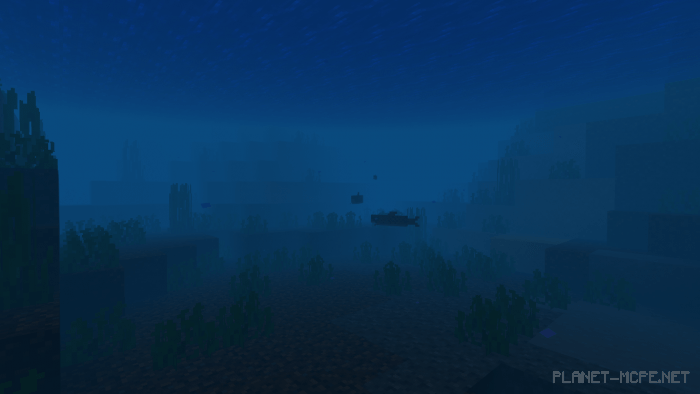
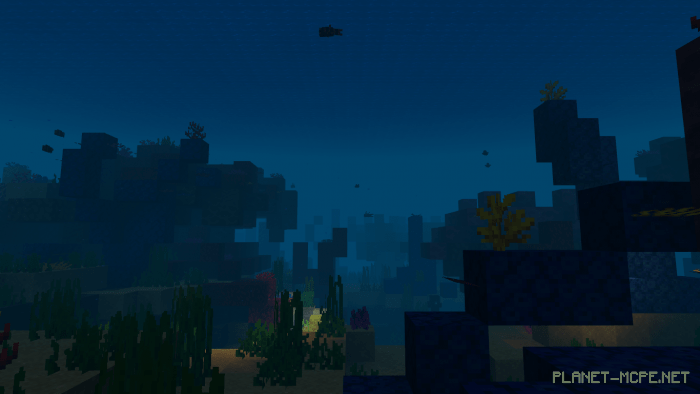

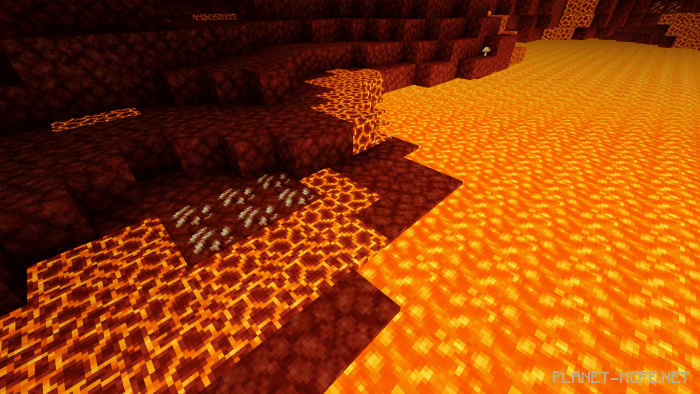
 Cursed World: