Реклама на сайте
2 млн+ просмотров в месяц
Ads

Shader Move (Android / iOS)

Shader Move (Android / iOS)
05.02.2026 Shaders admin 0 comments 2 min 260 views

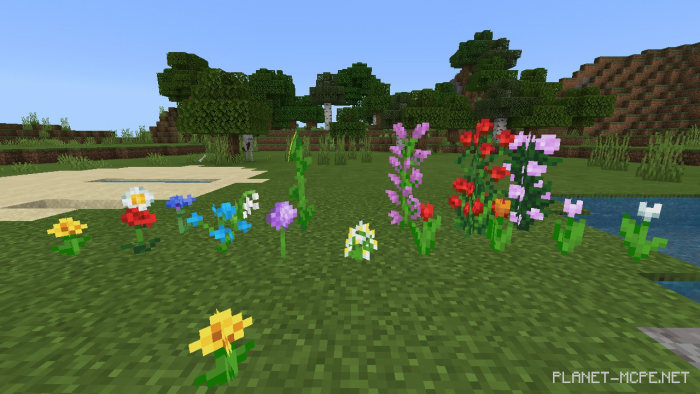
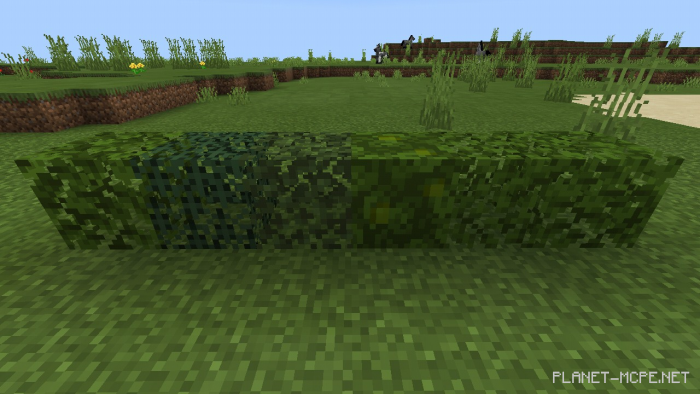
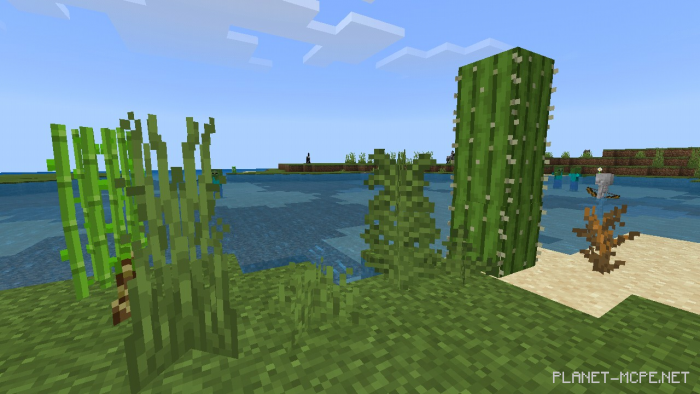
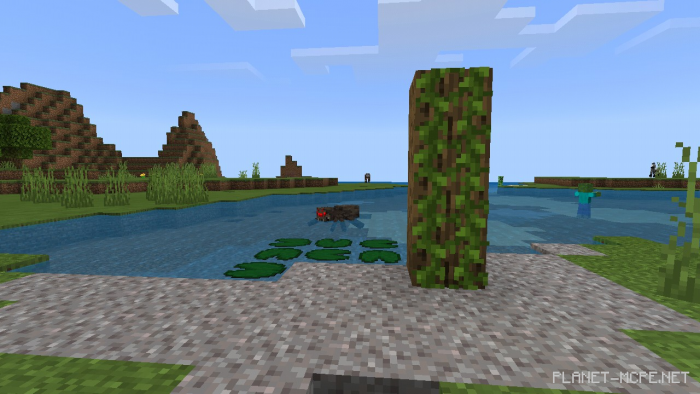
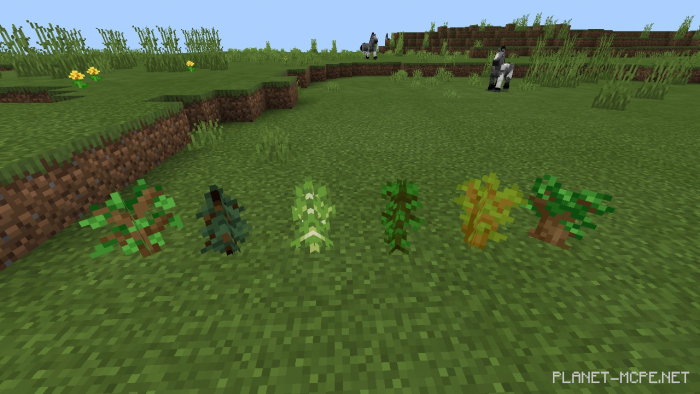
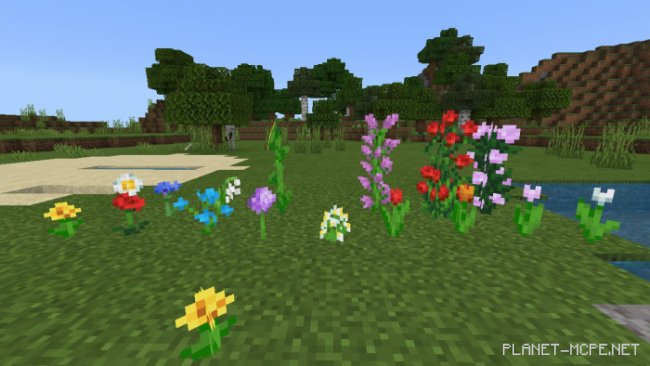
It’s understandable that playing Minecraft on Android/iOS with standard leaves and grass can get dull. You definitely need the shader called “Move (движение)”, which allows the leaves and grass to sway and move. Even if your device is not very powerful, you can still download this shader for Minecraft Pocket Edition!

Installing Move (.mcpack)

  • Download the shaders labeled as “.mcpack” from below.
  • Open the downloaded file to import the shaders into Minecraft.
  • Launch Minecraft Pocket Edition and navigate to the world settings.
  • For your world, apply the imported:
    Resource Packs.
  • Select the imported shaders in each section.
  • It is advisable to restart the game client of Minecraft PE afterwards.
  • Start Minecraft Pocket Edition, enter the previously configured world Minecraft, and enjoy the shaders!

Installation of Move (.zip):

  • Download the shaders.
  • Create a folder named «resource_packs» in the directory «games/com.mojang/».
  • Next, extract the shaders from the archive and move only the folder from this archive into the «resource_packs» folder.
  • Go to the settings in Minecraft, then navigate to texture management.
  • Select your shaders.
  • Enjoy your game!

  • Download the shaders.
  • Create a folder named «resource_packs» in the directory «games/com.mojang/».
  • Next, extract the shaders from the archive and move only the folder from this archive into the «resource_packs» folder.
  • Go to the settings in Minecraft, then navigate to texture management.
  • Select your shaders.
  • Enjoy your game!

Leave a comment