Реклама на сайте
2 млн+ просмотров в месяц
Ads

Hyra PE shaders

Hyra PE shaders
05.02.2026 Shaders admin 0 comments 1 min 135 views

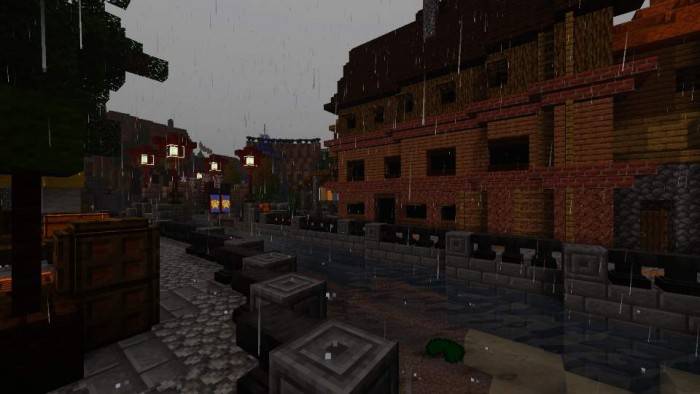
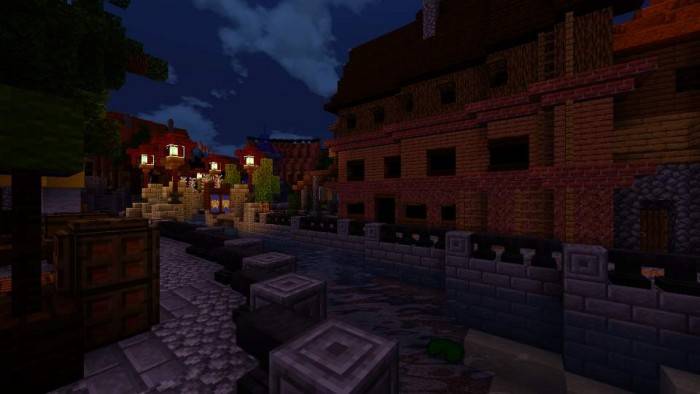
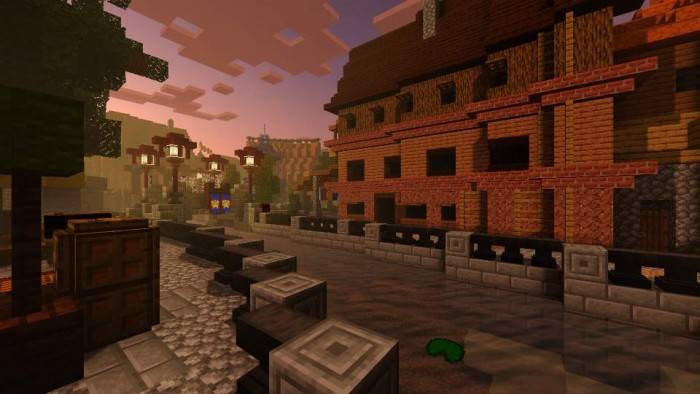
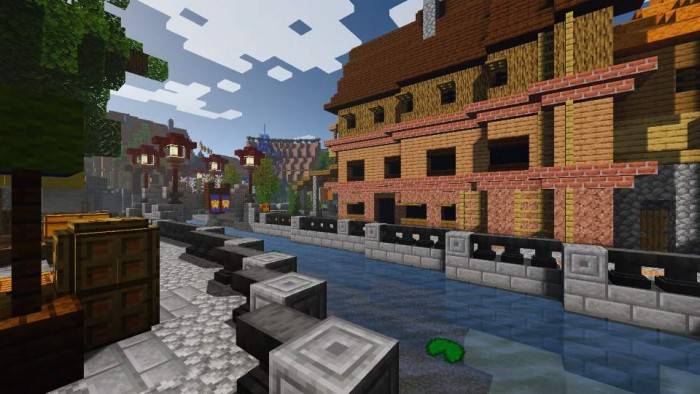
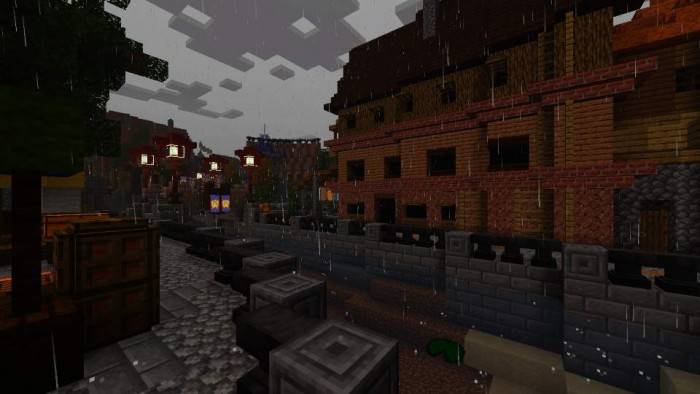
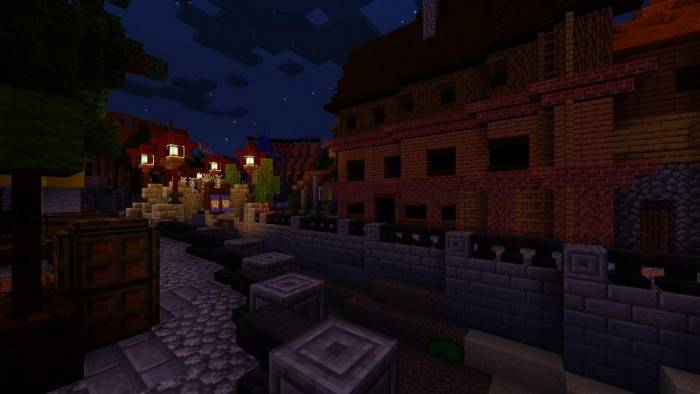
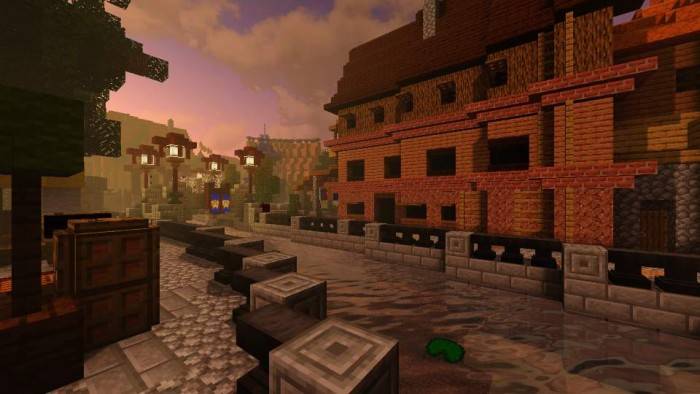
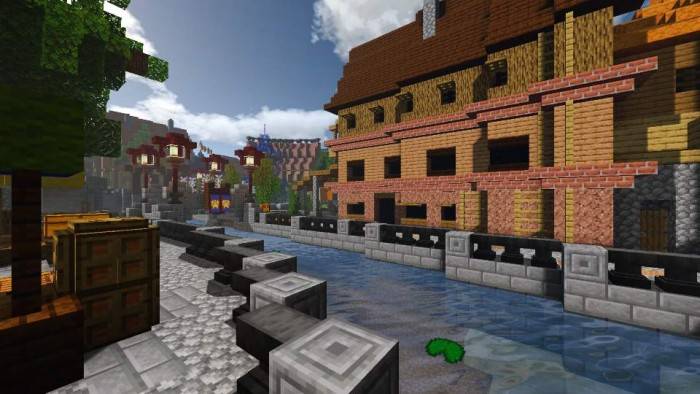
ShadersHyra PE (Pocket Edition)” introduce stunning textures with exceptional lighting and a vibrant color palette to Minecraft. This enhancement truly transforms the game into a more realistic experience. The shaders come in various options: Ultra, High, Medium, and Low, catering to different device capabilities.

Note: Compatible only with the mobile version of Minecraft 1.14+.
srcdoc=”

>


permissions=”accelerometer; encrypted-media; gyroscope; picture-in-picture”

fullscreenallowed>

Installing Hyra PE (.mcpack)

  • Download the shaders labeled as “.mcpack” from below.
  • Open the downloaded file to import the shaders into Minecraft.
  • Launch Minecraft Pocket Edition and navigate to the world settings.
  • For your world, apply the imported:
    Resource Packs.
  • Select the imported shaders in each section.
  • It is advisable to restart the Minecraft PE client afterward.
  • Start Minecraft Pocket Edition, enter the previously configured world Minecraft, and enjoy the shaders!

Leave a comment