Реклама на сайте
2 млн+ просмотров в месяц
Ads

FeluxisHD Shaders

FeluxisHD Shaders
05.02.2026 Shaders admin 0 comments 1 min 118 views

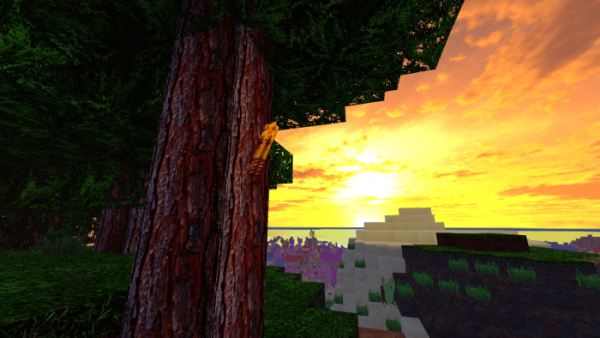
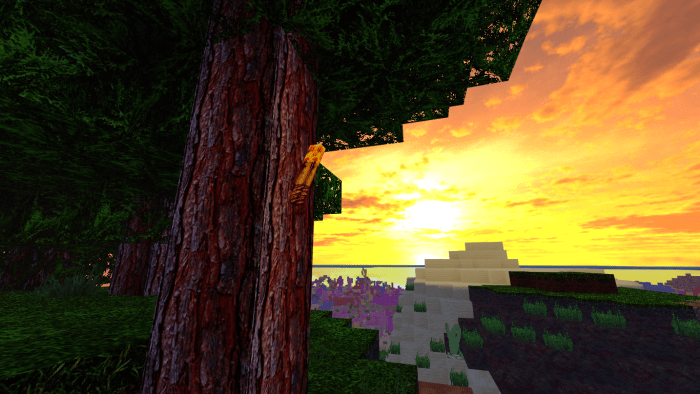
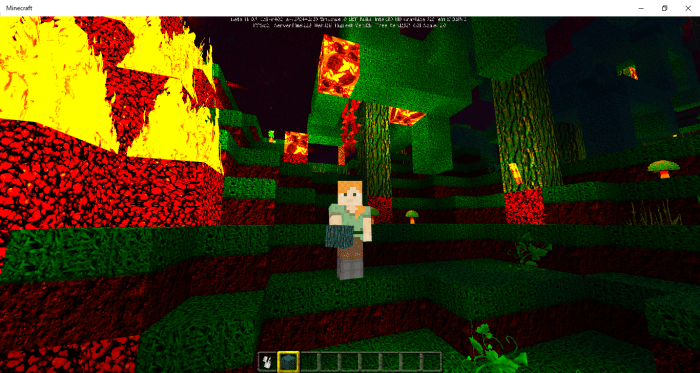
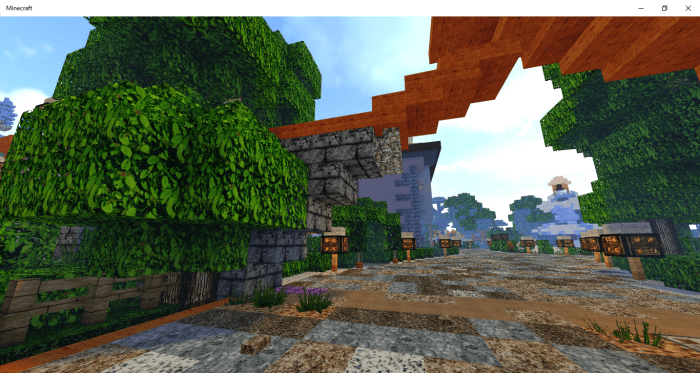
FeluxisHD (Flexus)” is a set of striking shaders designed for Minecraft, inspired by medieval aesthetics. With its textured relief and distinct details, the items and blocks will take on a more lifelike appearance. These shaders have been optimized for Minecraft version 1.16 but are also compatible with earlier versions.
Installing FeluxisHD (.mcpack)

  • Download the shaders labeled as “.mcpack” from below.
  • Open the downloaded file to import the shaders into Minecraft.
  • Launch Minecraft Pocket Edition and navigate to the world settings.
  • For your world, apply the imported:
    — Resource Packs.
  • Select the imported shaders in each section.
  • It is advisable to restart the Minecraft PE client afterward.
  • Start Minecraft Pocket Edition, enter the previously configured world Minecraft, and enjoy the shaders!

Leave a comment