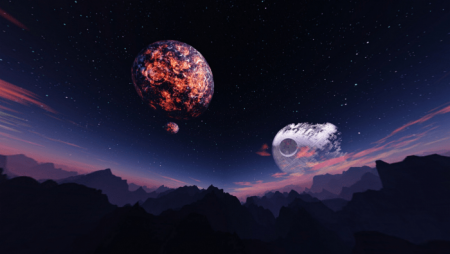
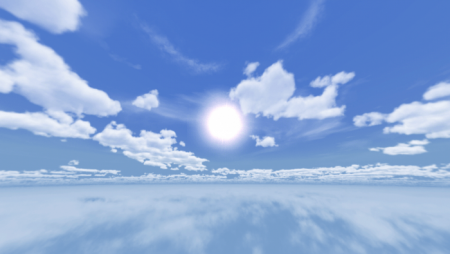
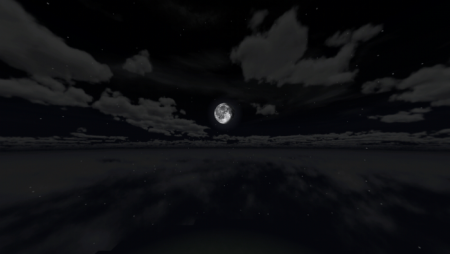
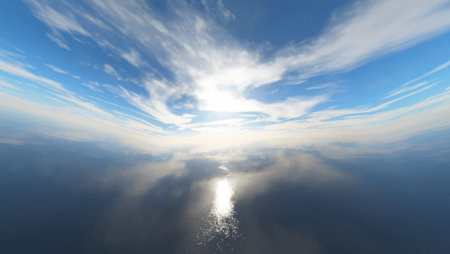
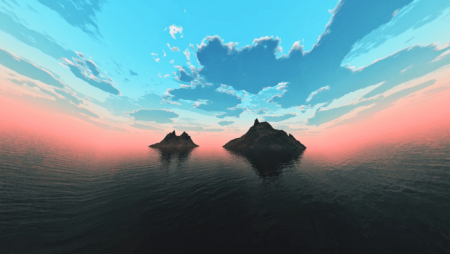
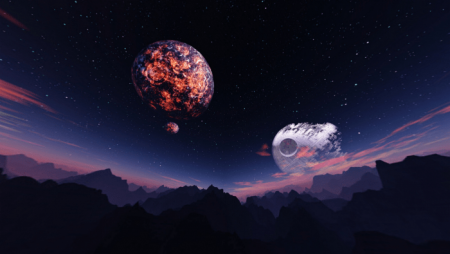
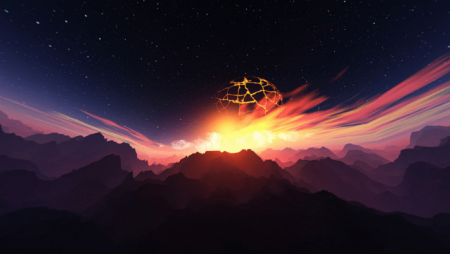
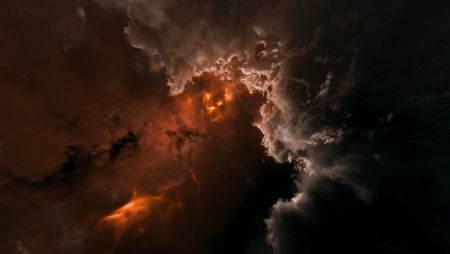
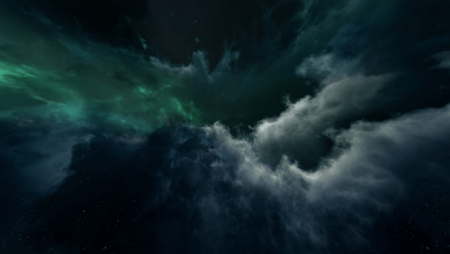
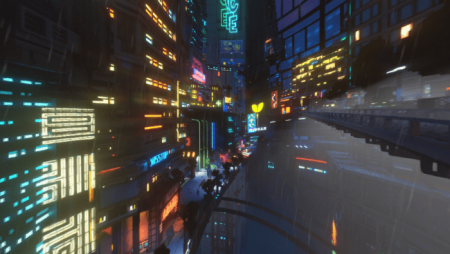
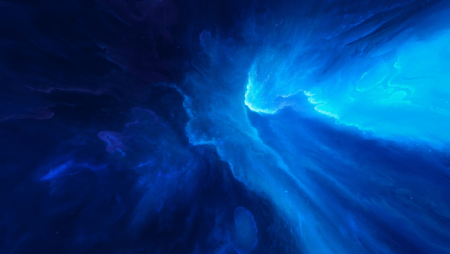
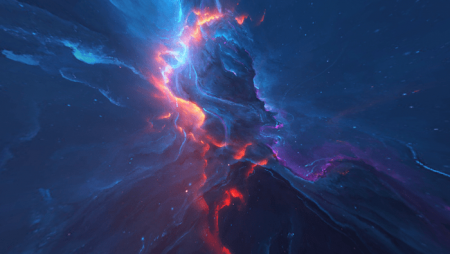
Shaders “Enhanced Skyboxes” introduce 12 different sky variations to Minecraft Bedrock. There are two options available: a static sky and an animated one. You can download each version as a separate file.
Realistic Sky 1.
Realistic Sky 2.
Realistic Sky 3.
Stylized Sky.
Time of the Edge.
Cloud Aurora.
Cyberpunk.
Azure Nebula.
Cosmic Explosion.
To select a specific sky in Minecraft, utilize the slider.
Installing Better Skyboxes (.mcpack)
Download the shaders labeled as “.mcpack” from below.
Open the downloaded file to import the shaders into Minecraft.