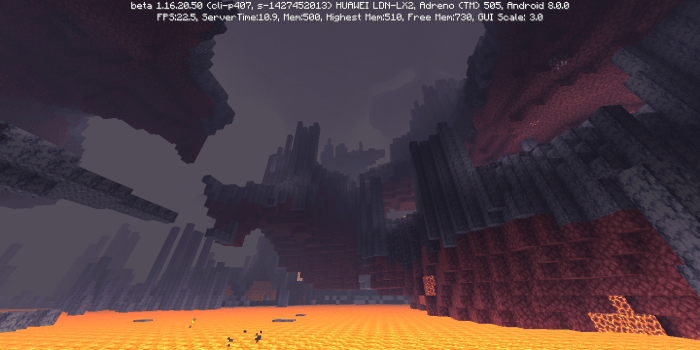
Asriel’s Atmospheric shaders
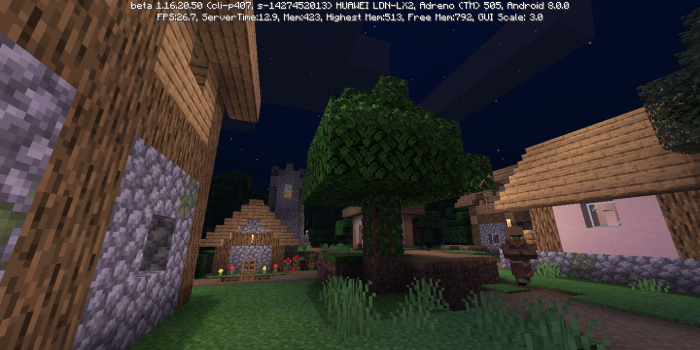
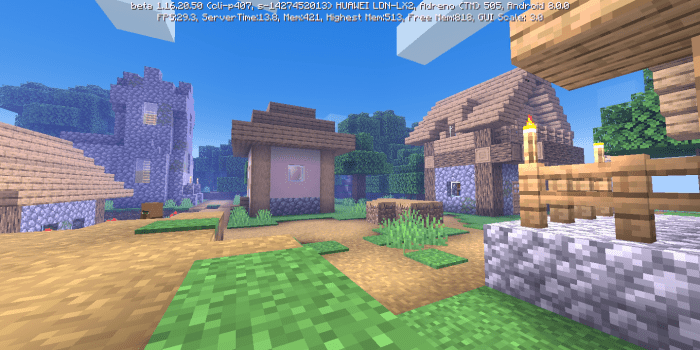
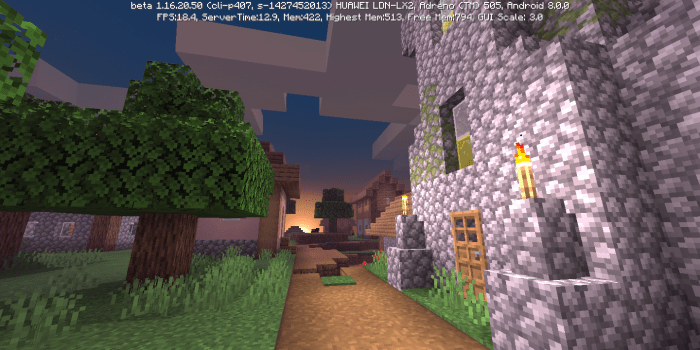
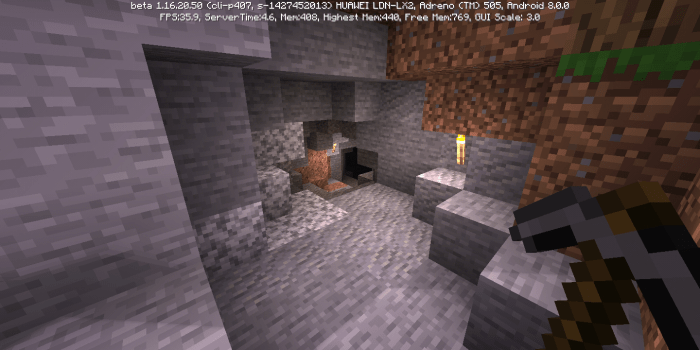
Shaders “Asriel’s Atmospheric (Atmospheric) ” were designed to enhance Minecraft by making it more vibrant while preserving the core textures and hues of the environment.
These shaders introduce:
Enhanced lighting;
Vivid environmental colors;
More dynamic trees with swaying leaves;
Ripples on water surfaces;
Custom daytime, nighttime, and overcast skies;
A variety of new particles;
An improved Nether in Minecraft .
Installation of Asriel’s Atmospheric (.mcpack)
Download the shaders labeled as “.mcpack ” from below.
Open the downloaded file to import the shaders into Minecraft .
Launch Minecraft Pocket Edition and navigate to the world settings.
For your world, apply the imported: Resource Packs
Select the imported shaders in each section.
It is advisable to restart the Minecraft PE client afterward.
Start Minecraft Pocket Edition , enter the previously configured world Minecraft , and enjoy the shaders!