Now available on Xbox One, Windows 10, Oculus, mixed reality, and smartphones!
Xbox One! Windows 10! Smartphones! Gear VR, Oculus Rift, and let’s not forget about mixed reality! Why am I mentioning these various gaming devices for Minecraft? I can’t quite recall!
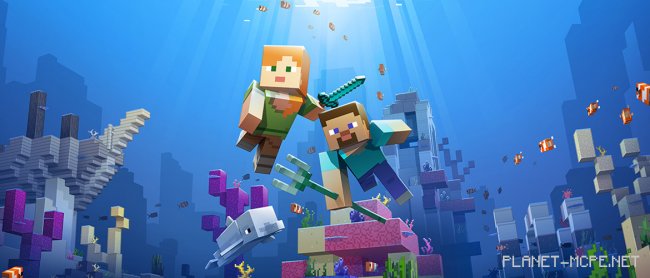
Oh wait, I think I’ve remembered. All players of Minecraft PE will now receive the first part of the Update Aquatic update!
You might wonder why only the first part; well, the developers have chosen to split this highly anticipated update into two phases. Initially, you’ll get access to the first batch of features, followed by the second one later. Are you playing on the Java platform? Don’t worry – your turn is coming very soon!
You can find all the new content that will be available after the update following the screenshots. Naturally, if you have the latest version of Minecraft Pocket Edition, you can install the update today. And if you’re a fan of Xbox One but are using an older version, remember that you always have the option to upgrade.
List of New Features and Capabilities
What would it be without fish? You’ll get salmon, cod, pufferfish, and tropical fish!
A bucket specifically for fish has been added
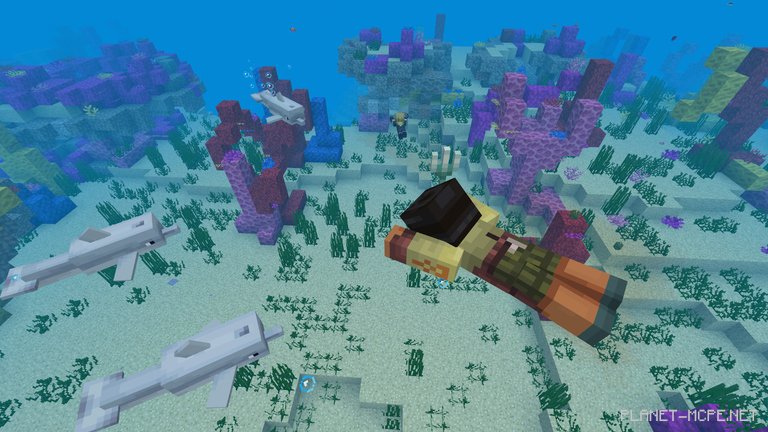
Everything related to corals – corals, fans, and blocks
Kelp, sea grass, and kelp blocks
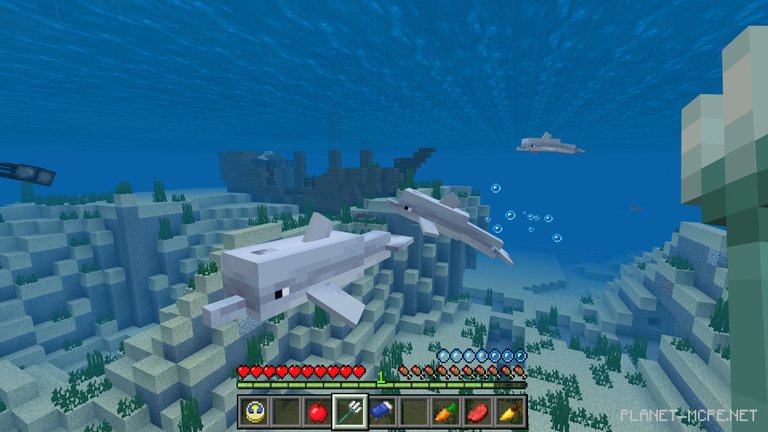
Dolphins swimming alongside you
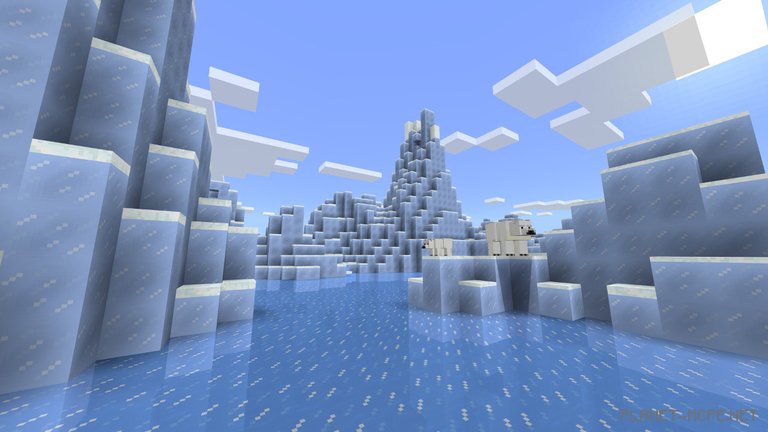
Icebergs
Blue ice
All nine ocean biomes: frozen, deep frozen, cold, deep, warm, deep warm, as well as regular and hot
Canyons and underwater caves
Seagrass
Sea cucumbers, even with lighting! Up to 4 cucumbers in one block, though underwater
Shipwrecks
Treasure chests at shipwreck sites
Ruins
You can now swim!
Maps showing treasure locations
Buried treasure
The heart of the sea found in buried treasures
Tridents
Enchanting tridents
Broken journals
Various buttons, traps, and pressure plates
Carved pumpkins
Floating items
Minor improvements for boats
A total of 8 new achievements
Water has received a completely new look, along with improved visibility underwater
Prismarine slabs and stairs
Special swimming animation when speeding up
In the “Cheats” section, you can now enable Minecraft: Education Edition Chemistry
To learn how to use it, open the Laboratory Chemical Handbook