X-Structures
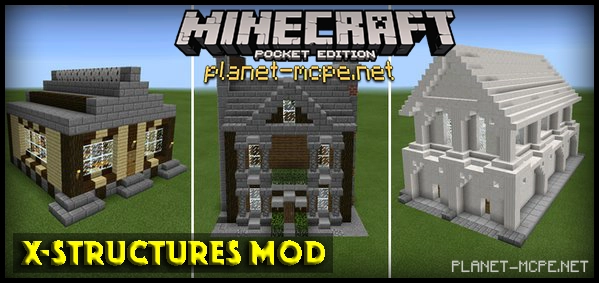
X-Structures Mod — this modification introduces the ability to construct over a hundred different types of structures in Minecraft Pocket Edition with just a single click.
The structures that can be displayed in the MCPE world include: regular houses, mansions, vehicles, and towers. The vehicles consist of: airplanes, helicopters, cars, tanks, and much more.
To build a structure, first select the desired structure using a specific item, and then place it in the desired location. Read on to learn how to do this.
If you are in survival mode, you can use the following command to obtain the necessary items: /xstructure ids
If you are playing in creative mode, you can utilize two eggs found in the creative inventory.
Start by using the black egg to select the type of structure you wish to place. In our case, we chose — HOUSE2.
Next, use the red egg to install the selected structure. Click on the block where you want the structure to appear with the red egg.
Some structures need to be placed 2-3 blocks above the ground, as they have an additional foundation base.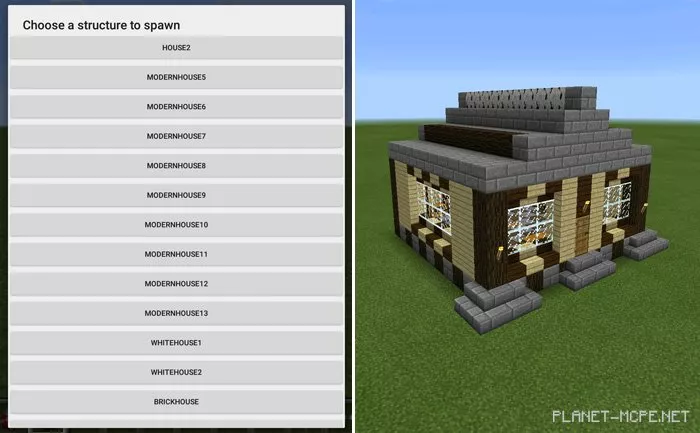
In total, the X-Structures modification adds over a hundred different structures that can be placed anywhere in the Minecraft Pocket Edition world.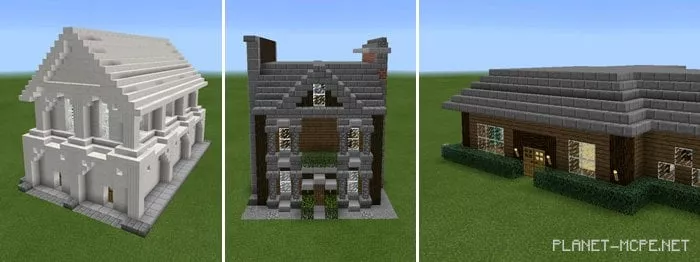
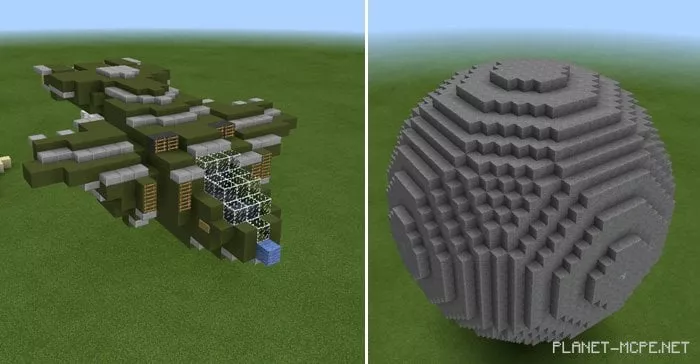
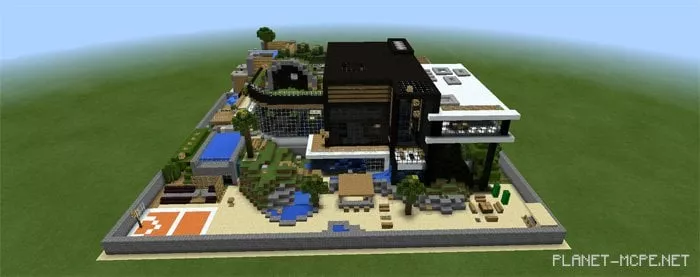
The modification includes the following categories:
Make sure to add only one .js mod extension; otherwise, your phone may crash.