World Edit Paint Brush
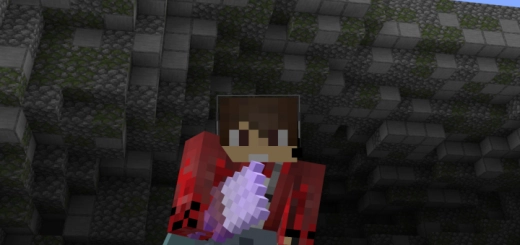
In just a few minutes, you can create landscape objects in Minecraft using the mod called World Edit Paint Brush. This user-friendly system allows you to shape terrain in virtually any design you desire.
Check out the tutorial video for the add-on: Configure the mod following the instructions below. After that, enter the command to obtain the brush.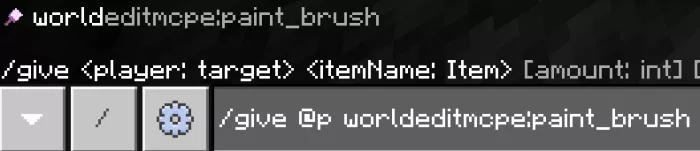 Add the brush to your toolbar.
 Place the blocks you wish to use for creating objects in the last slots. If you plan to build with air, leave the last three slots empty.
Select a location where you wish to place the object, then right-click (on Minecraft: Pocket Edition, you need to press and hold). You can also hold down the right mouse button to construct multiple items at once.
Note: make sure to enable experimental gameplay.