Working TV
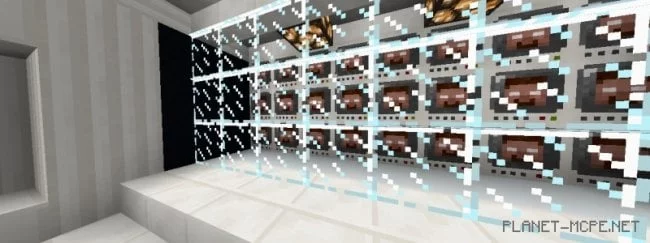
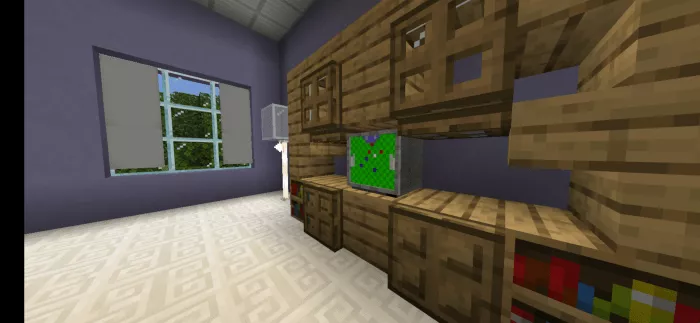
The mod “Functional TV (Working Television)” introduces a television to Minecraft that not only decorates your shelf but also displays various animations!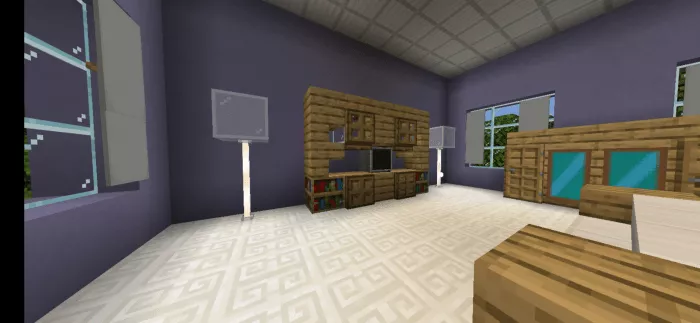
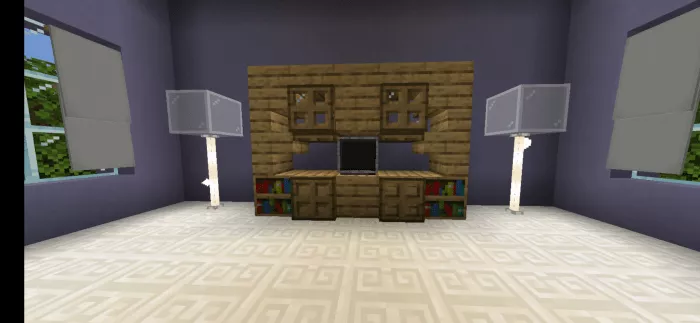
 How to use the television?
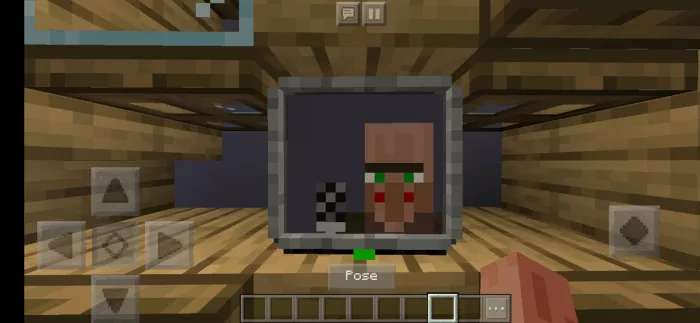
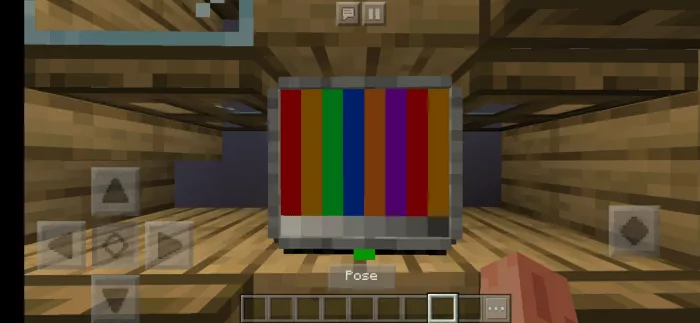
1. News. A channel where a villager shares the latest updates.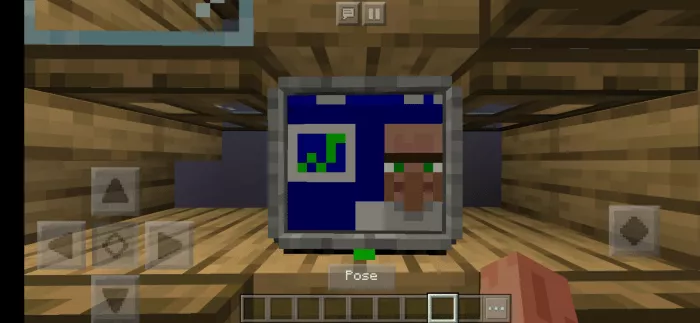 2. Gradient. A simple channel for color testing.
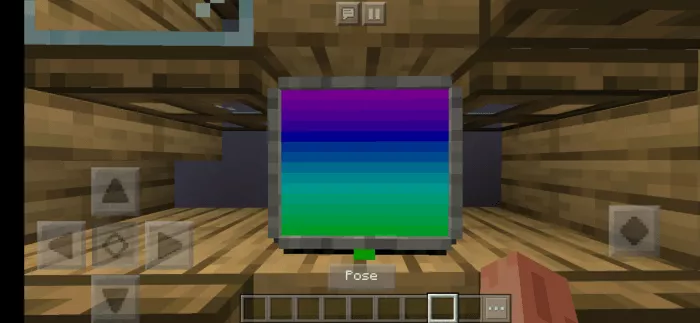 3. Football. What kind of TV would it be without a sports channel?
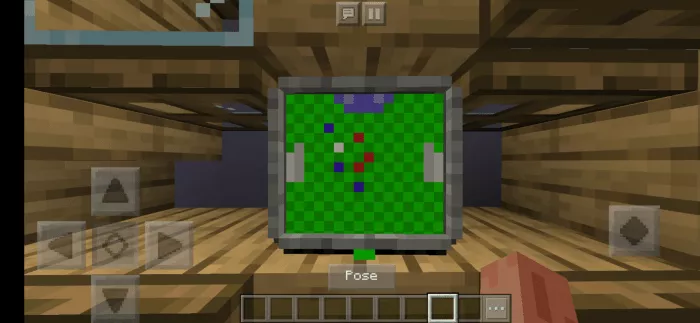 4. MCPEDL. A channel showcasing the website’s features.
 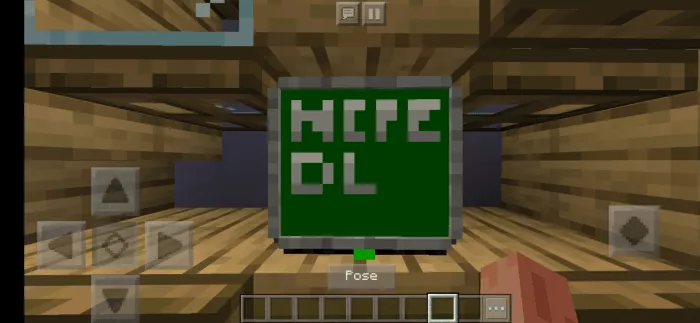 5. Cooking. If you’re planning a dinner or want to treat your character, this recipe channel is just what you need!
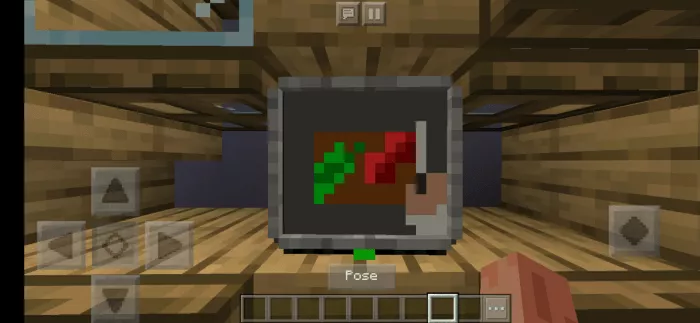 6. Cartoons. Just sit back and unwind after a long day.
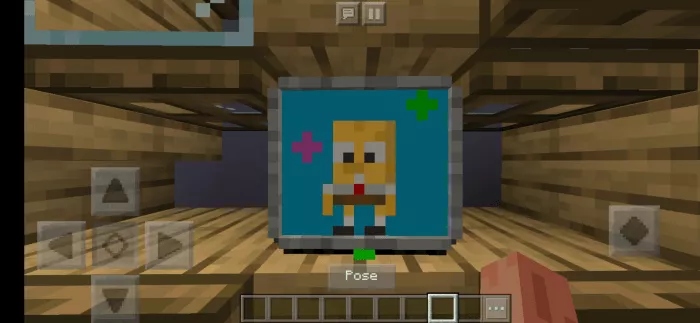 7. Horror. Who’s up for a little thrill?
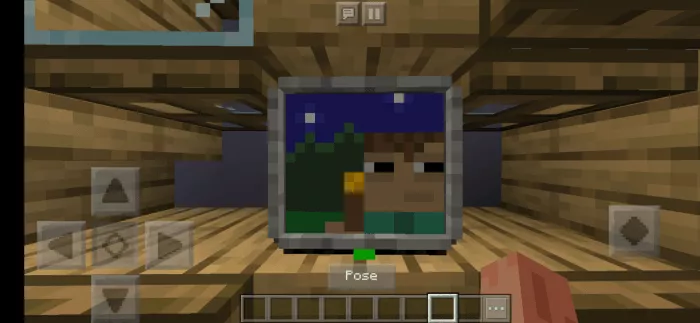 8. Super-duper spoon! Get an incredibly amazing spoon for just $9.99!
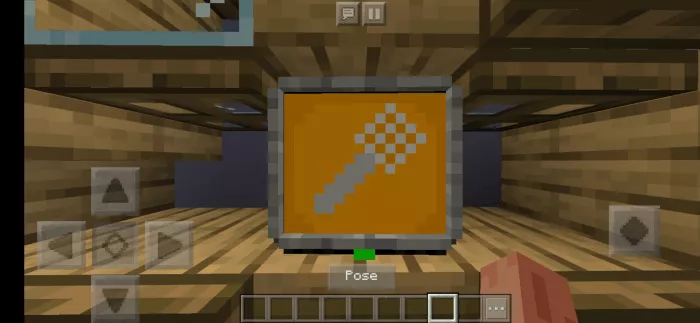 9. Stand-up. Simple, funny humor from the villagers.
 10. TV test chart. A temporary channel that will exist until new content is added.
 For the mod to function properly, make sure to enable experimental gameplay.