📢 Купить рекламу на сайте  — узнать цены и условия размещения!
📢
Купить рекламу на сайте — узнать цены здесь →

Winter Season

Winter Season
10.04.2026 Mods admin 0 comments 2 min 77 views

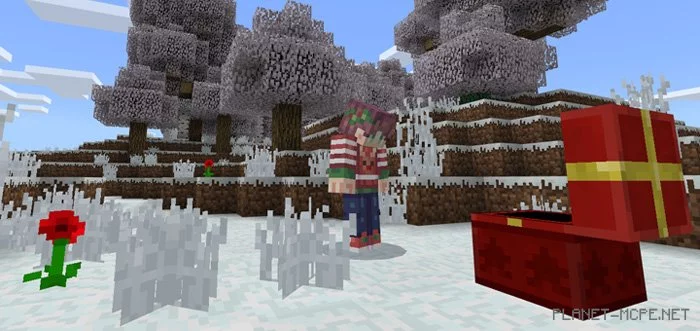
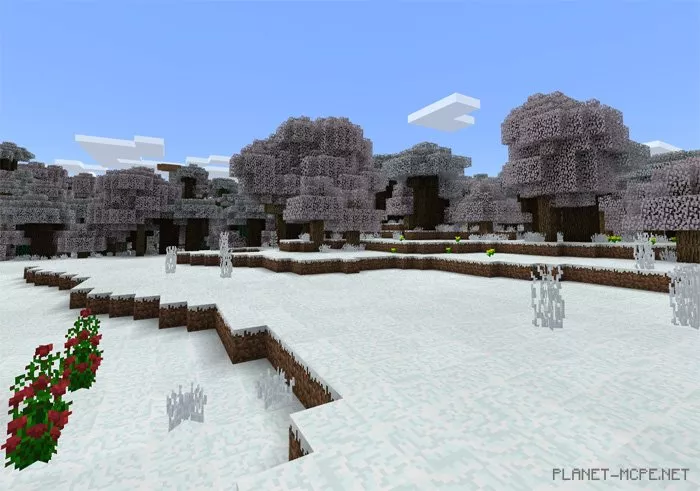
The mod «Winter Season» bears a strong resemblance to the well-known mod Seasons, with the key difference being that this addition keeps the world of Minecraft Pocket Edition in a perpetual winter state. This applies to all biomes featuring grass and leaves, such as plains and forest biomes, but not deserts. It’s a fantastic way to embrace the holiday spirit or simply a delightful option for those who truly enjoy winter landscapes.

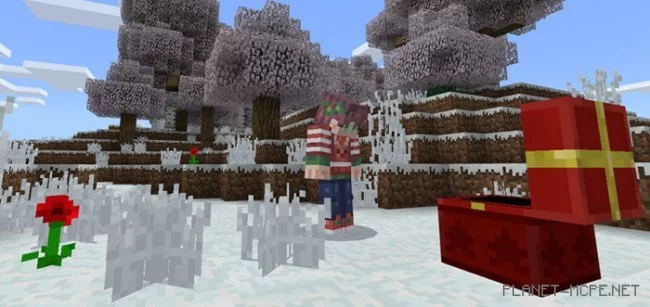
Here are some in-game screenshots. As you can see, the chests have been retextured to resemble gifts, along with several other blocks in MCPE.

Changes

  • Snowy fir trees and jungle leaves added
  • A white cubic world introduced for a more wintry atmosphere
  • Sand colors adjusted to better fit the winter theme
  • Rain replaced with snow

Installing Winter Season (.mcpack)

  • Download the mod marked with «.mcpack» below.
  • Run the downloaded file to import the addon/texture into MCPE.
  • Open Minecraft Pocket Edition and navigate to world settings.
  • Set the imported:
    Add-on Packs for the world.
  • Select the imported resource packs/addons in each section.
  • It is recommended to restart the Minecraft PE client afterward.
  • Launch Minecraft Pocket Edition, enter the previously configured world MCPE, and enjoy the addon!

Installing Winter Season (.zip)

  • Download the mod below.
  • Extract the folder «AlwaysWinterV1_Bisher» from the archive.
  • Move the folder «AlwaysWinterV1_Bisher» to the /games/com.mojang/behavior_packs/ directory.
  • Launch Minecraft Pocket Edition.
  • Create a new world or edit an existing one.
  • Set the selected world to use the addon you previously moved to the behavior_packs folder.
  • All set! Restart Minecraft PE and enjoy your game!

Leave a comment