📢 Купить рекламу на сайте  — узнать цены и условия размещения!
📢
Купить рекламу на сайте — узнать цены здесь →

Wildfire Function

Wildfire Function
10.04.2026 Mods admin 0 comments 1 min 102 views

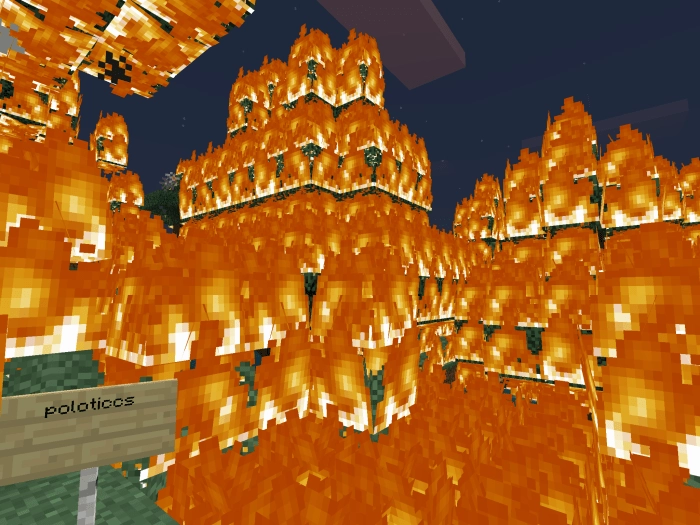
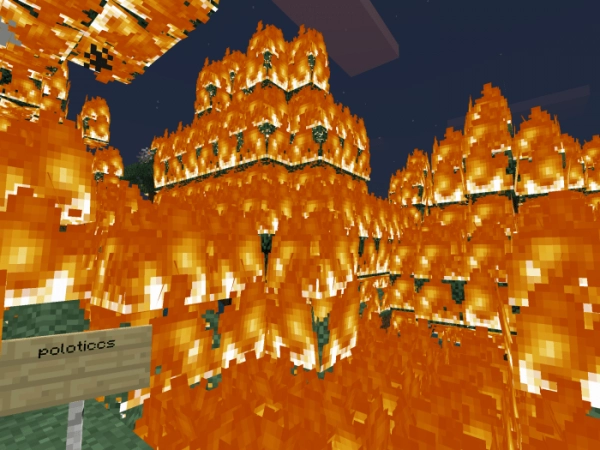
Do you find that fire in Minecraft has become a bit dull? The mod titled Wildfire Function introduces a new feature that can ignite anything within a 10-block radius from the source.

Activation:

  • Create a new world in Minecraft or back up your existing one.
  • Enable experimental gameplay.
  • Add the behavior pack.
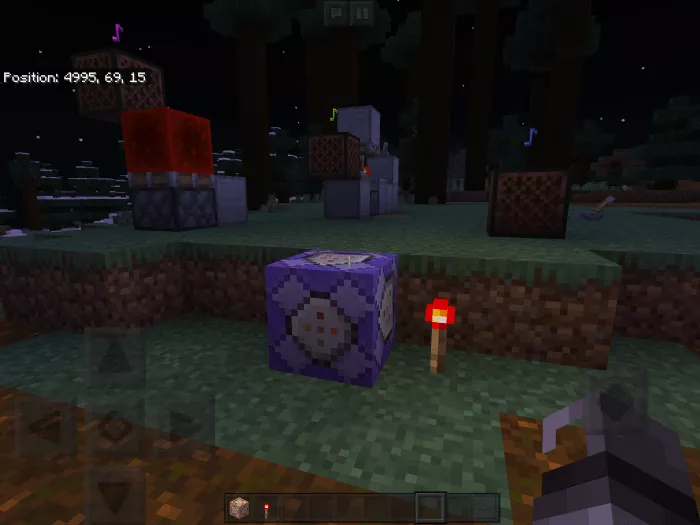
  • Open the command block and type in “/function wildfire”.
  • Set it to repeat.
  • Place redstone and line up some torches next to it.


Installing Wildfire Function (.mcpack)

  • Download the mod labeled as “.mcpack” from the list below.
  • Open the downloaded file to import the add-on/texture into Minecraft.
  • Launch Minecraft Pocket Edition and navigate to the world settings.
  • For your world, apply the imported:
    Resource Packs.
    Add-on Packs.
  • Select the imported resource packs/add-ons in each section.
  • It is advisable to restart the Minecraft PE client afterward.
  • Open Minecraft Pocket Edition, enter the previously configured world Minecraft, and enjoy the add-on!

Leave a comment