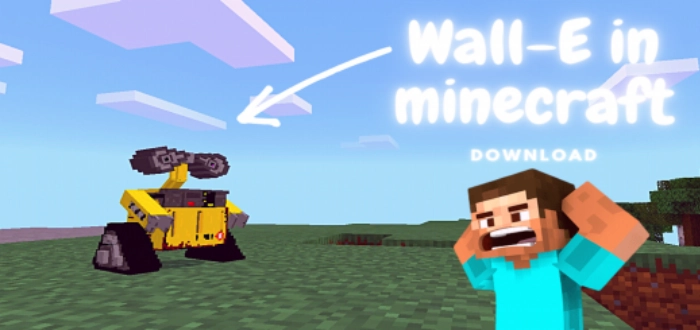
Wall-E
With the WALL-E (Wall-E) mod, you can have the titular robot from the animated film as your ally. He will be an excellent companion in Minecraft Bedrock.
Features of the Wall-E Mod
Here’s what the robot from the WALL-E (Wall-E) mod can do in Minecraft :
Protect your character
Hunt various mobs
Always follows the player
Has its own inventory in MCPE
Tamed with fish
An egg for spawning can be crafted
Make sure to enable experimental settings for the mod. Enjoy your game!
▶ “
permissions=”accelerometer; encrypted-media; gyroscope; picture-in-picture”
fullscreenallowed>
Installing Wall-E (.mcpack)
Download the mod labeled as “.mcpack ” from below.
Open the downloaded file to import the add-on/texture into Minecraft .
Launch Minecraft Pocket Edition and navigate to the world settings.
For your world, set the imported: Resource Packs Add-ons
Select the imported resource packs/add-ons in each section.
It is advisable to restart the game client of Minecraft PE after this step.
Start Minecraft Pocket Edition , enter the previously configured world in Minecraft , and enjoy the add-on!