You exclusively play in survival mode in Minecraft Bedrock. You are well-versed in survival gameplay and its battles. At some point, it becomes too easy for you and loses its charm. There’s no need to resort to cheat add-ons. The mod “Veteran Supreme” will provide everything you need in this one hardcore add-on for Minecraft.
Features
Skeletons and zombies will no longer burn in daylight and will always seek out a steed.
The most common hostile mobs have increased attack range, health, and strength.
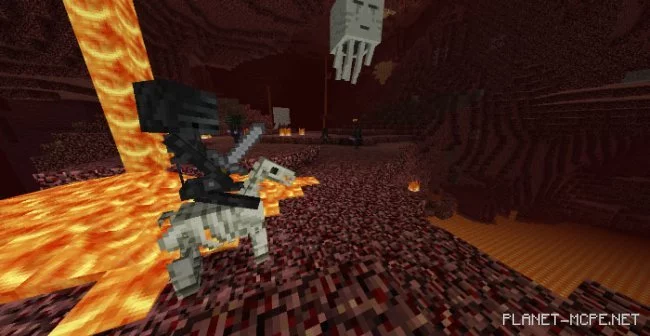
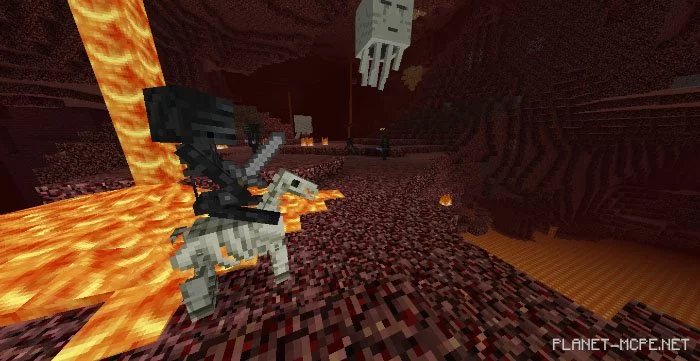
Skeleton horses and zombie horses are now rideable, can wear armor, and each has its own advantages (Skeleton horse jumps high, while zombie horse never drowns and swims quickly).
Creepers and fireballs now have more powerful explosions.
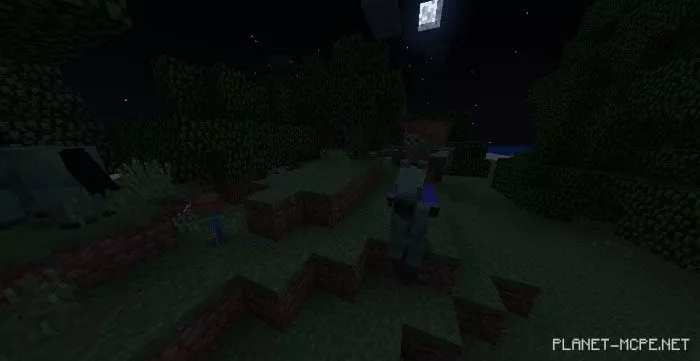
Zombie horses now spawn naturally in the Minecraft world.
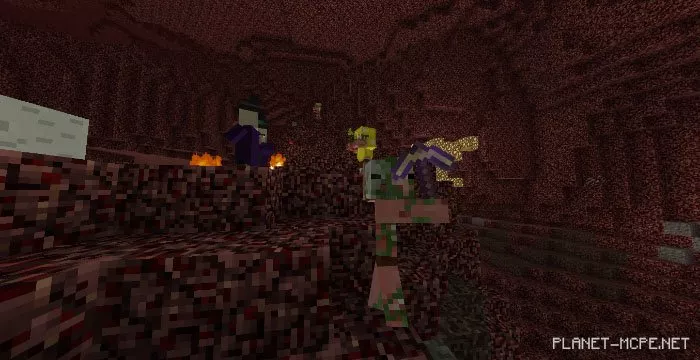
There’s a chance that zombified piglins will attack you.
Endermen and some Blazes have increased sizes.
Witches, lightning, skeleton horses, cave spiders, skeletons, wither skeletons, and blazes now spawn.
Wither skeletons now have a 50% chance to carry an enchanted stone sword.
Zombified piglins can now wear gold/leather armor and carry more weapons.
Skeletons shoot faster.
Baby zombies now spawn more frequently.
Magma cubes and slimes have more health.
Snow golems have increased health.
Villagers no longer walk on damaging blocks.
The wither and ender dragon have increased health.
Loot in Nether fortresses has been significantly improved.
End crystals now cause larger explosions.
There’s a rare chance to obtain a skull from defeating mobs and other players.
Don’t underestimate this mod. It’s quite challenging. You’ve been warned, so have fun and try not to die!