Vanilla 3D Tools
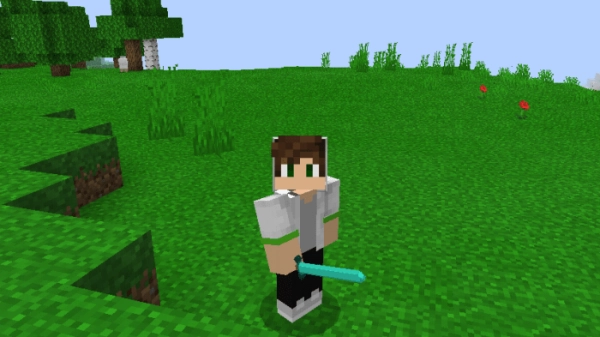
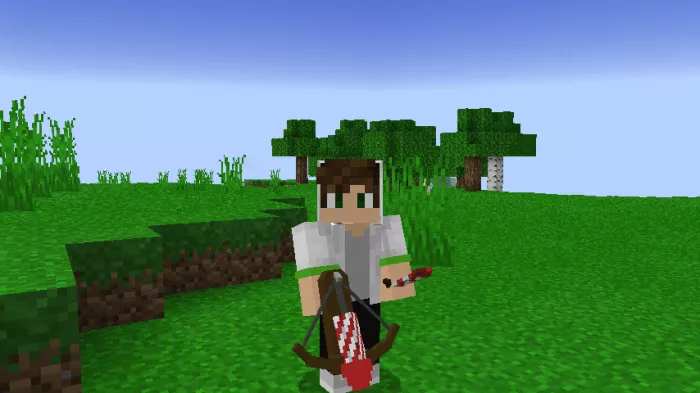
The mod “Vanilla 3D Tools” transforms all tools and equipment in Minecraft into 3D versions, enhancing their realism. With ray tracing technology available on Windows 10, the 3D models will appear even more impressive, and if you are playing Minecraft 1.14+, everything will function properly for you as well.
Sword.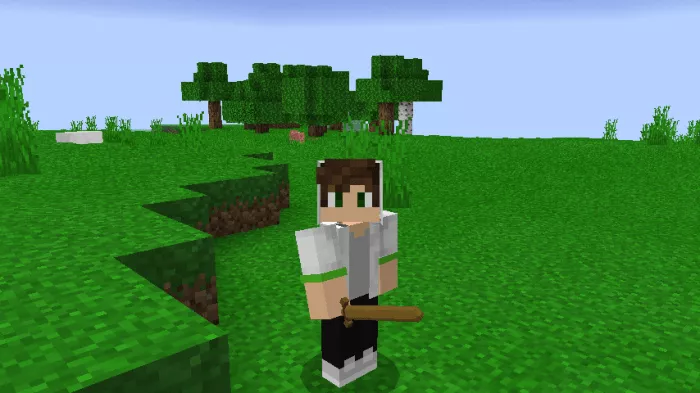 Axe.
Axe.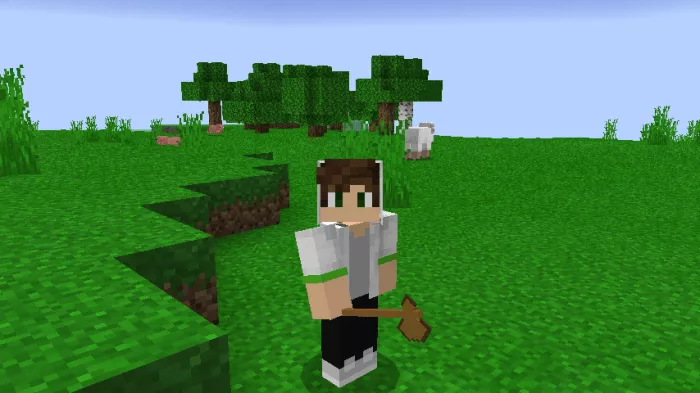 Pickaxe.
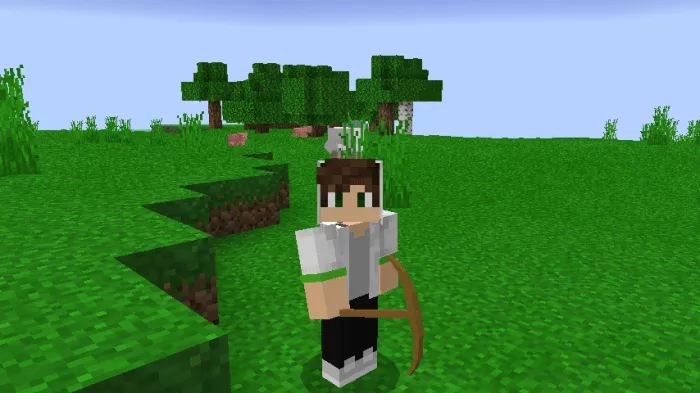 Shovel.
 Hoe.
Hoe.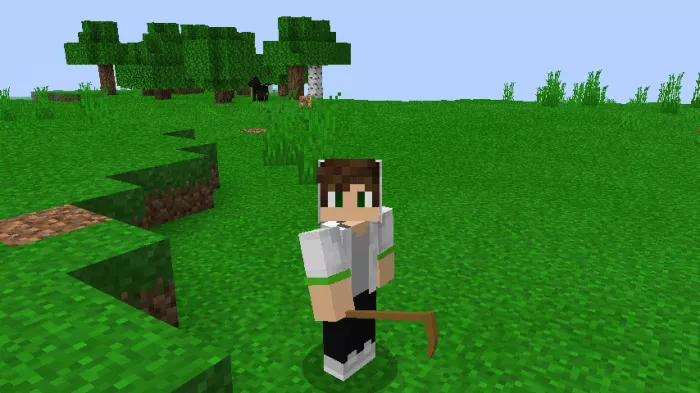
Sword.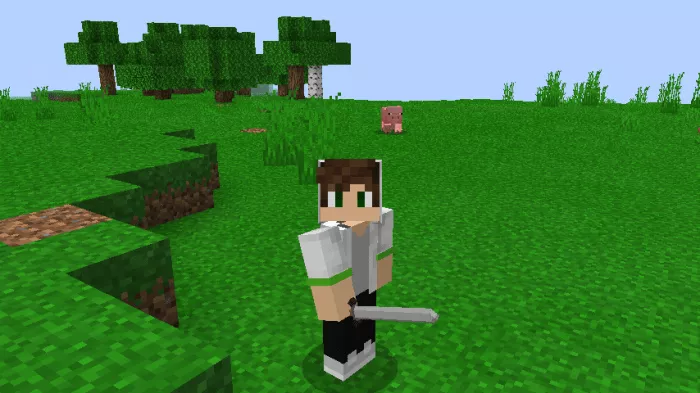 Axe.
Axe.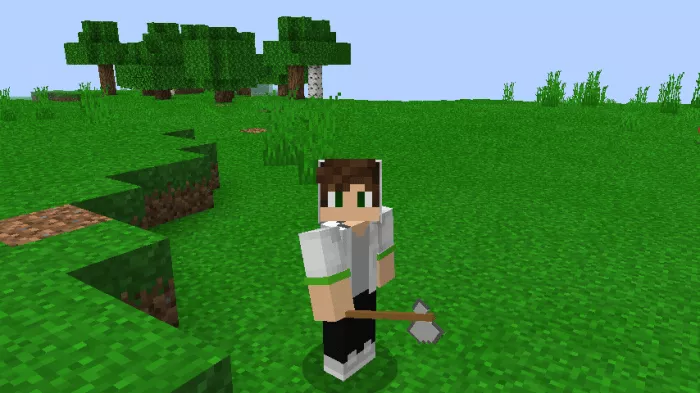 Pickaxe.
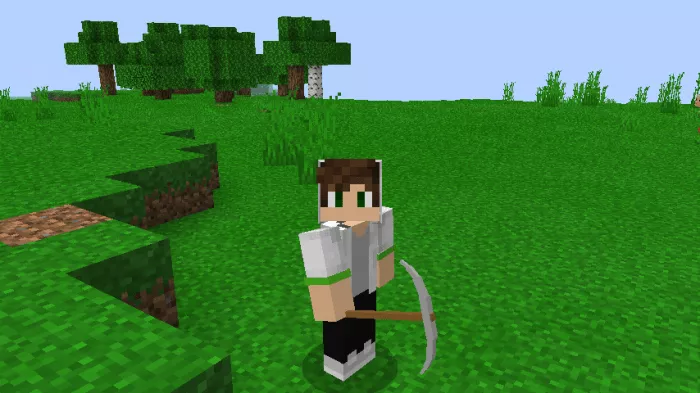 Shovel.
 Hoe.
Hoe.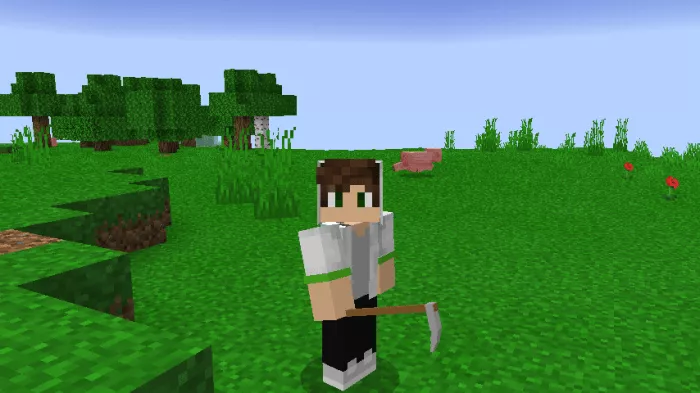
Sword.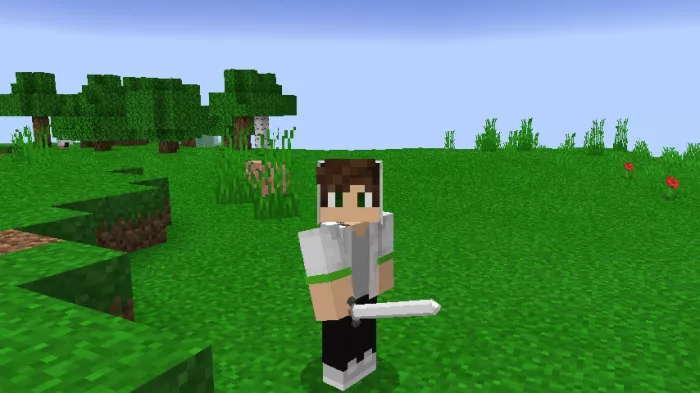 Axe.
Axe.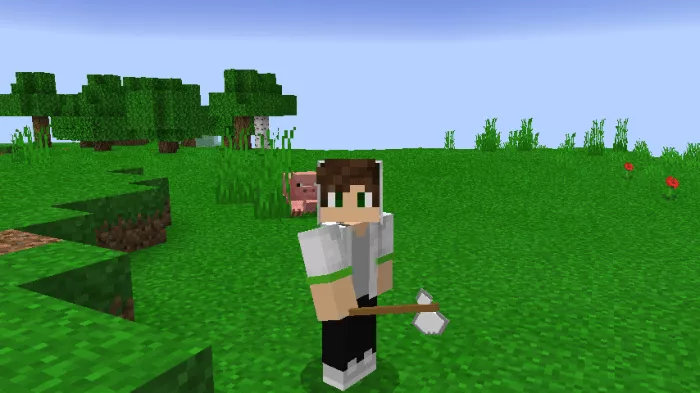 Hoe.
Hoe.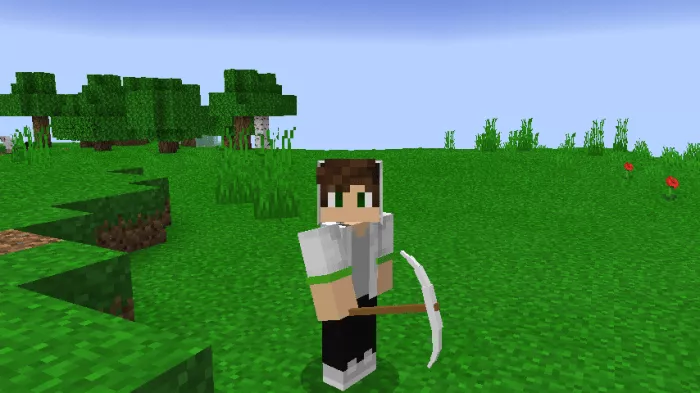 Shovel.
Sword.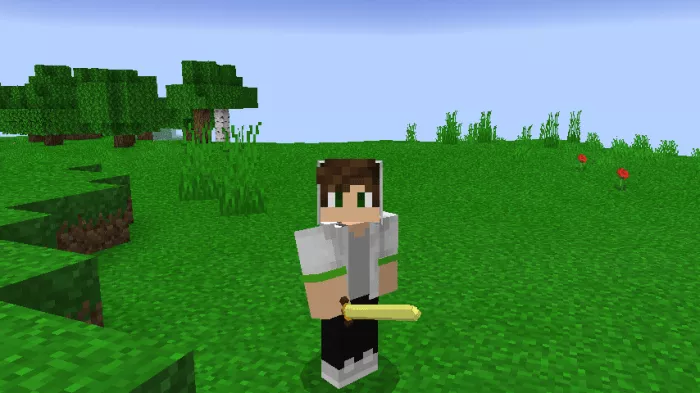 Hoe.
Hoe.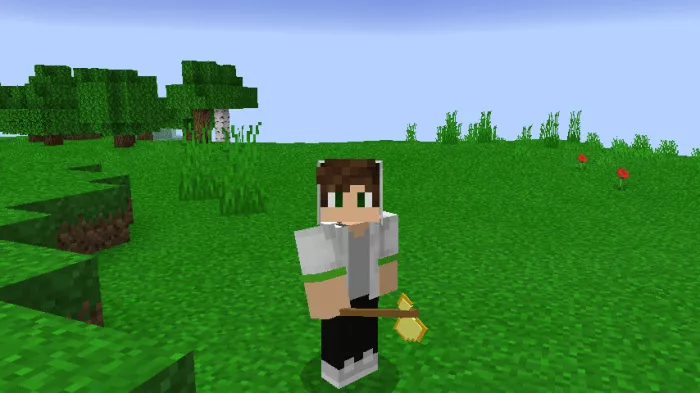 Pickaxe.
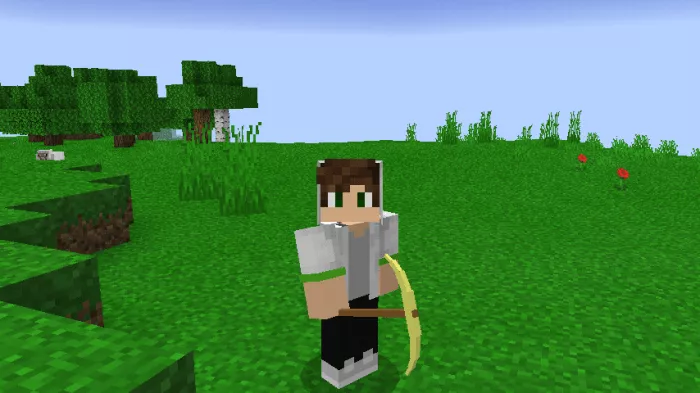 Shovel.
 Hoe.
Hoe.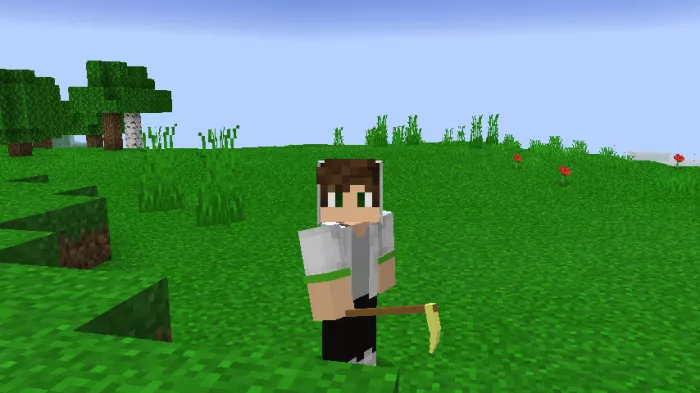
Sword. Axe.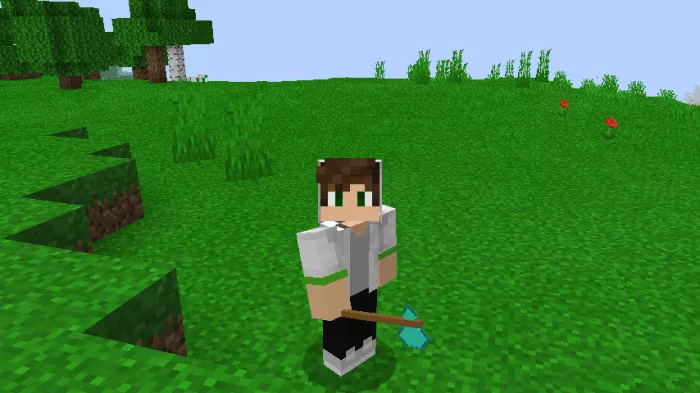 Pickaxe.
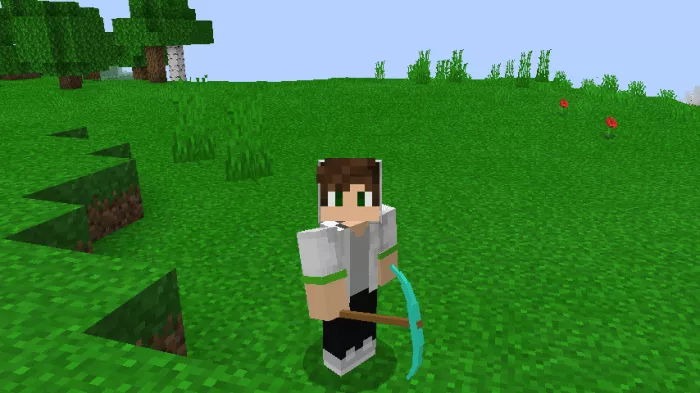 Shovel.
 Hoe.
Hoe.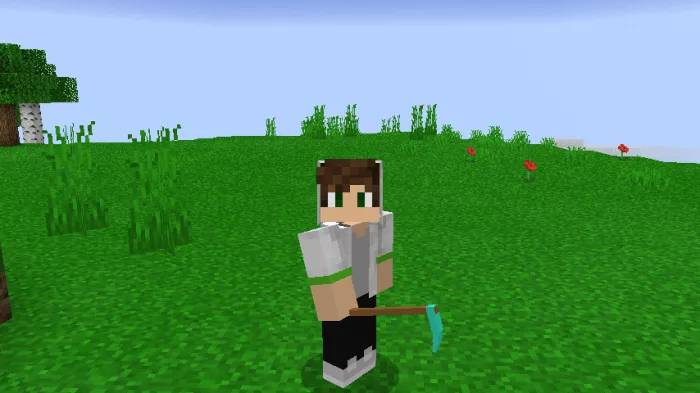
Sword. Axe.
Axe. Pickaxe.
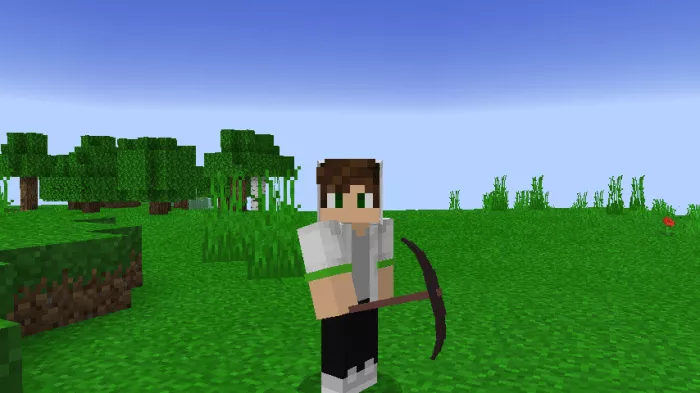 Shovel.
 Hoe.
Hoe.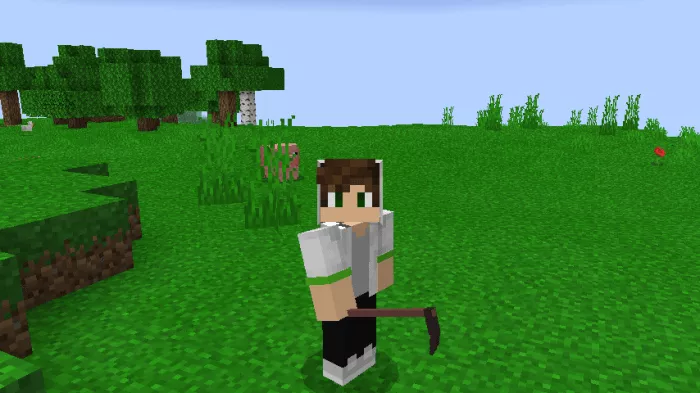 Bow.
Bow. Crossbow.
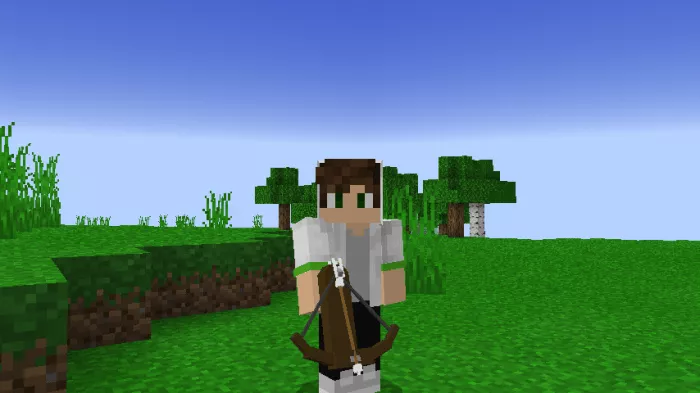 Firework Crossbow.