Useful Sponges
Useful Sponges Mod introduces a sponge into Minecraft Pocket Edition, specifically a crafting recipe for it, as sponges were already present in both Minecraft PE and the PC versions. However, locating one in the game would require considerable time and luck. Currently, in Minecraft Pocket Edition, the only way to obtain a sponge is through inventory in creative mode, while in the PC version of Minecraft, players can defeat an Elder Guardian to receive a sponge as a drop.
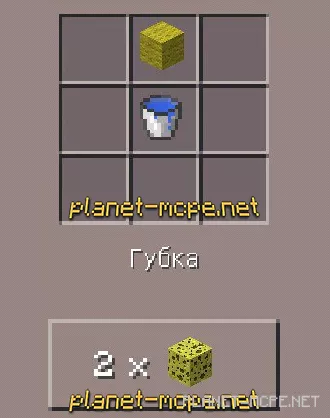
To compensate for this limitation, the Useful Sponges mod adds a crafting recipe for the sponge. Now, you can easily manage liquids in MCPE, specifically by removing them. All the water is now at your command! But be cautious with these sponges; you wouldn’t want to turn the Minecraft PE world into a desert, would you?
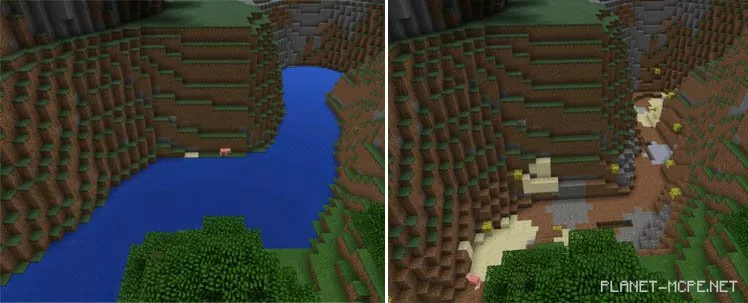
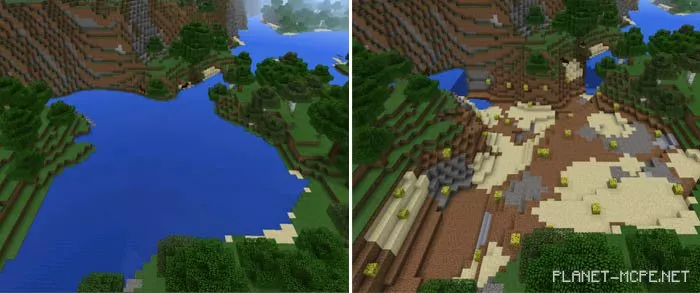
Imagine you have a swimming pool filled with water that you need to dry up. How can you achieve this? If you possess a sponge, place it in the center of the pool to absorb some of the water.
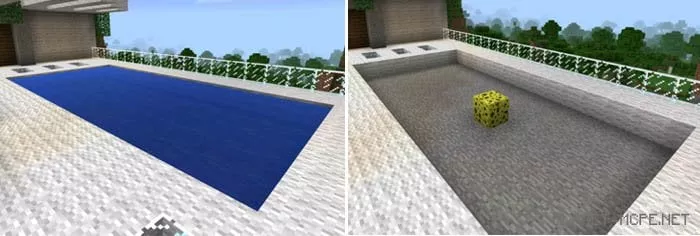 This way, you can dry up vast rivers using just a few dozen sponges. Just remember to use them wisely and calculate your needs accurately to avoid wastage!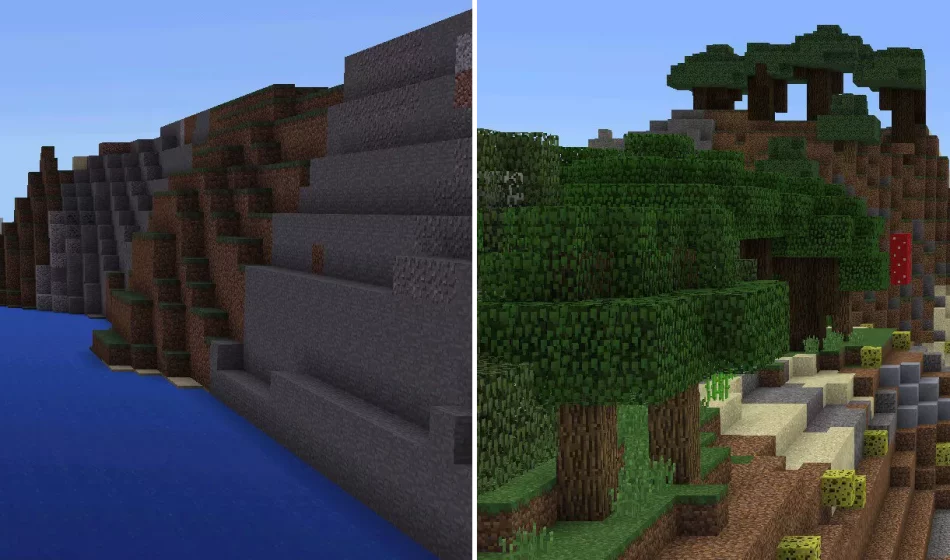
We hope you will use all these sponges wisely and not turn the MCPE world into a barren desert!