📢 Купить рекламу на сайте  — узнать цены и условия размещения!
📢
Купить рекламу на сайте — узнать цены здесь →

Trophies Stand

Trophies Stand
10.04.2026 Mods admin 0 comments 2 min 288 views

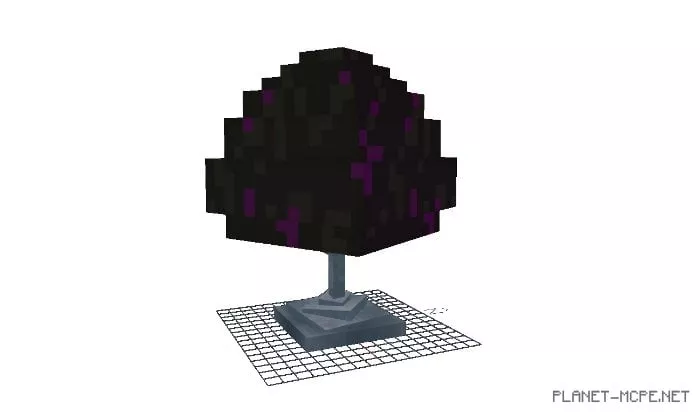
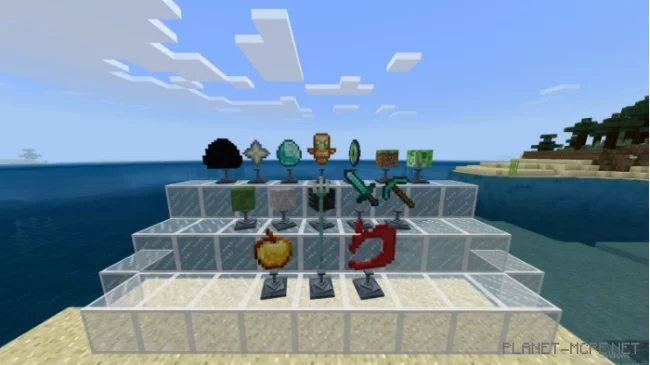
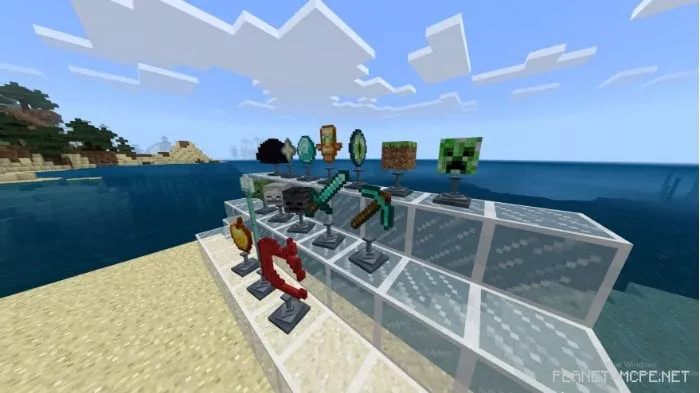
Showcase your accomplishments in Minecraft by utilizing the stands introduced by the mod titled Trophies Stand. This stand serves as a platform where a variety of trophies can be displayed. It’s a fantastic way to make use of some decorative items in Minecraft Bedrock that previously had limited functionality.
How to Use the Stand?

  1. Enable experimental mode (in world settings).
  2. Spawn the stand (you can purchase them from villagers or obtain them as spawn eggs in creative mode).
  3. Right-click with an item in hand to place it on the stand.
  4. Right-click on any other item or in hand to remove it.
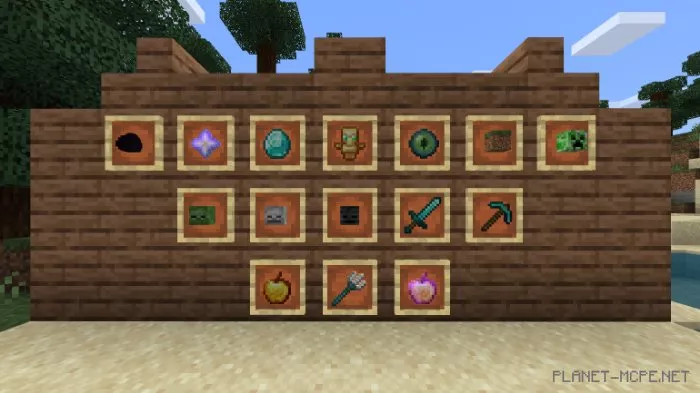
  5. Trophies

  • Dragon Egg
  • Nether Star
  • Diamond
  • Totem of Undying
  • Grass Block
  • Ender Eye
  • Creeper Head
  • Zombie Head
  • Skeleton Head
  • Wither Skeleton Head
  • Diamond Sword
  • Diamond Pickaxe
  • Golden Apple
  • Trident
  • Mojang Logo

Installing Trophies Stand (.mcpack)

  • Download the mod marked with “.mcpack” below.
  • Run the downloaded file to import the addon/texture into Minecraft.
  • Open Minecraft Pocket Edition and navigate to world settings.
  • Set the imported:
    Resource Packs.
    Add-ons.
  • Select the imported resource packs/add-ons in each section.
  • It is recommended to restart the game client Minecraft PE afterward.
  • Launch Minecraft Pocket Edition, enter the previously configured world Minecraft Bedrock, and enjoy the addon!

Leave a comment