Everyone is aware that in MinecraftforPC, players can trade with villagers. However, players of Minecraft PE have been eagerly awaiting this feature on their mobile devices for quite some time. To address this gap, we recommend installing the mod “Trade With Villager” for Minecraft Pocket Edition, which will introduce the ability to trade with villagers! This opens up new opportunities for players, allowing you to purchase everything you might need in exchange for specific resources!
How to Trade with Villagers?
First, you should locate a villager. Where can you find villagers? Naturally, they reside in villages, which you can easily discover using seeds available on our site.
Each villager in the Minecraft Pocket Edition world can sell specific items based on their profession. The currency for trading with your new friends is emeralds, just like in the PC version of Minecraft!
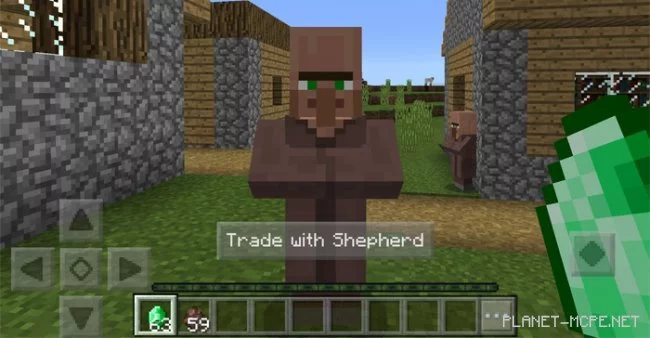
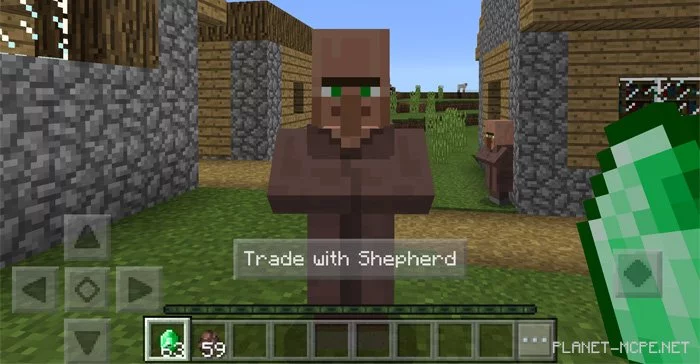
IOS/Android: Hold an emerald, long-press on the villager, and then tap the Trade button that appears.
Windows 10: Hold an emerald and right-click on the villager.
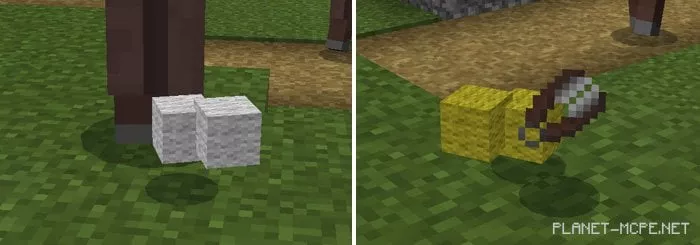
The screenshot shows an example of my trade with a shepherd from the MCPE world. The shepherd is a villager who takes care of sheep. In exchange for emeralds, I received: 2 blocks of white wool, 2 blocks of yellow wool, and a pair of shears.
Unfortunately, you cannot choose which items or blocks you will receive for your emeralds, as this will now happen randomly. More valuable items in the Minecraft Pocket Edition world will have a lower chance of dropping compared to cheaper items.
Available Goods
Even though players cannot select the specific item they will receive for emeralds, you can still make educated guesses since all villagers in MCPE are categorized. For instance, if you want to buy meat, you will need to find a butcher.