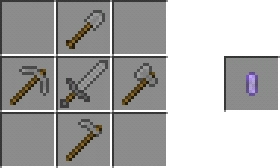
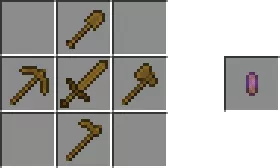
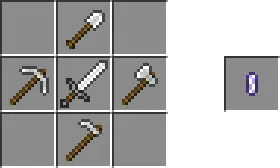
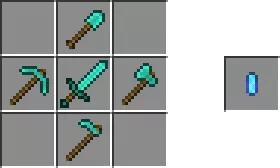
Are you tired of the vast array of weapons, tools, and various items in Minecraft? To avoid getting lost in all of this, download the mod “Tool Shifter“! With this tool, you can combine items of a specific material into one, allowing you to easily select what you need.
What does it offer?
One tool (the one resembling a pebble) contains 5 tools from Minecraft:
Hoe. To select it, start breaking dirt blocks.
Axe. To choose it, begin breaking wooden blocks.
Pickaxe. To select it, start breaking stone blocks.
Shovel. To obtain it, start breaking sand blocks.
Sword. To acquire it, aim at a mob or any other creature.
Crafting Recipes:
Wooden Items:
Stone items:
Iron items:
Items made of gold:
Items made of diamonds:
Установка Tool Shifter (.mcpack)
Download the mod labeled as “.mcpack” from the list below.
Open the downloaded file to import the add-on/texture into Minecraft.