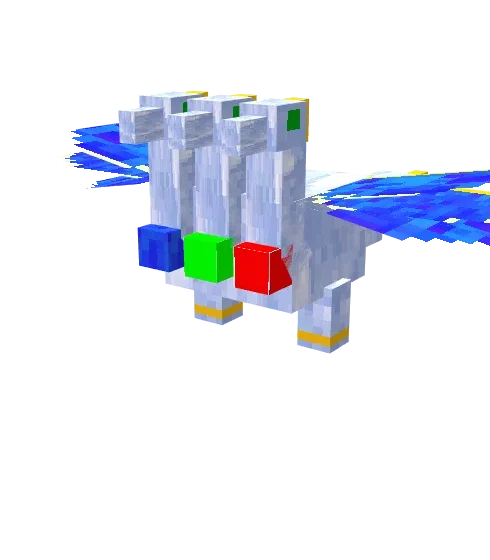
The King’s Resurgence

For the Java version, there is an add-on called “Orespawn”, which introduces a vast array of new mobs and weapons. The mod The King’s Resurgence is a small portion of this, tailored for Minecraft Bedrock.
The King.This is the most formidable mob in this add-on, capable of attacking players and easily defeating them.
 The Queen. A highly formidable mob that harbors a strong dislike for players. She can enter a furious state, making her even more terrifying.
 Prince. This is a more gentle variant, possessing relatively low health and a weak attack. The prince can be tamed using beef. After taming, you can modify his form by utilizing a diamond block. Each time you make a change, you will need to tame the prince again. He comes in three forms: tamed, juvenile, and adult.
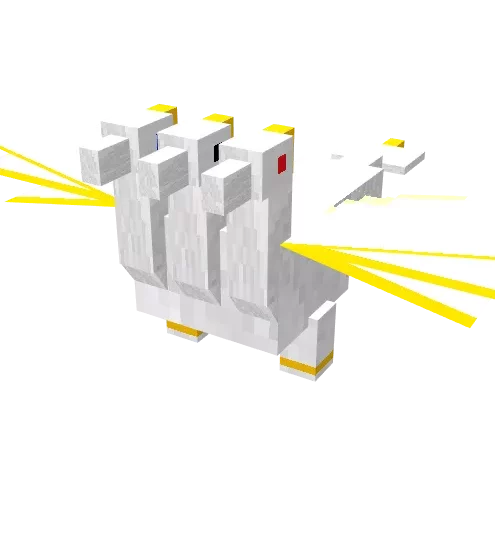 Princess. She shares the same characteristics as the prince: can be tamed with beef, has three variants, and allows for modifications. Additionally, the princess has inherited the furious state from the queen.