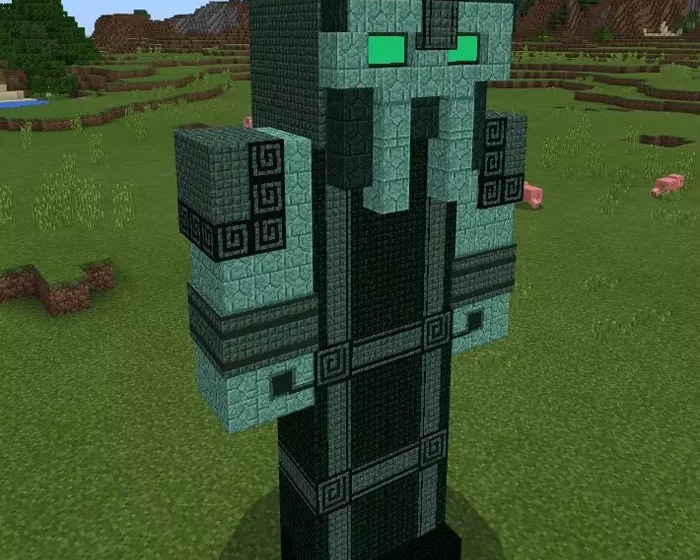
The Admin serves as the primary antagonist in Minecraft Story Mode Season 2. Composed of prismarine blocks, he is significantly larger (and more dangerous) than any mob found in the Overworld. With this add-on, you will find that the boss spawns in savannas and extreme hills (as he replaces llamas). The Admin is regarded as the most formidable and powerful boss in Minecraft PE, so make sure you are well-prepared before engaging him!
Confronting the Admin
Do not even think about befriending him. He embodies nothing but pure evil! Villagers, iron golems, snow golems, or players—this boss takes them down swiftly. He has more health than any other boss in Minecraft PE, and any hit he delivers will be lethal for most mobs in MCPE. You can locate him in extreme hills and savannas. Be sure to bring plenty of potions, gear, and weapons before attempting to battle him.
Admin Boss Features
Health: 1000 hearts
Attack Damage: 125
Attacks villagers, snow golems, iron golems, and players
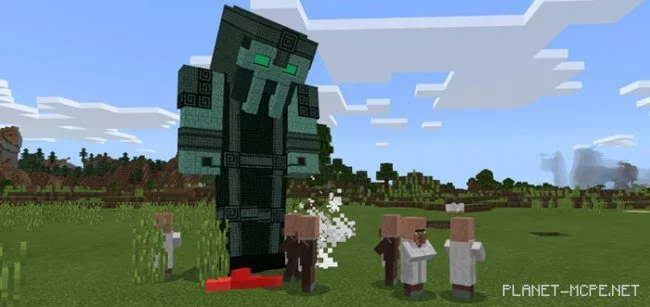
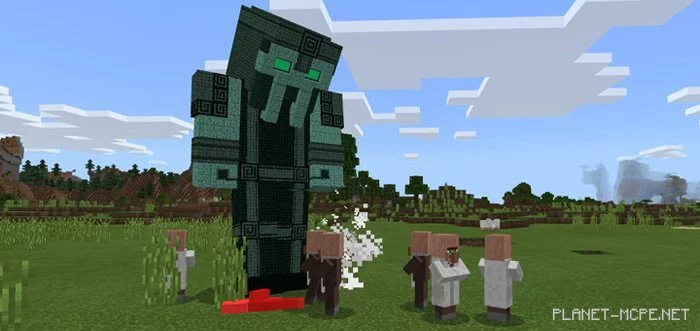 You can locate him in extreme hills and savannas. Be sure to bring plenty of potions, gear, and weapons before attempting to battle him.