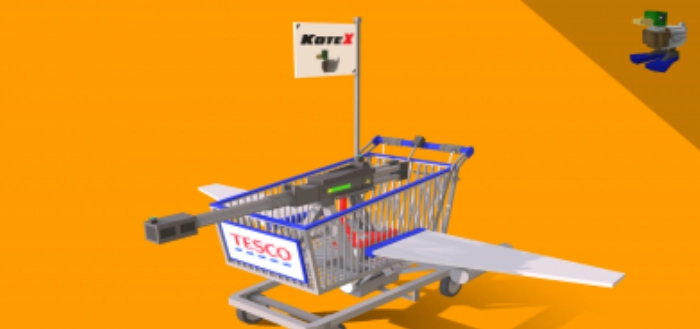
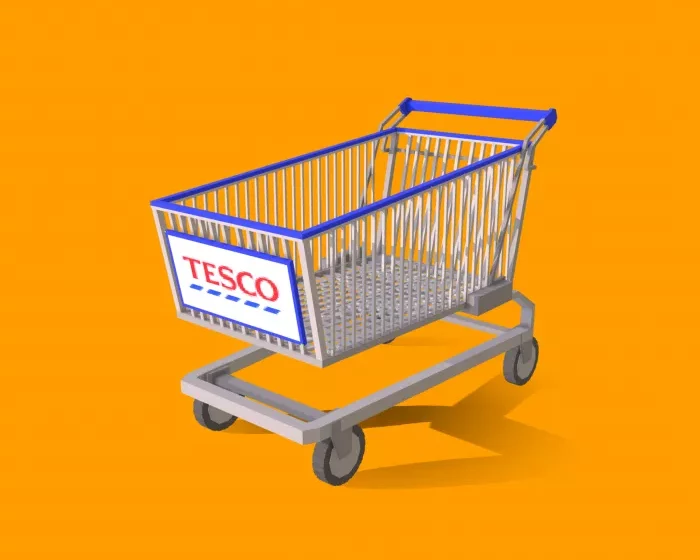
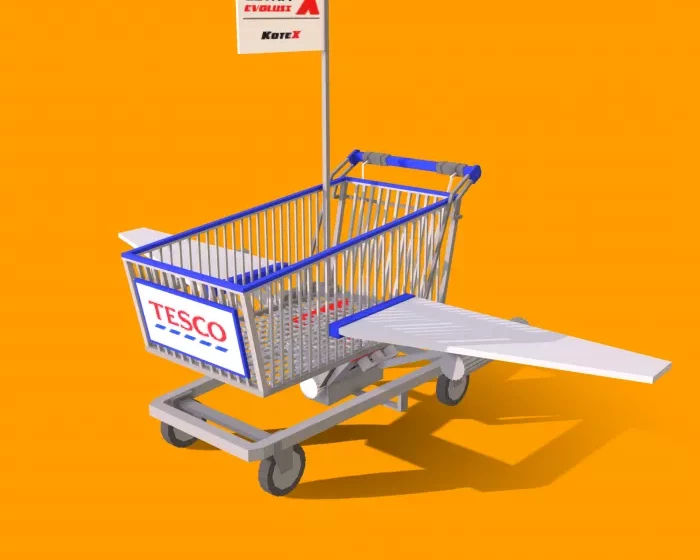
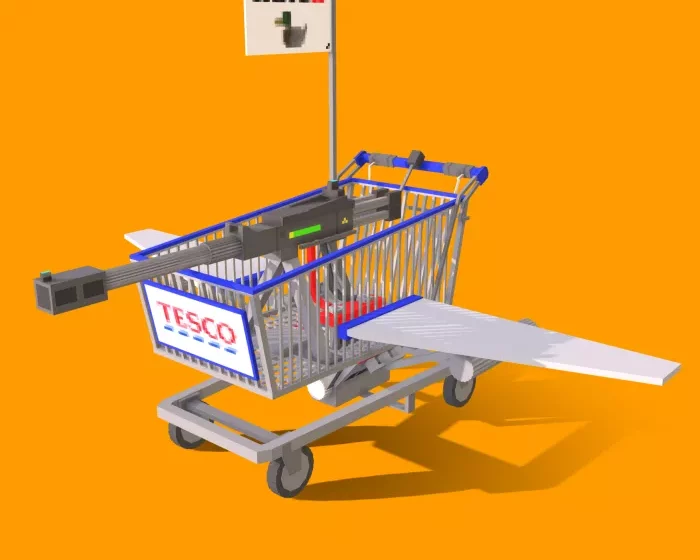
The creator of the mod Battle Trolleys (Tesco Trolley Laser Hunter X) is a true visionary. Who would have thought to equip a shopping cart in Minecraft Bedrock Edition? The result is absolutely amazing!
How the Tesco Trolley Laser Hunter X Mod Works
Once you install the Battle Trolleys mod (Tesco Trolley Laser Hunter X), enter creative mode in Minecraft Bedrock and select any of the available options. You can also use the following console commands to summon them in MCPE:
/summon tesco:trolley
/summon tesco:trolley_fly
/summon tesco:trolley_fly_war
/summon tesco:trolley_fly_bomber
Here are the shopping carts you can utilize as weapons in Minecraft:
The standard supermarket cart
The Aircraft X shopping cart will enable you to soar.
Bombing variant
Cart “Laser Hunter”
Enjoy your game!
Installation of Tesco Trolley Laser Hunter X (.mcaddon)
Download the mod labeled as “.mcaddon” from below.
Run the downloaded file to import the add-on/texture into Minecraft.
Open Minecraft Pocket Edition and navigate to the world settings.
Set the imported options for the world: — Resource Packs. — Add-ons.
Select the imported resource packs/add-ons in each section.
It is recommended to restart the game client Minecraft PE after this.