Temperature Beta
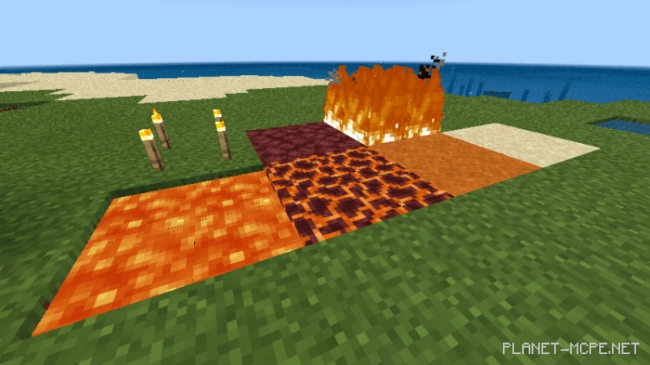
Mod called “Temperature Beta” adds a new feature to items in Minecraft – temperature. You can get burned by hot blocks, such as lava, and frostbite from cold ones. No resource packs are required.
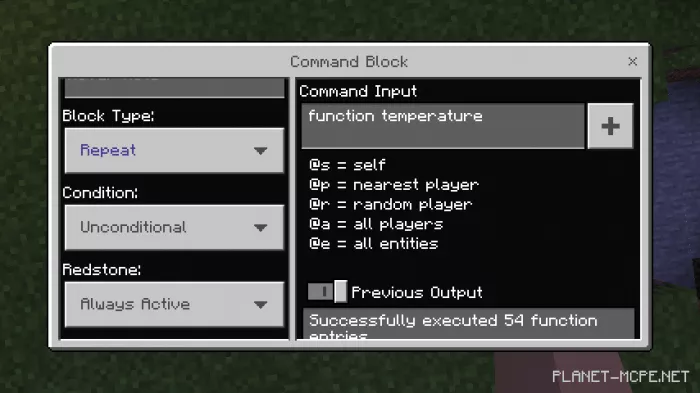 To start, you need to obtain a command block. Enter the command “/give @p command_block” in the chat. Then place the mod in the command window and set it to repeat and always active.
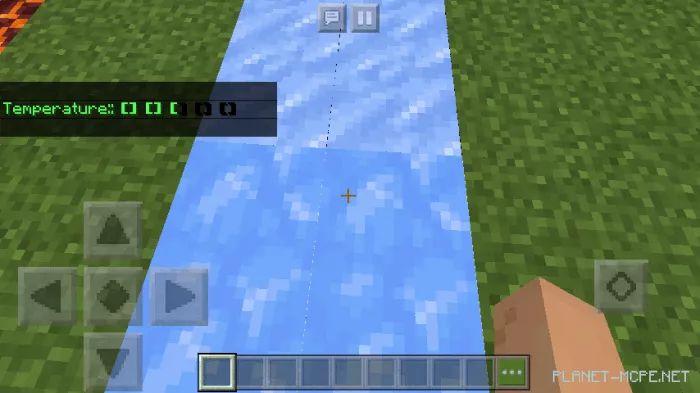 After completing all these steps, you can test the action of the mod. You will have a scale that allows you to track your temperature.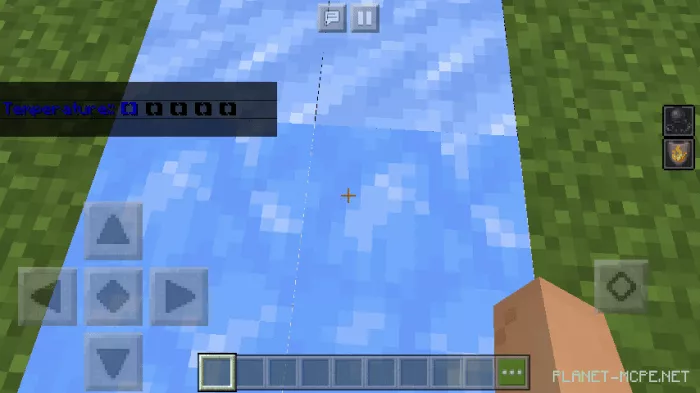
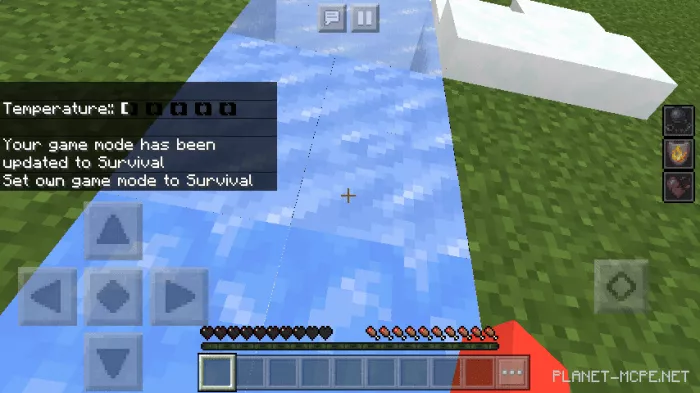
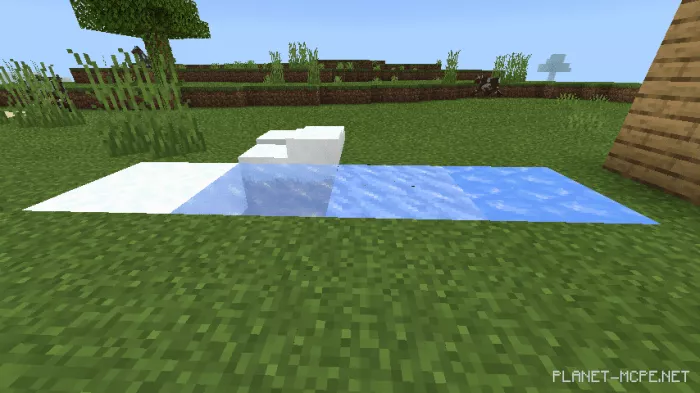 The blocks in the images above will give you frostbite for 10 seconds, causing your temperature to drop and giving you level 3 slowness. At the same time, you will gain fire resistance, so during frostbite, you can safely jump into fire to warm up.
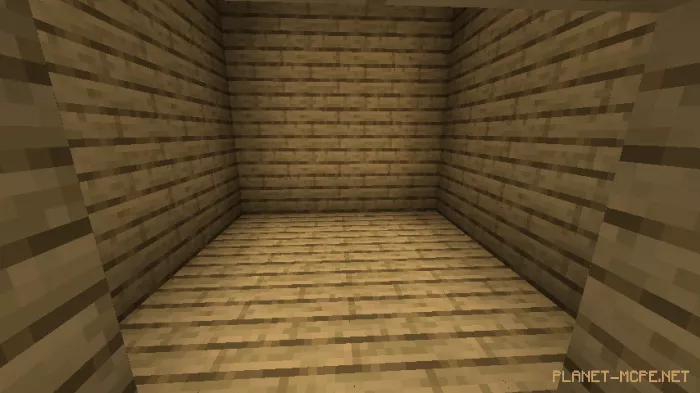 Boards can warm you up, so if you’re building a house in Minecraft, having rooms made of boards will help your character survive cold times.
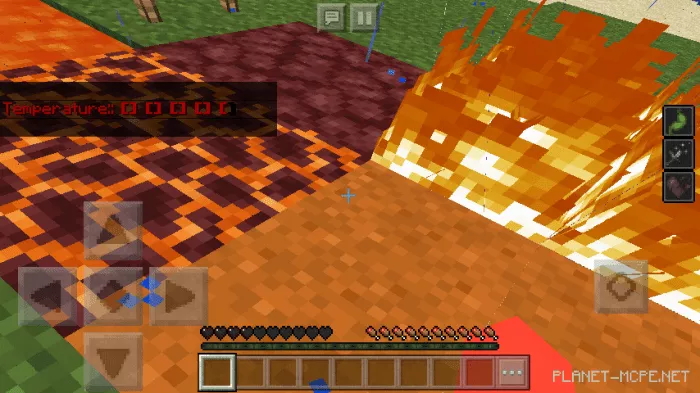 The blocks in the images above will increase your character’s temperature. If it exceeds the allowable value, you will take damage every 10 seconds, also gaining level 3 weakness and nausea. If your temperature rises, find blocks that will cool you down as soon as possible.
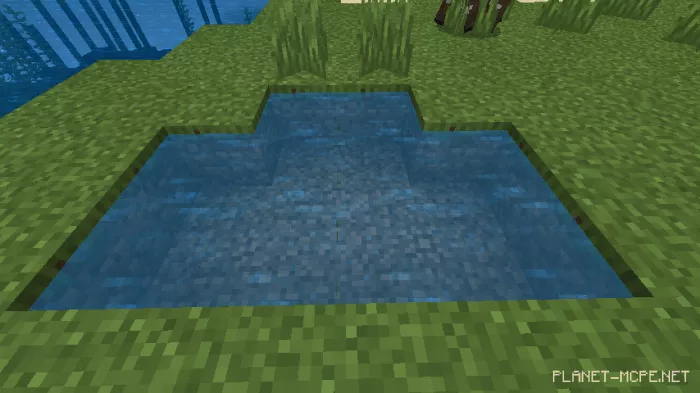 Immersing yourself in water or using a water bucket will bring your temperature back to normal. If you plan to travel to cold or hot places, make sure to have a supply of water.