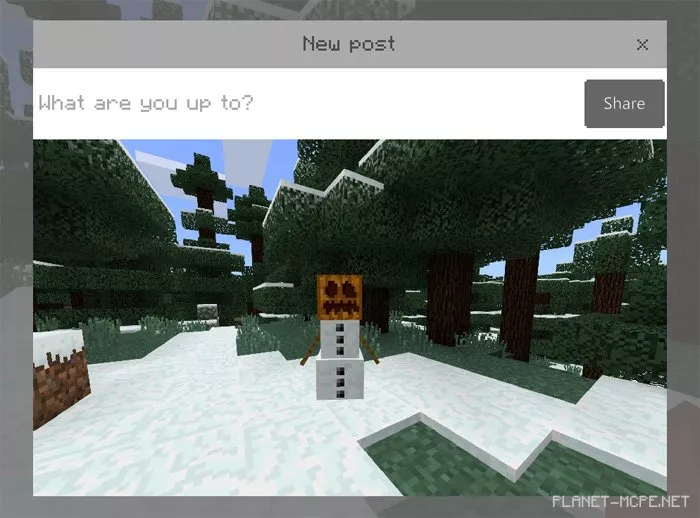
Take Screenshot Button
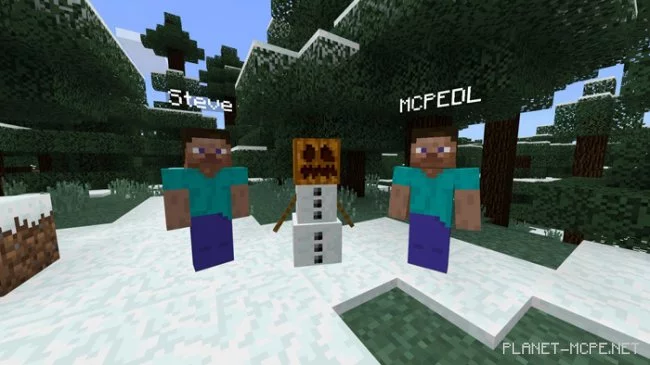
Recently, the Minecraft PE community introduced Realms clubs. Essentially, these are small communities that enable Realms players to interact and share items like screenshots. If you’ve played in Realms, you might have noticed a small camera icon in the pause menu.
Until now, this feature was exclusive to Realms players. However, it is now available to everyone in the MCPE world! This is a very handy option for capturing in-game screenshots.
Open the pause menu in Minecraft PE and click the Take Screenshot button to capture a screenshot in the game.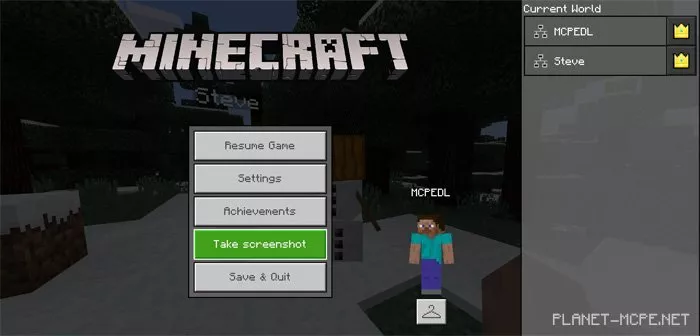
All screenshots are saved in the “Screenshots” folder: /games/com.mojang/Screenshots/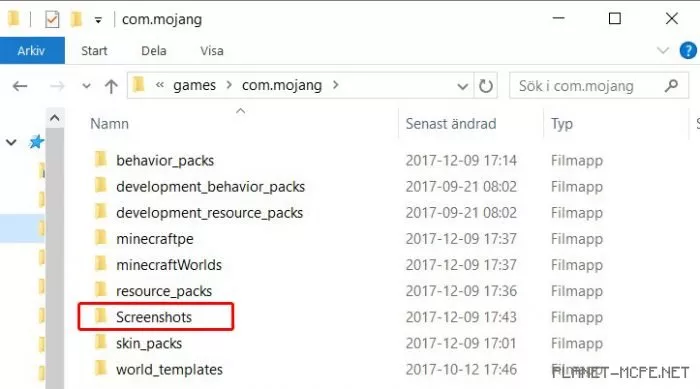
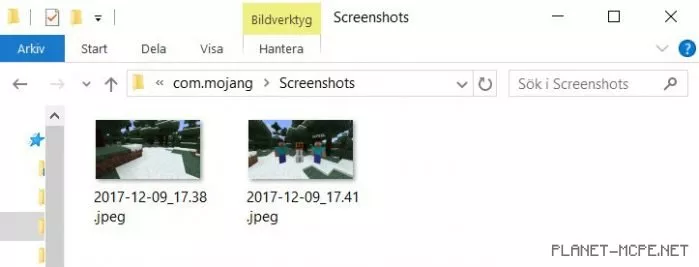
Since the screenshots are saved locally on your device or computer, you can do whatever you like with them, such as editing or uploading them online.
A window will pop up immediately after you capture the screenshot, allowing you to view the image. However, this feature will not work if you are using it locally, as it is intended for Realms clubs.