📢 Купить рекламу на сайте  — узнать цены и условия размещения!
📢
Купить рекламу на сайте — узнать цены здесь →

Spider Queen Boss

Spider Queen Boss
10.04.2026 Mods admin 0 comments 2 min 77 views

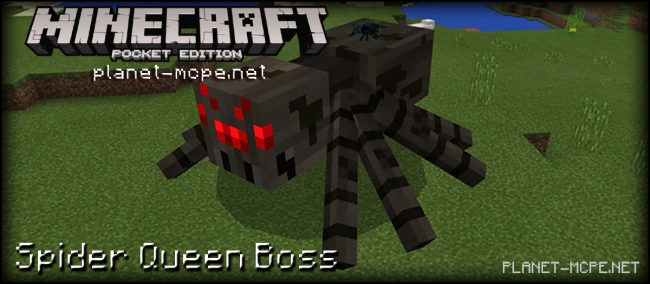
Do you have a fear of spiders? Install the Minecraft Pocket Edition mod Spider Queen Boss and try to overcome your arachnophobia. The Spider Queen Boss introduces a spider queen to Minecraft PE, which is vastly different in size and behavior from the regular spiders you are accustomed to in Minecraft PE.

How does it work?

Each time a spider spawns (either naturally or from a spawn egg), there is a 10% chance that the spider queen will appear.

The spider queen is a boss that is significantly larger than the typical spiders found in Minecraft Pocket Edition. These massive spiders have 60 health points.Spider Queen Boss Mod 1.0/0.17.0
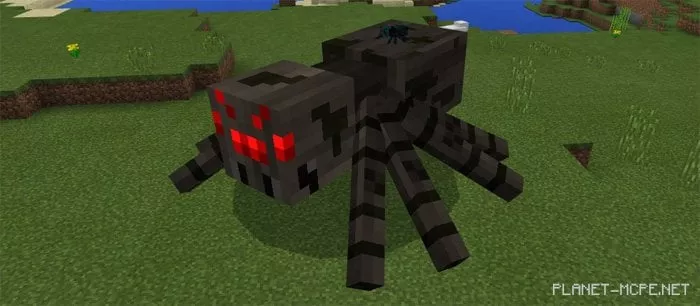
These spiders will always be hostile (both day and night). If you come within their line of sight, they will approach and attack you.Spider Queen Boss Mod 1.0/0.17.0
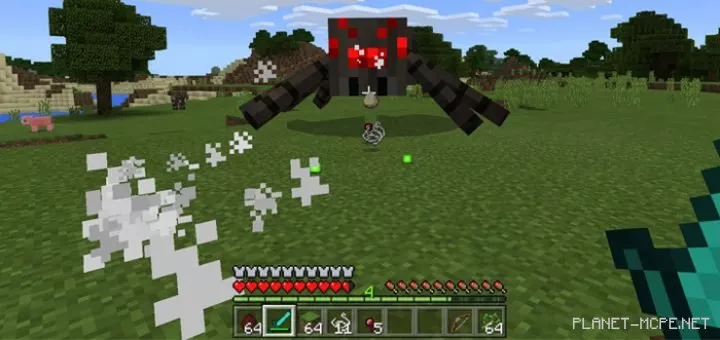
The spider queen has a fascinating and unique ability to lay eggs. When she lays eggs, there is a 50% chance that a spider will spawn from each egg.Spider Queen Boss Mod 1.0/0.17.0
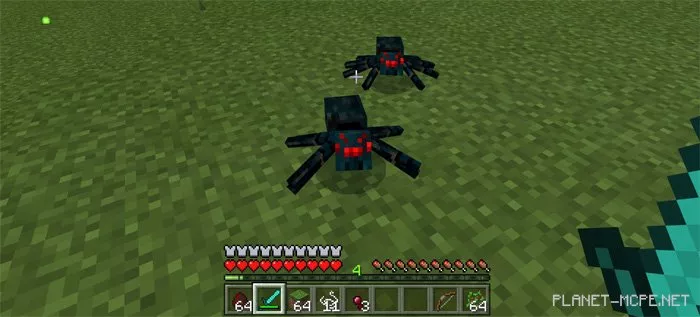
If you manage to defeat the boss, you will receive the following items:

  • 1 – 8 spider eyes.
  • 10 – 20 strings.

The loot from the queen isn’t extraordinary (as it isn’t very rich), but it’s certainly better than nothing!

Spider Queen Boss Mod 1.0/0.17.0

Installing Spider Queen Boss (.mcpack)

  • Download the mod marked with “.mcpack” below.
  • Run the downloaded file to import the addon/texture into MCPE.
  • Open Minecraft Pocket Edition and go to the world settings.
  • Set the imported:
    Add-on Packs for the world.
  • Select the imported addon.
  • It is recommended to restart the Minecraft PE client afterward.
  • Launch Minecraft Pocket Edition, enter the previously configured world MCPE, and enjoy the addon!

Installing Spider Queen Boss (.zip)

  • Download the mod below.
  • Extract the folder from the archive.
  • Move the folder “Spider Queen by Gona” to the /games/com.mojang/behavior_packs/ folder.
  • Launch Minecraft Pocket Edition.
  • Create a new world or edit an existing one.
  • Set the addon for the selected world that you previously moved to the behavior_packs folder.
  • Done! Restart Minecraft PE and enjoy your game!

Leave a comment