📢 Купить рекламу на сайте  — узнать цены и условия размещения!
📢
Купить рекламу на сайте — узнать цены здесь →

Smart /rtp

Smart /rtp
11.04.2026 Mods admin 0 comments 2 min 282 views

The mod known as Random Teleport (Smart /rtp) will transport players to the most unpredictable locations. Naturally, with the vast array of coordinate variations in Minecraft Bedrock, discussing game progression becomes quite irrelevant.
How the Smart /rtp Mod Functions

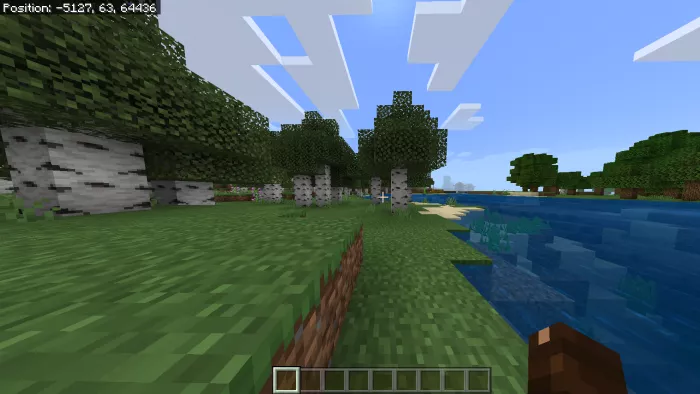
The Random Teleport modification (Smart /rtp) functions in Minecraft Bedrock Edition across all game worlds. This means you can easily be transported to both the End and the Nether.
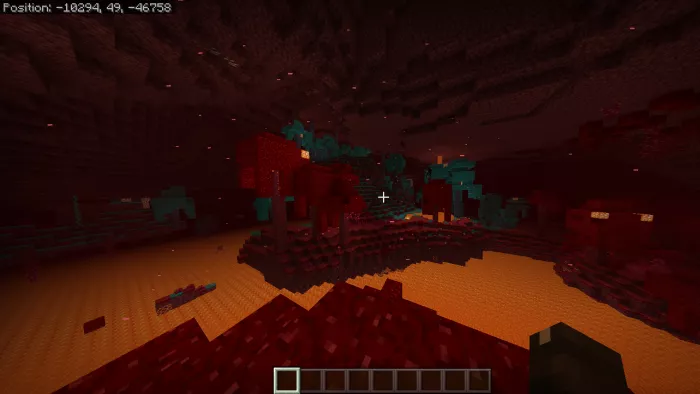
The process functions as follows: the script locates a solid block to which the player will be teleported, and upon finding it, the player is instantly moved. In the case of Edge, this takes a bit longer in MCPE, with the transfer taking up to seven seconds.
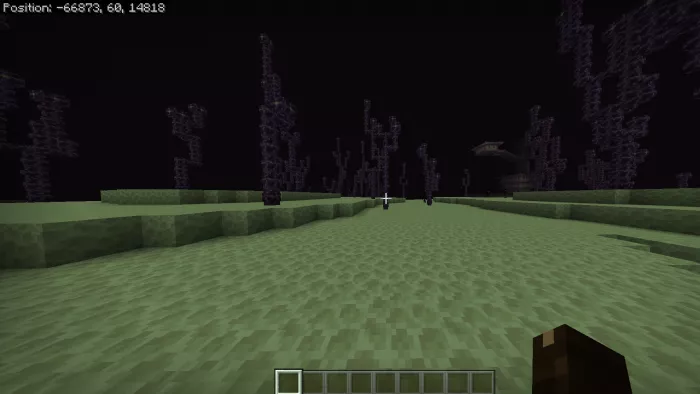
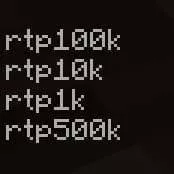
To activate the mod, type the command /function followed by your desired addition:

  • rtp100k – teleport 100,000 blocks away
  • rtp10k – teleport 10,000 blocks away
  • rtp1k – teleport 1,000 blocks away
  • rtp500k

If you want to prank a friend, use the command /execute <friend’s name> ~~~ function. Have fun playing!

Installing Smart /rtp (.mcpack)

  • Download the mod marked with — “.mcpack” below.
  • Run the downloaded file to import the add-on/texture into Minecraft.
  • Open Minecraft Pocket Edition and go to world settings.
  • Set the imported resources for the world:
    — Resource Packs.
    — Add-on Packs.
  • Select the imported resource/add-on packs in each section.
  • It is recommended to restart the game client Minecraft PE afterwards.
  • Launch Minecraft Pocket Edition, enter the previously configured world Minecraft, and enjoy the add-on!

Leave a comment