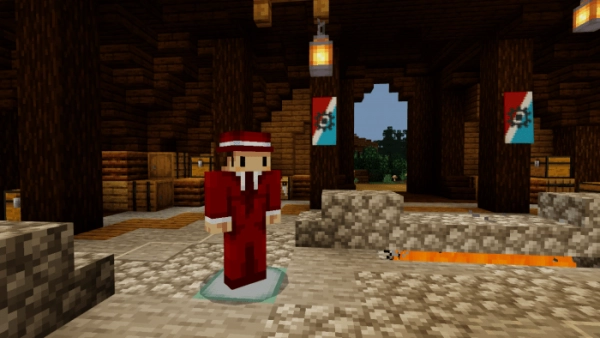
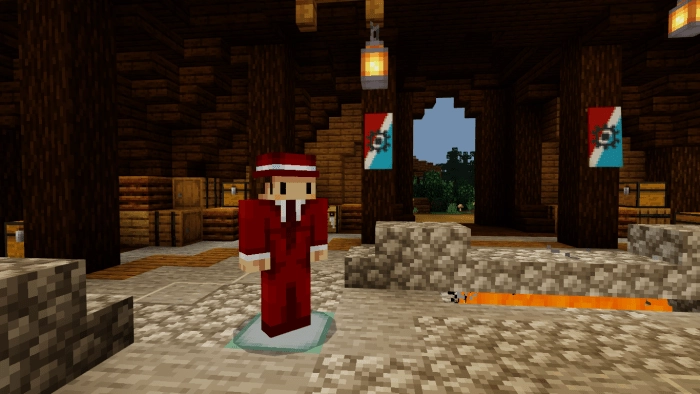
Customize non-player characters in Minecraft to your liking with the mod “Slappers! (Slappers)“!
New Features
You can modify the identifier of non-player characters (NPC), the trigger command, their size, and skin.
Equip them with your chosen armor. You can do this using the command “/replaceitem“.
With name tags, you can rename NPCs. To spawn a named mob, type “/summon slapper:entity [name]“.
Changing the Identifier
Open slapper.json and slapper_client.json, and using any code editor, you can locate them within the behavior pack and resource pack. After that, modify the section that includes the “identifier,” for instance: “identifier”: “slapper: entity” will change to “identifier”: “your:entity“.
Skin Modification
Changing the skin is one of the simplest tasks. Replace your own skin with a skin from the resource pack/textures. Mobs can have skins with resolutions of 64×64 and 128×128.
Modifying the trigger Command and Size
To modify the trigger command, incorporate your own into the functional package, which can be located in “behavior-pack/functions/trigger”. Regarding the mob’s size, you can adjust the value of “minecraft:scale” in slapper.json to achieve your preferred dimensions.
Removing NPCs
You can eliminate a non-player character in Minecraft using the command “/kill @e[type=slapper:entity]” or by right-clicking on it while holding a barrier in your hand.