Skins 4D and Objects 4D
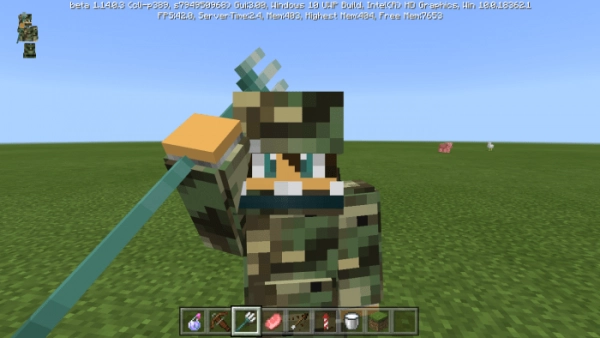
The mod «4D Skins and 4D Objects» introduces four-dimensional skins and objects into Minecraft. These are created by entering commands within your world.
Currently, there are a few available skins. The mod was released fairly recently, so the variety is expected to grow over time.
Military Outfit: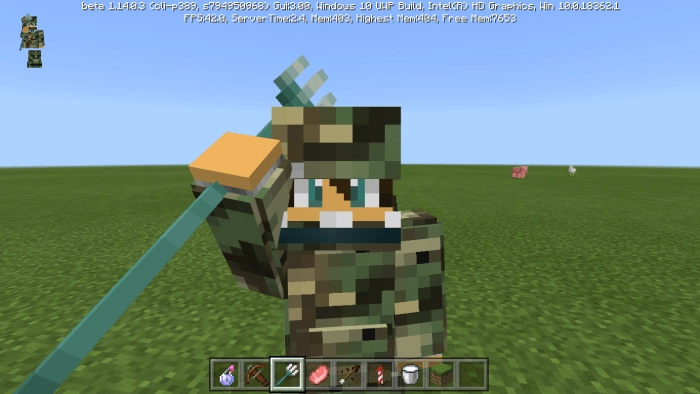 To acquire the skin in Minecraft, use the command “/replaceitem entity @s slot.armor.head 0 item:militar”.
Mask and Console: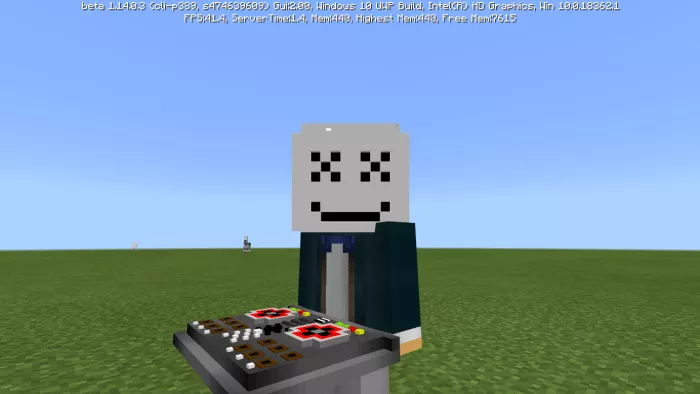 To obtain the skin, use the command “/replaceitem entity @s slot.armor.head 0 item:backpack“.
Girl on a horse: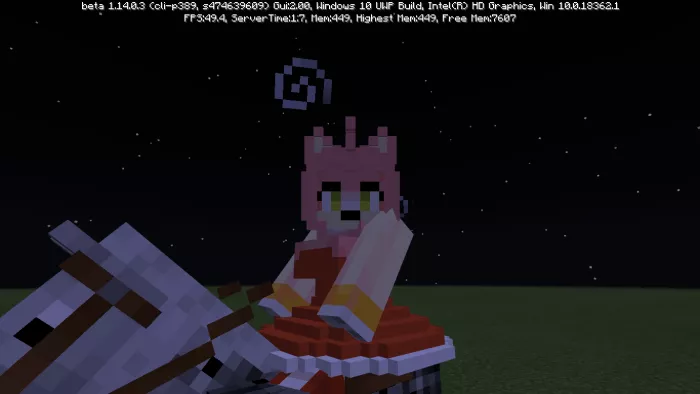 To obtain the skin, use the command “/replaceitem entity @s slot.armor.head 0 item:test” or “/effect @s invisibility 99999“.
Unnamed Character: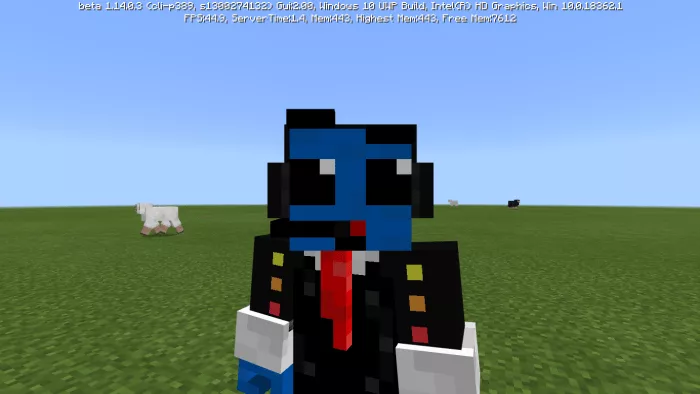 To acquire the skin, use the command “/replaceitem entity @s slot.armor.head 0 item:andiuber” or “/effect @s invisibility 99999“.
Skeleton of Ancient Animations: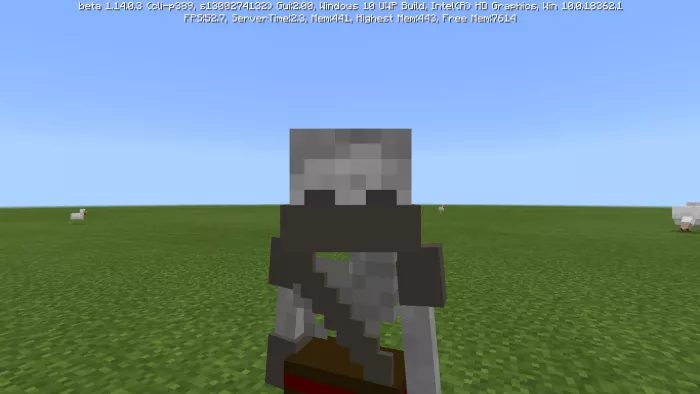 To obtain the skin, use the command “/replaceitem entity @s slot.armor.head 0 item:esqueletohuida” or “/effect @s invisibility 99999“.
Mason: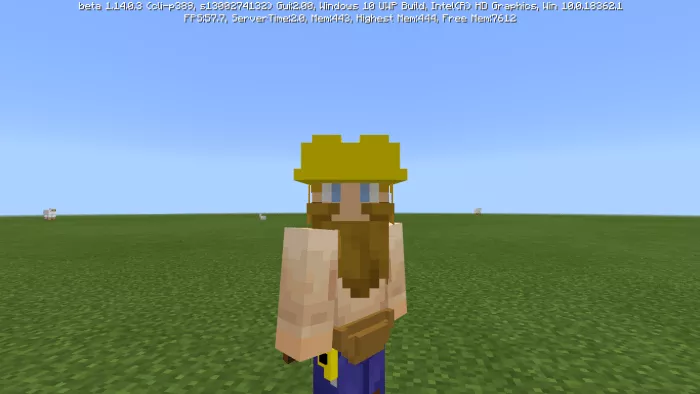 To obtain the skin, use the command “/replaceitem entity @s slot.armor.head 0 item:constructor“.
Young man with a guitar: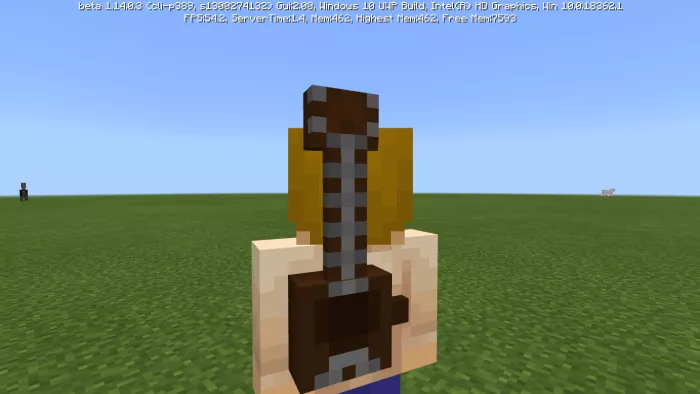 To acquire the skin, use the command “/replaceitem entity @s slot.armor.head 0 item:guitarra“.
Basic 3D Glasses: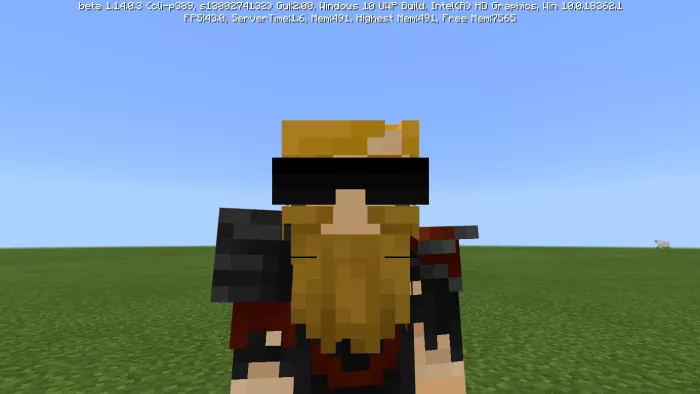 To obtain the skin, use the command “/replaceitem entity @s slot.armor.head 0 item:glasses“.
Christmas Skin: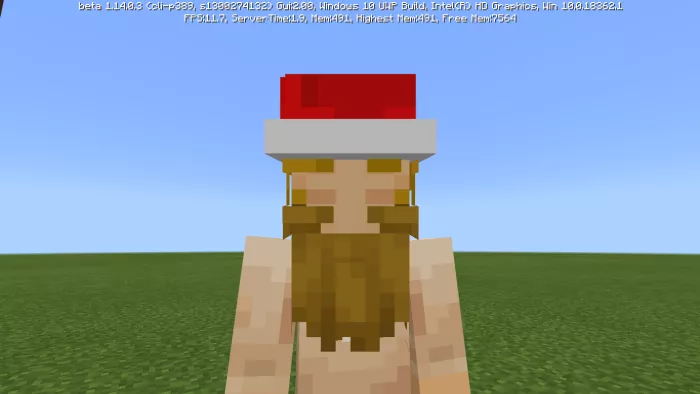 To acquire the skin, use the command “/replaceitem entity @s slot.armor.head 0 item:gnavidad“.
Guy with a backpack: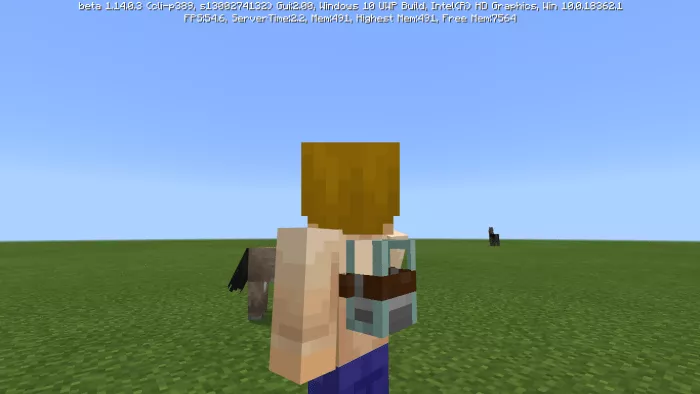 To obtain the skin, enter the command “/replaceitem entity @s slot.armor.head 0 item:backpack2“.