Simple World Editor
Simple World Editor Mod is a straightforward yet powerful mod that makes it easier to alter the appearance of your world. This mod can be utilized to destroy multiple blocks at once, switch between block types, and much more!
With the Simple World Editor, you’ll be able to construct various structures significantly faster than usual!
The graphical interface of the mod is in Japanese. However, this shouldn’t be a major issue since there are only a few buttons, which will be explained below..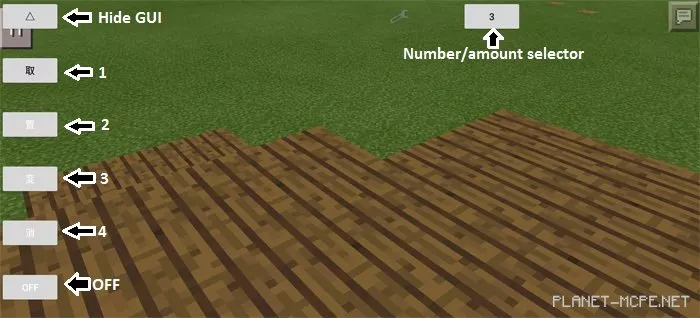
Up Arrow: Hide GUI.
1: Click on any block type to select it as your primary/active block.
2: Click on the ground to place 1×1, 3×3, or 5×5 blocks. Choose the number by pressing the button with the number in the upper right corner of the screen.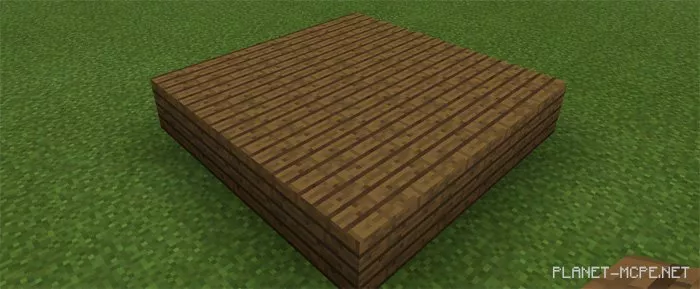
3: Click on a block to replace it with the block in your active slot. Use the number button to select how many blocks to replace – (1 × 1, 3 × 3, or 5 × 5).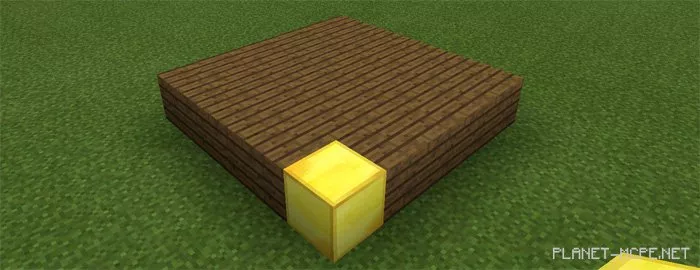
4: Click on the ground to remove 1 × 1, 3 × 3, or 5 × 5 blocks. Use the number button to determine how many blocks to remove. In this case, we extracted the center of the structure.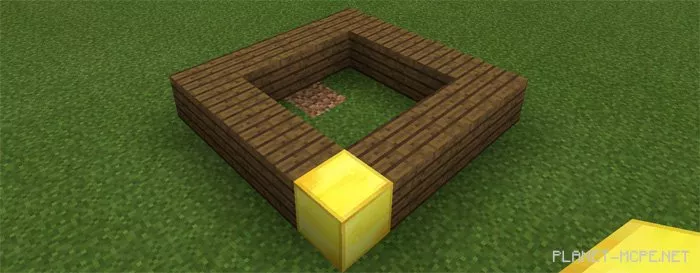
OFF: Toggle button.
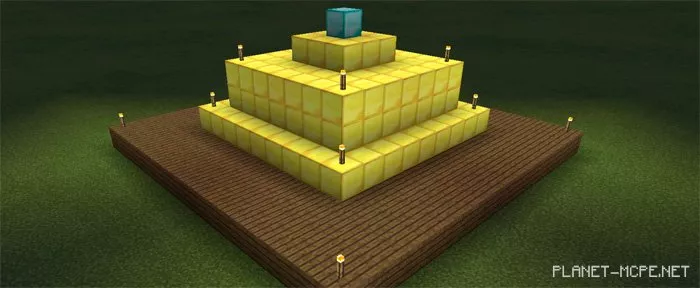
Here’s a small masterpiece that was created in less than 30 seconds by one of the testers of this mod.