📢 Купить рекламу на сайте  — узнать цены и условия размещения!
📢
Купить рекламу на сайте — узнать цены здесь →

Simple Textures

Simple Textures
10.04.2026 Mods admin 0 comments 2 min 116 views

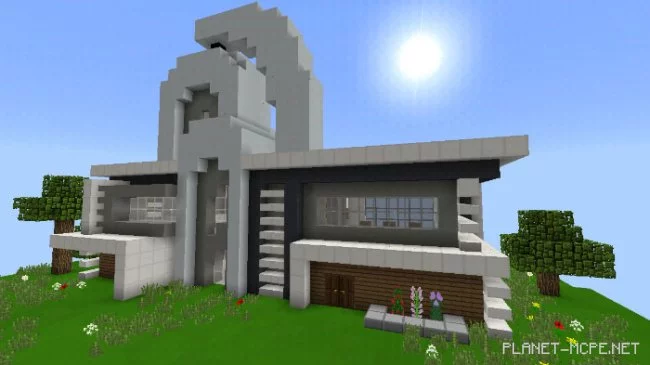
Textures in Minecraft Bedrock will be significantly simpler than the original if you use the “Simple” texture pack. Looking for basic textures? This pack is definitely a great fit for you. Additionally, there’s a nice bonus where some blocks have received animations. By discovering this texture pack, you’ve found an excellent option for clean and simplified textures in Minecraft.
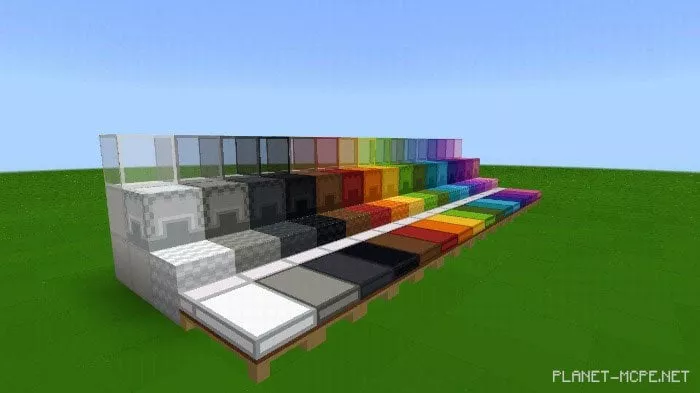
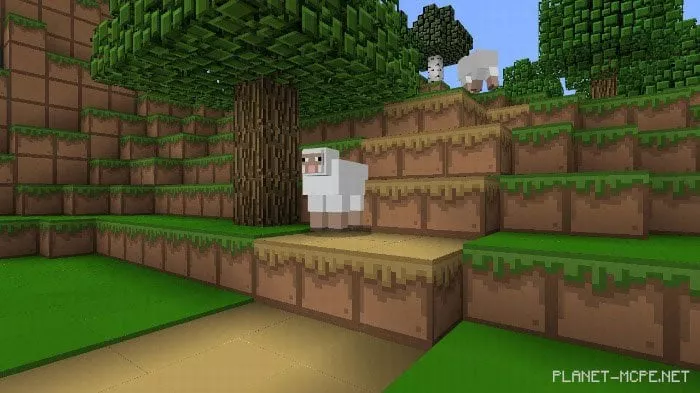
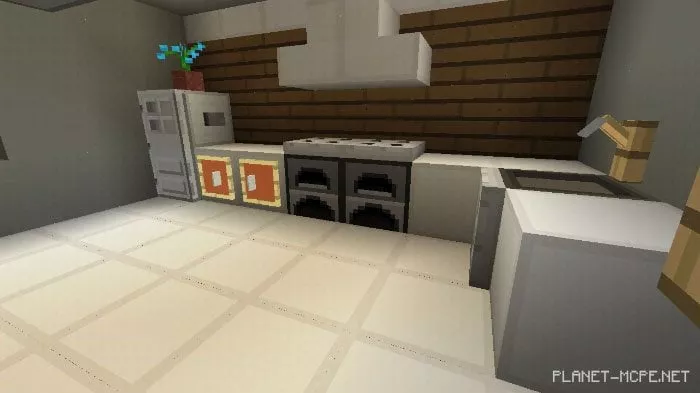
Changes

  • Added settings section about the pack
  • Improved dragon egg animation
  • New armor texture added
  • New wing texture introduced
  • New tool texture created
  • New texture for certain items added

Installing Simple (.mcpack)

  • Download the texture pack marked with “.mcpack” below.
  • Run the downloaded file to import the addon/texture into MCPE.
  • Open Minecraft Pocket Edition and go to world settings.
  • Set the imported:
    Resource Packs for your world.
  • Select the imported resource packs/addons in each section.
  • It’s recommended to restart the game client Minecraft PE after this.
  • Launch Minecraft Pocket Edition, enter the previously configured world MCPE, and enjoy the texture pack!

Installing Simple (.zip):

  • Download the textures.
  • Create a folder named resource_packs in the directory “games/com.mojang/”.
  • Next, extract the textures from the archive and move only the folder from that archive into the resource_packs folder.
  • Go to MCPE settings, then to texture management.
  • Select your textures.
  • Have fun playing!

Leave a comment