Secure your Minecraft world with the mod “Security Be Craft (Craftable Security)“! You will gain access to various security items, including:
Padlock.
Block remover.
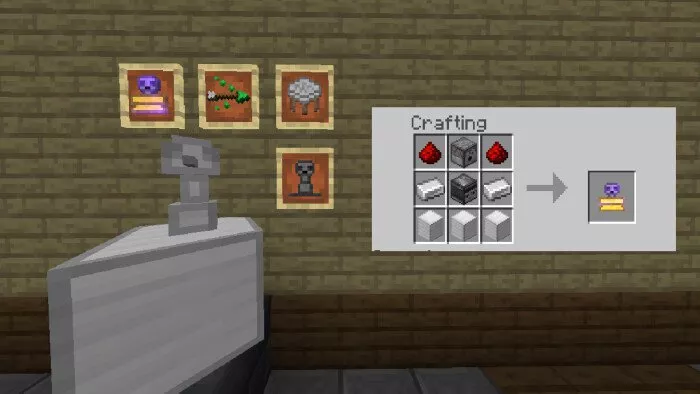
Universal separator block.
Tower.
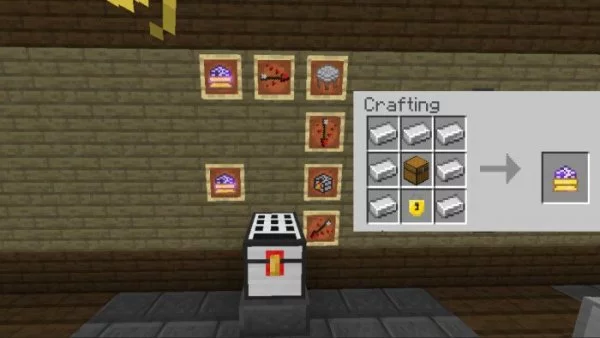
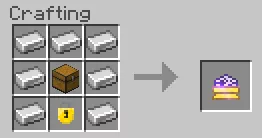
Secure chest.
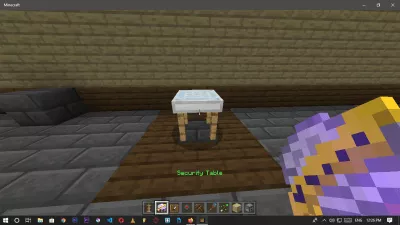
Security table.
Rotator.
Mines.
Block enhancer.
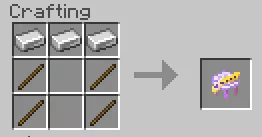
Security Table:
To craft it, you will need 3 iron and 4 sticks.
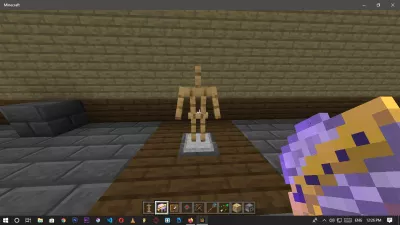
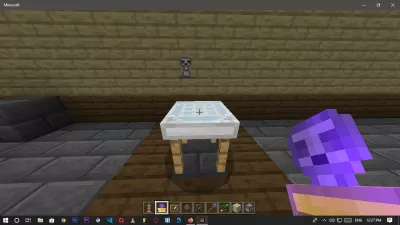
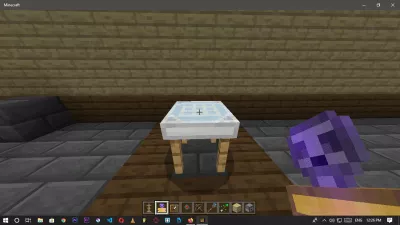
To place it, you will require a table supported by armor. After that, you can start crafting items.
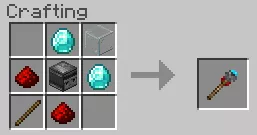
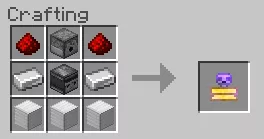
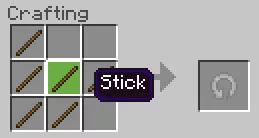
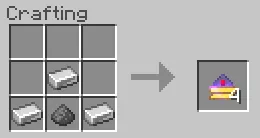
Items in Minecraft that feature a yellow border must be crafted on the security table according to the images provided below.
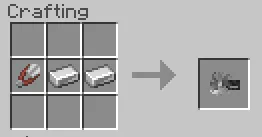
Block Remover:
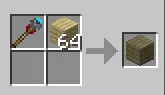
This tool allows you to eliminate your own towers and chests. When using the removal block at the security table, you will receive a universal block remover.
To craft it, you will need scissors and 2 iron ingots.
Padlock:
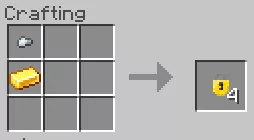
This item enables you to secure doors and chests.
It is crafted from a gold ingot and an iron nugget, with the nugget placed above the ingot.
Block Enhancer:
To enhance a specific block, you must position the enhancer next to it in the crafting area.
Mines:
They detonate when someone gets too close, strikes, or performs any other action.