Rock Stars
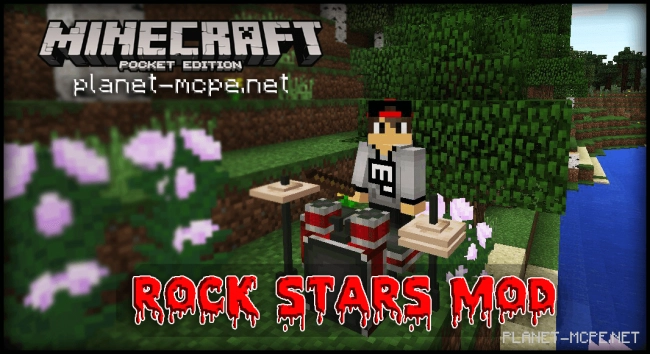
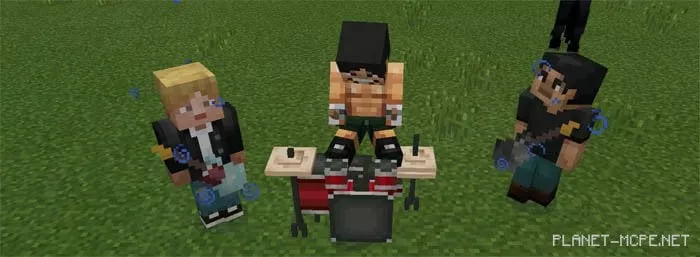
Have you always dreamed of becoming a famous rock star or just wanted to try playing on a real rock and roll guitar? The Rock Stars Mod offers you that chance. This Rock Stars Mod introduces musical instruments into Minecraft Pocket Edition that you can play. The mod includes a drum set, two guitars from renowned musicians, and a bass instrument.
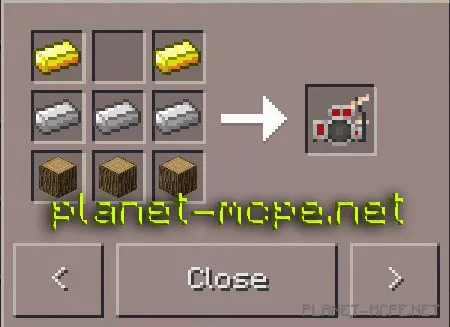
Grab the drum set and then click on the chair to sit down at the drums.
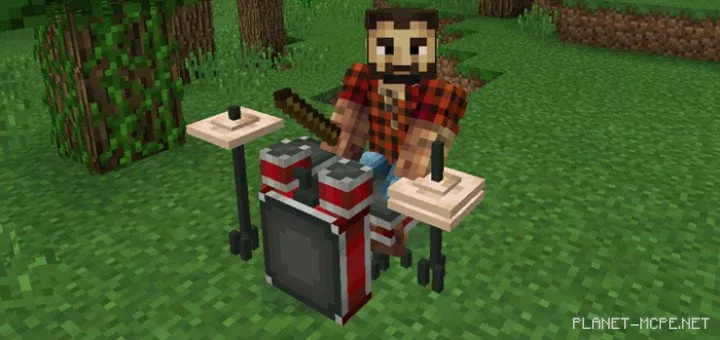
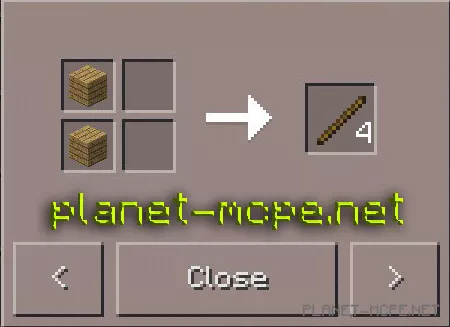
Before you can play the drums, you will need at least one stick. Once you have a stick in your hand, point at the drum — then a new graphical interface will appear at the bottom of the screen displaying the drums.
To start playing the drums, simply press the button corresponding to the drum — it’s quite straightforward!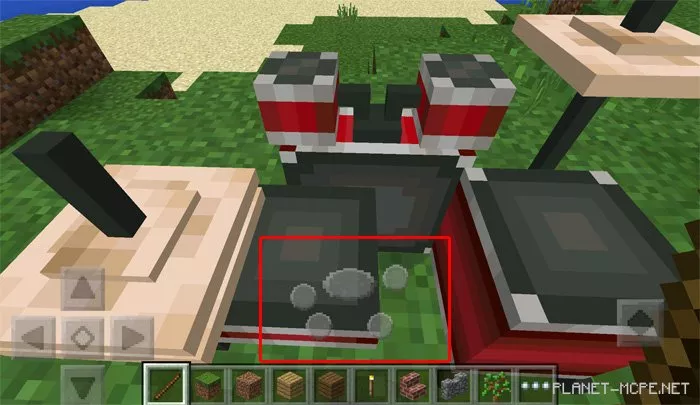
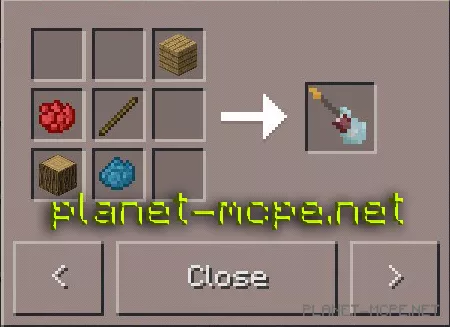
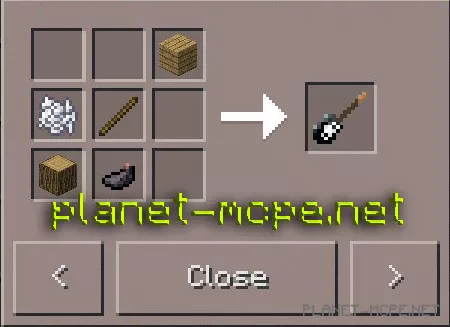
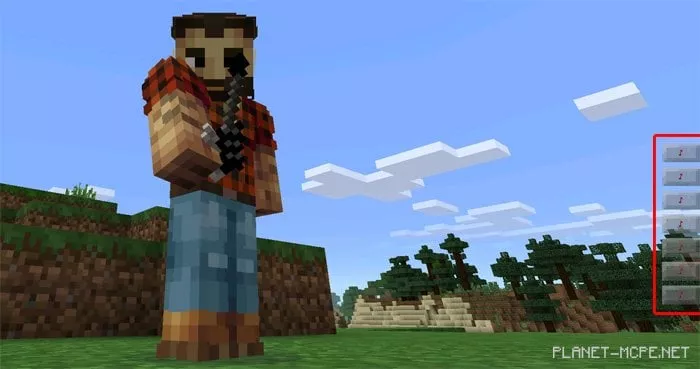
No rock band is complete without a guitarist. This mod features two guitars. They play almost identically but have different graphics.
To play the guitar, use the buttons displayed on the interface (GUI) on the right.
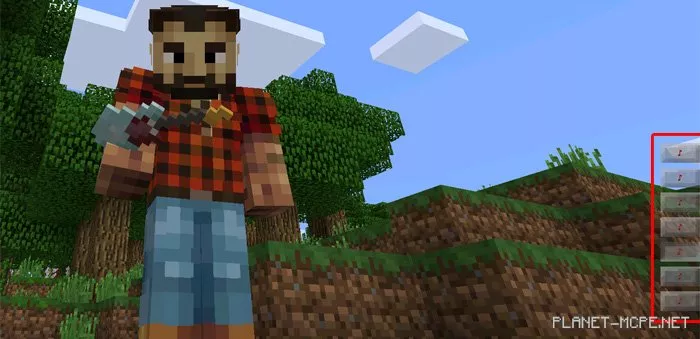
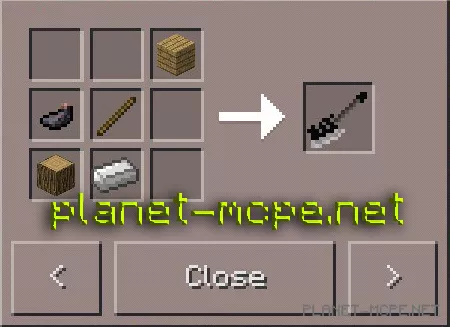
The bass is crucial for maintaining a solid rhythm in your songs. It has a texture similar to the guitar but produces a different sound.
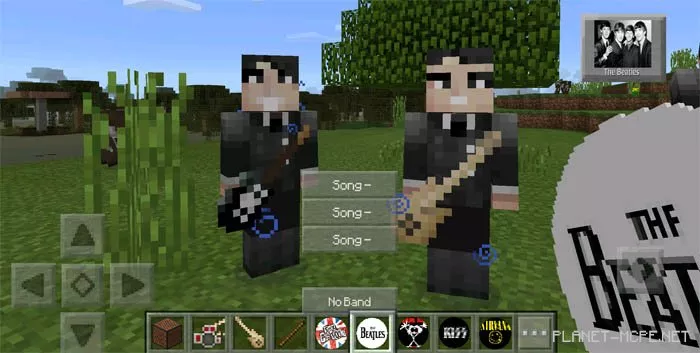
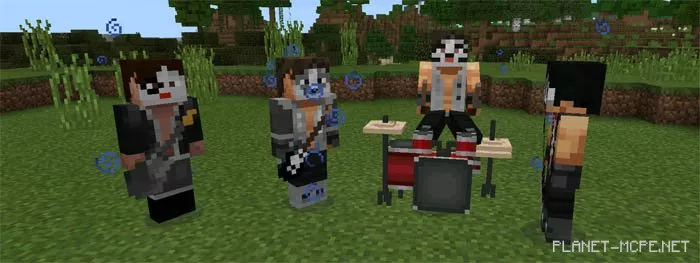
Host rock concerts featuring the most iconic bands in rock and roll history! Currently, the mod includes the following musical groups: The Beatles, Nirvana, Pearl Jam, KISS, and Sex Pistols.
Select one of your favorite bands and tap on the ground to place it. Then, click on it with one of the CDs to spawn the band members. Next, long-press on one of the band members to choose the song you want them to play.