Remote Explosives
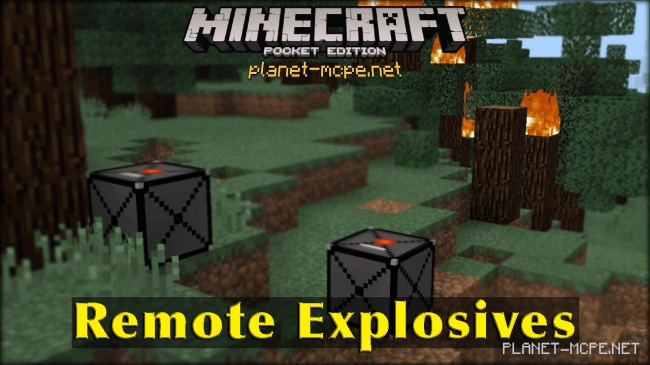
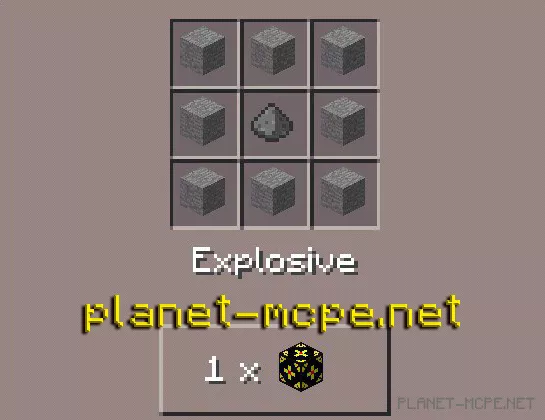
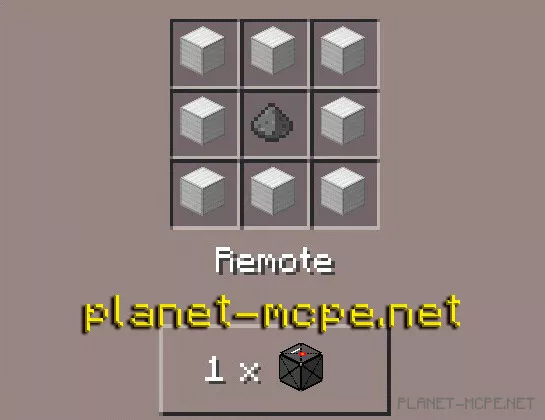
Many players have longed for remote explosives that can be detonated from a distance for safety reasons! The Remote Explosives Mod makes this dream a reality. This mod introduces explosives and a remote control into the world of Minecraft Pocket Edition, allowing you to manage the planted TNT from afar and activate it at any moment.
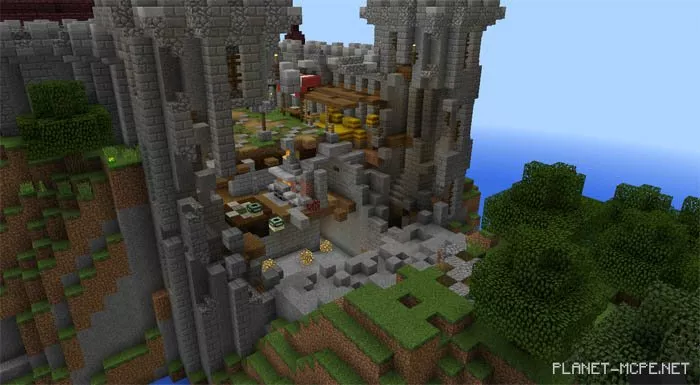
Imagine you want to attack your enemy. You need to breach their massive walls to capture their base. But how can you achieve this?! The Remote Explosives mod comes to the rescue. With the Remote Explosives mod, you can blow up walls, gates, and your enemy’s base while being in a completely different location.
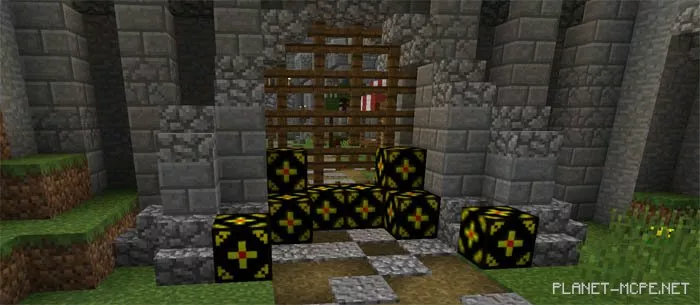
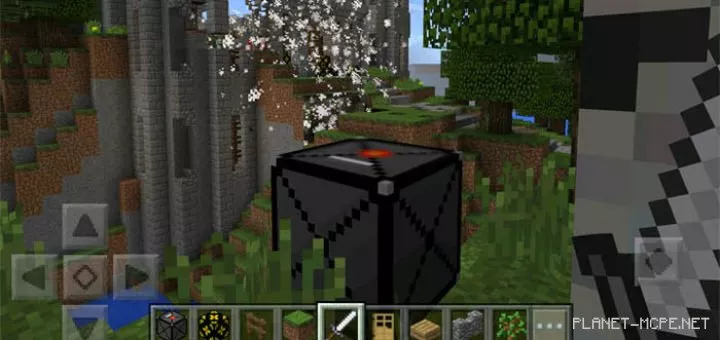
Place the explosives throughout the area you wish to detonate, then retreat to a safe location from where you can trigger the previously planted explosives. To do this, place a Remote block on the ground and then tap it with an empty hand. Once you do this, the entire area filled with explosives will blow up.
The explosives deal significant damage, so you can be confident that destroying and capturing the enemy base is within your reach. As you can see in the screenshot below, we created a massive explosion, allowing us to seize control of our enemy’s base.