Potions of Youth
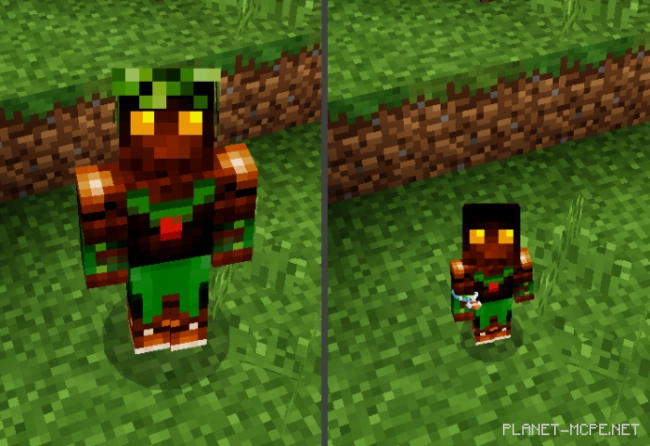
The mod “Potions of Youth” enables players of Minecraft to alter the appearance of their character to look either young or old. Two new potions are introduced: the youth potion and the age potion.
There are mods for Minecraft that reduce the size of the character, but unlike those, this mod allows players to choose their height independently. To do this, you need to select the appropriate potion. This change persists even after death.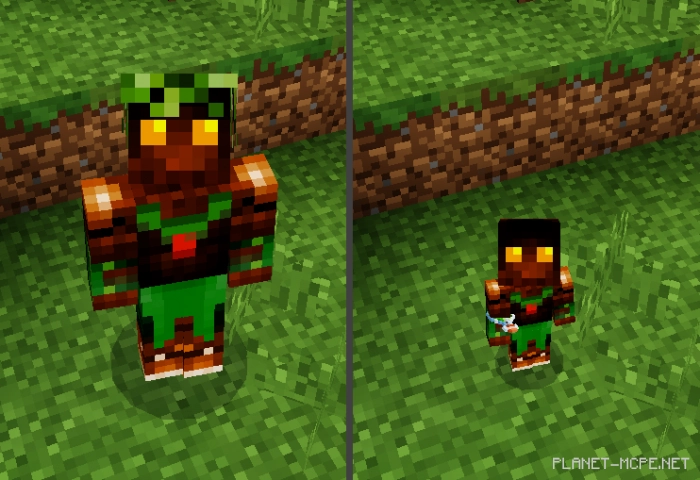 Potion of Youth:
This potion transforms anyone who consumes it back into a child. Both health and hitbox are halved. Additionally, you gain speed and experience nausea simultaneously. Crafting ingredients include: a bottle of water, a sparkling slice of watermelon, and an Immortality Totem.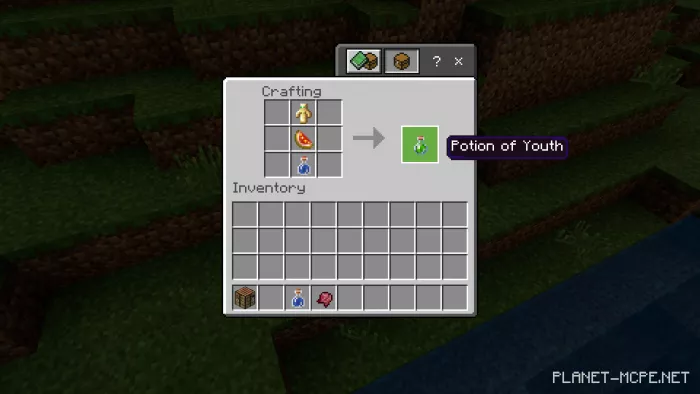 Age Regression Potion (also known as the Age Restoration Potion):
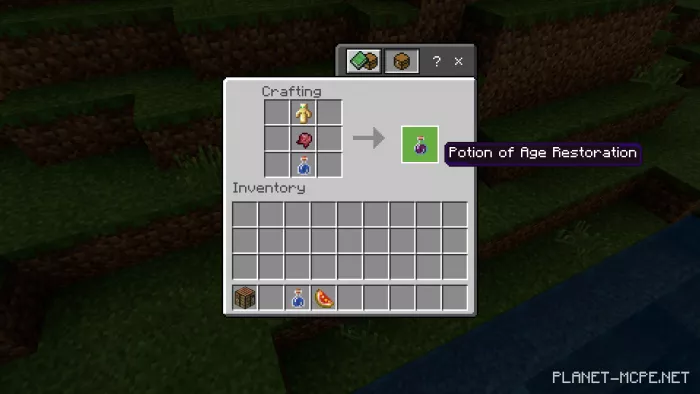
Transforms any child character into an adult. Restores full health and hitbox. After consuming the potion, a temporary blindness effect occurs. Crafting ingredients: Water Bottle, Pickled Spider Eye, and Totem of Immortality.